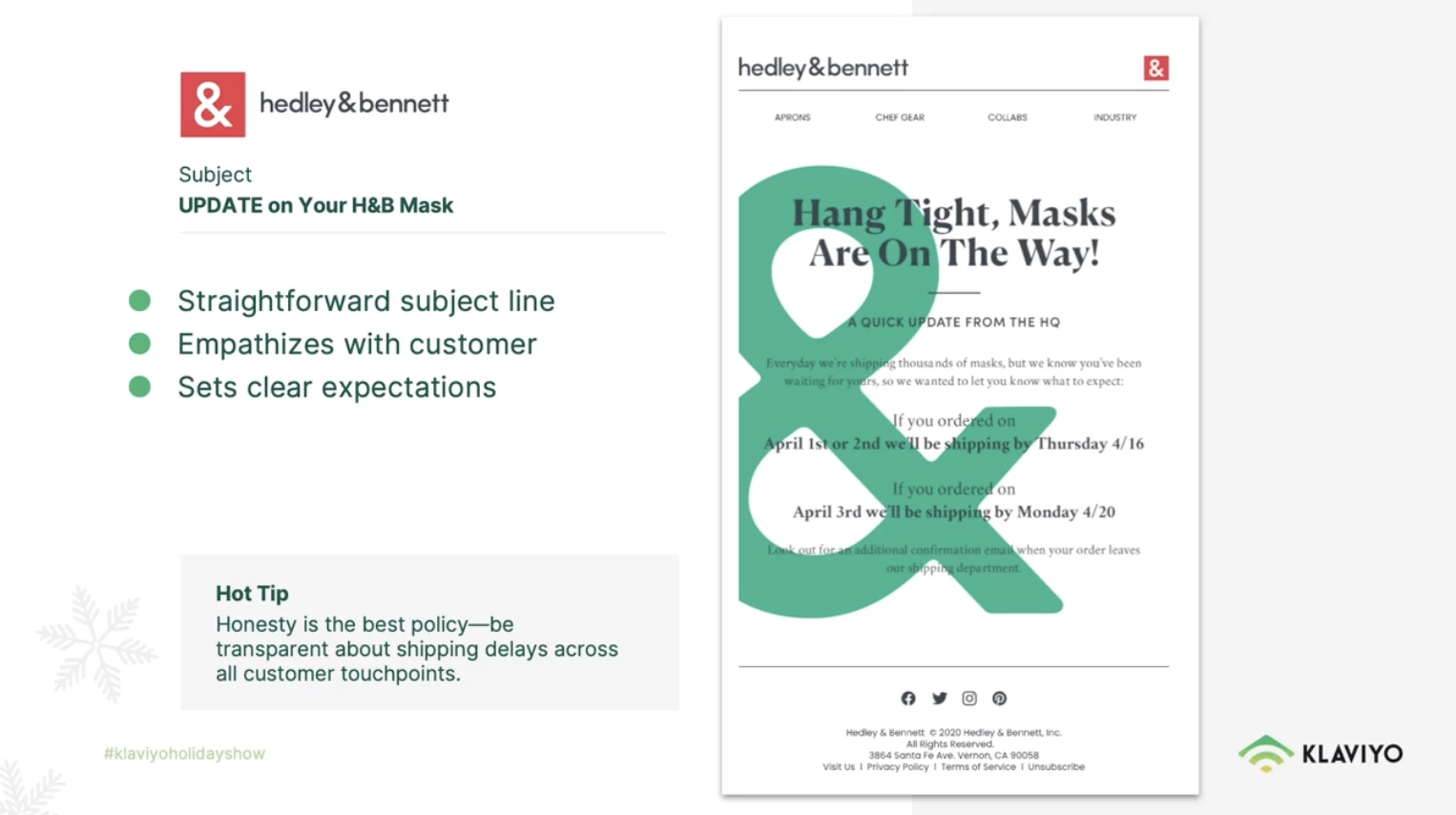
@daphne + @GoodVibes123 - Great news - I’ve been waiting for this day to come! You can now add Text on top of a Background Image without implementing any HTML workarounds.
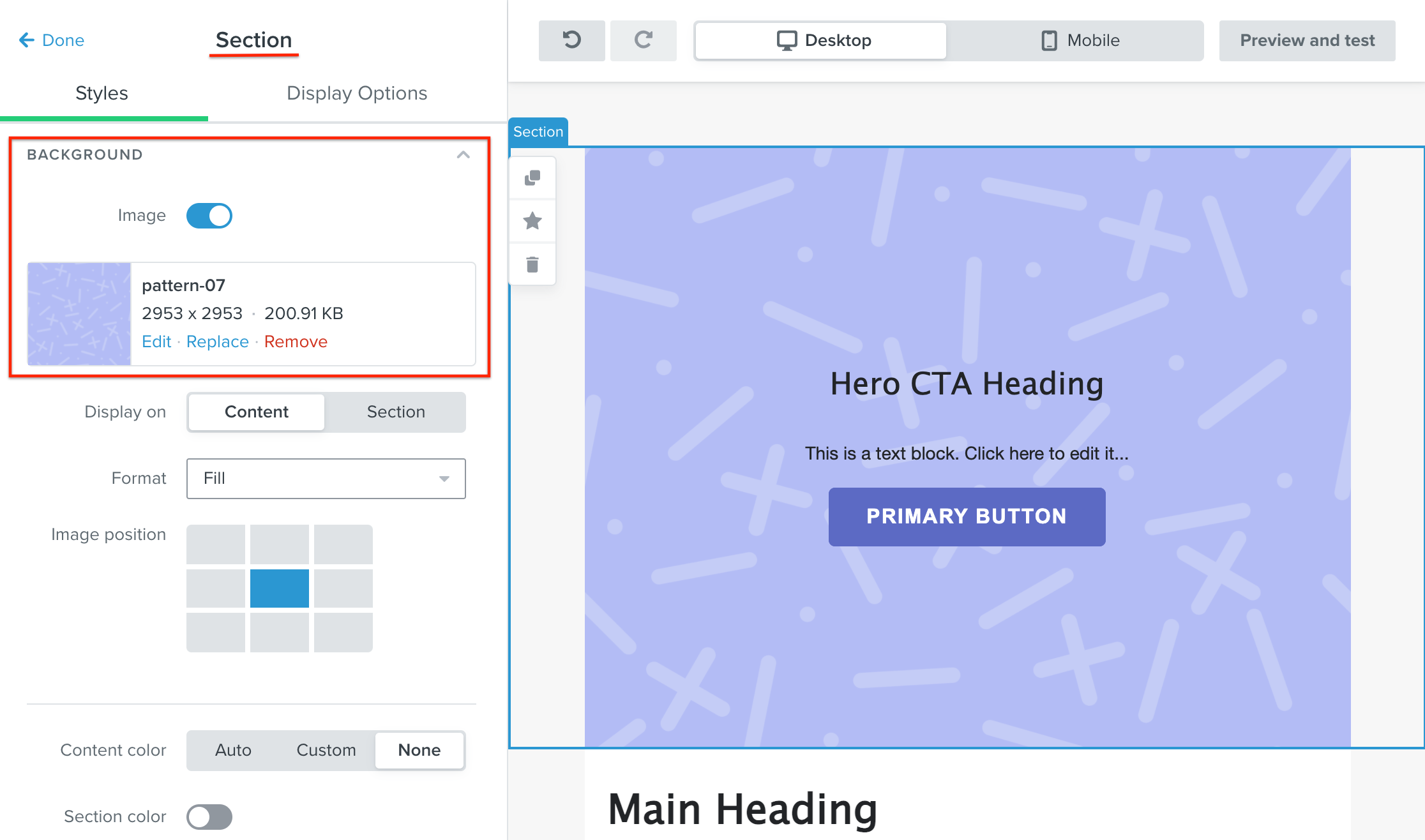
If you haven’t heard, in the new Klaviyo October Product Event, Klaviyo released an update to the Template Editor interface with Sections. With Sections, you can now set a “Background Image” and have your Blocks within the Sections be transparent so that the Section Background Image shows through. Now you can have Text and other Blocks (Buttons, Tables, etc) on top of an Image.
I did a quick test of this and was able to do this:
Here you can see I put a Two Text Blocks (Headline + Sub-title) along with a Button on top (with a transparent Block backgrounds) of a Background image defined in the Section.
You may still want to tweak settings like padding and spacing, how the image fills and position, and adjust any irregularities with mobile, but this is now a native feature and works out of the box!
Here’s some newly minted Klaviyo documentation articles about using the new Section feature:
Hi @daphne, I’m so glad to hear that you were able to join us for the Klaviyo Holiday Show! I hope you found it fun and educational - love that you were able to pull some ideas from it, like the one above.
You can actually add a full background in your template, then delete the Content Background in order to clear the text box color. Unfortunately, it’s not super straight-forward in the editor, but we have a guide on how to make the text background transparent in this article here.
Essentially, you clear out the Content Background, hit “Save”, then either Refresh the page or click Save & Return to Templates. When you get back to the page, the text background should be cleared out and transparent.
You can see in my example that, where my text box is, the background is transparent, but I’ve highlighted my text:
Would be really great if Klaviyo added the ability to overlay text over an image block or at least allow table block where the background can be set as an image and then we can add text into one of the tables as a workaround.
Yes, a feature allowing text overlaying images would be extremely helpful, as well as images over other images. Also, being able to lay buttons over images would also be really useful, thanks.
Thanks for your suggestion and I can definitely let the team know to see if they can put this kind of feature on the roadmap for the Klaviyo product. I agree it would be very helpful and more intuitive if the overlay feature could be built in. If you have other details about what you would like to see, please feel free to reply again!
@retention@cassy.lee@alex.hong is there a way to migrate older templates (or saved sections) created in the old editor into the new template editor or do we have to recreate the emails in the new editor? Thanks