What is the best way to setup the “State/Region” dropdown?
I’m collecting addresses using the input text boxes and dropdowns. Do I need to manually create the “State” dropdown by entering all 50 states? Is there a tutorial on this?
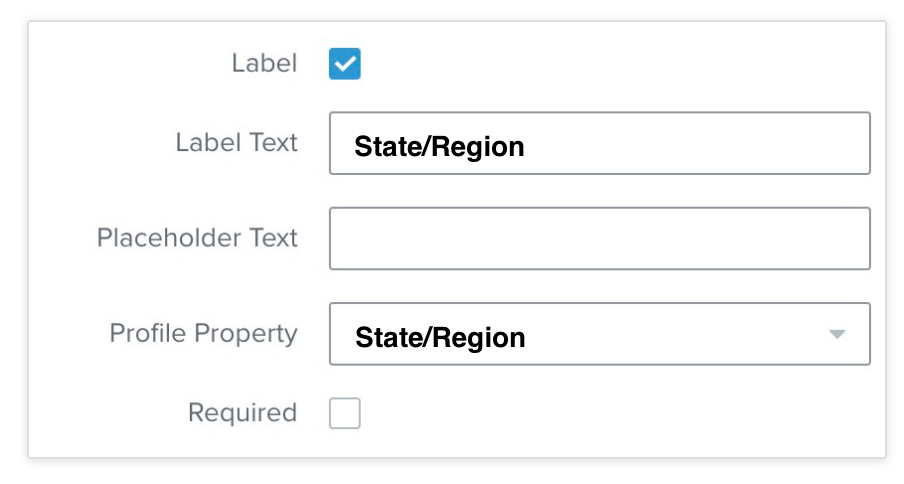
The most efficient way to set up a block in your form to record a user’s state/region would be to use a text block, not a dropdown, to collect this type of user information. Once you’ve created this text block, you'll want to click on the field and link it to the "Location" Profile Property field so it can be recorded and segmented on in the future if you want to send emails to users in a specific state or region.
The most efficient way to set up a block in your form to record a user’s state/region would be to use a text block, not a dropdown, to collect this type of user information. Once you’ve created this text block, you'll want to click on the field and link it to the "Location" Profile Property field so it can be recorded and segmented on in the future if you want to send emails to users in a specific state or region.