


Where is the setting to enable the “View in Browser” feature?
I would like to use a link to share with certain individuals through a messaging app like WhatsApp.

 +1
+1Where is the setting to enable the “View in Browser” feature?
I would like to use a link to share with certain individuals through a messaging app like WhatsApp.
Best answer by Maxbuzz
Hello
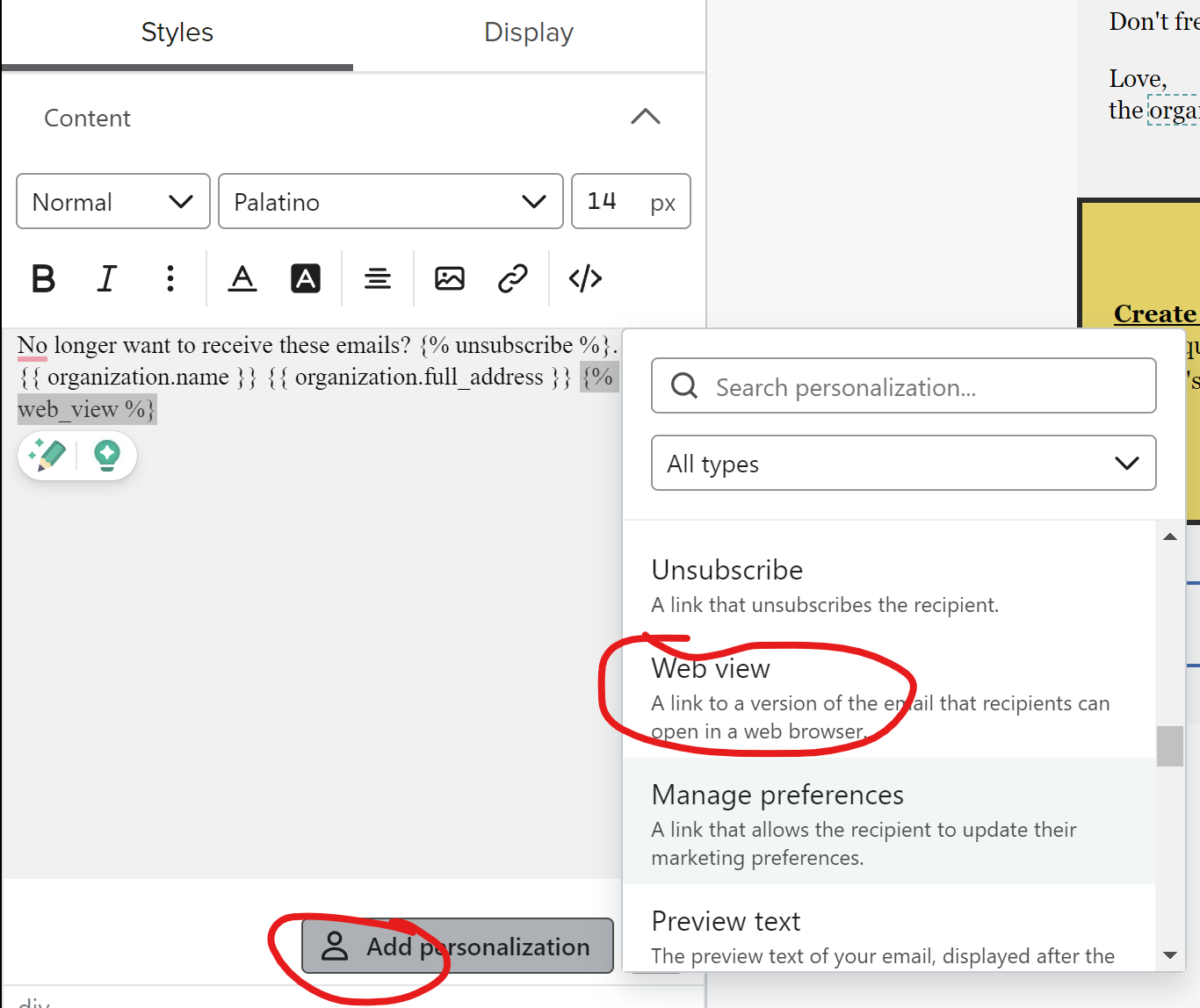
You can use that option to add view in browser link or directly add this code {% web_view %}
One important consideration is that if you plan to share a single browser link with multiple people, all tracking data will be attributed to the customer whose email was used to generate the link.

Enter your E-mail address. We'll send you an e-mail with instructions to reset your password.


