Hi @suyogp,
Sure thing!
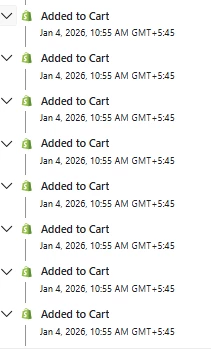
To address my first point, there is not a way to ensure that the Added to Cart event for the main product is recorded first, and is the event to trigger the flow, if 8 Added to Cart events occur at the exact same time.
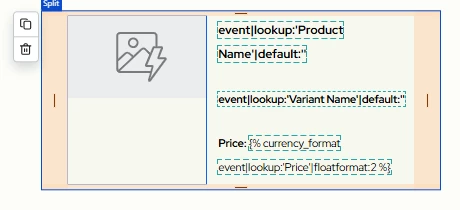
That being said, if you want to ensure that the image for the main item always shows, you can use show/hide logic in your emails to make this happen. Let’s say you’re selling hats, and clicking “Add to Cart” adds 8 different types of hats to your cart. In the abandoned cart flow, you’d do this, if you want the main hat to be the one that always shows, 100% of the time:
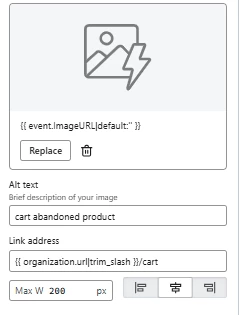
- Add an image block to your email
- Add the image of the main product to the image block. You can just add it as a static image if you’d like. Download it from your site, upload it to Klaviyo, then add it in.
- Click “Display” near the top of that toolbar
- In the “Show/hide logic builder” section, press “use code”
- You’d add show/hide logic to only show that image to those who added a hat to their cart. Example syntax would be this: 'hats' in event|lookup:'categories'
- You’d change hats' to whatever the name of the collection is, and might need to adjust the syntax based on how the event data is structured, but our Conditional Logic Reference help article explains how to do this.
- Save your changes, and the block should only show to those who added a certain category of item to their cart. Repeat for other categories.
Let me know if I can answer any follow-up questions about this!