Answer

adding adobe fonts to email template

  • March 4, 2021
  • 8 replies
  • 994 views

Forum|alt.badge.img+2

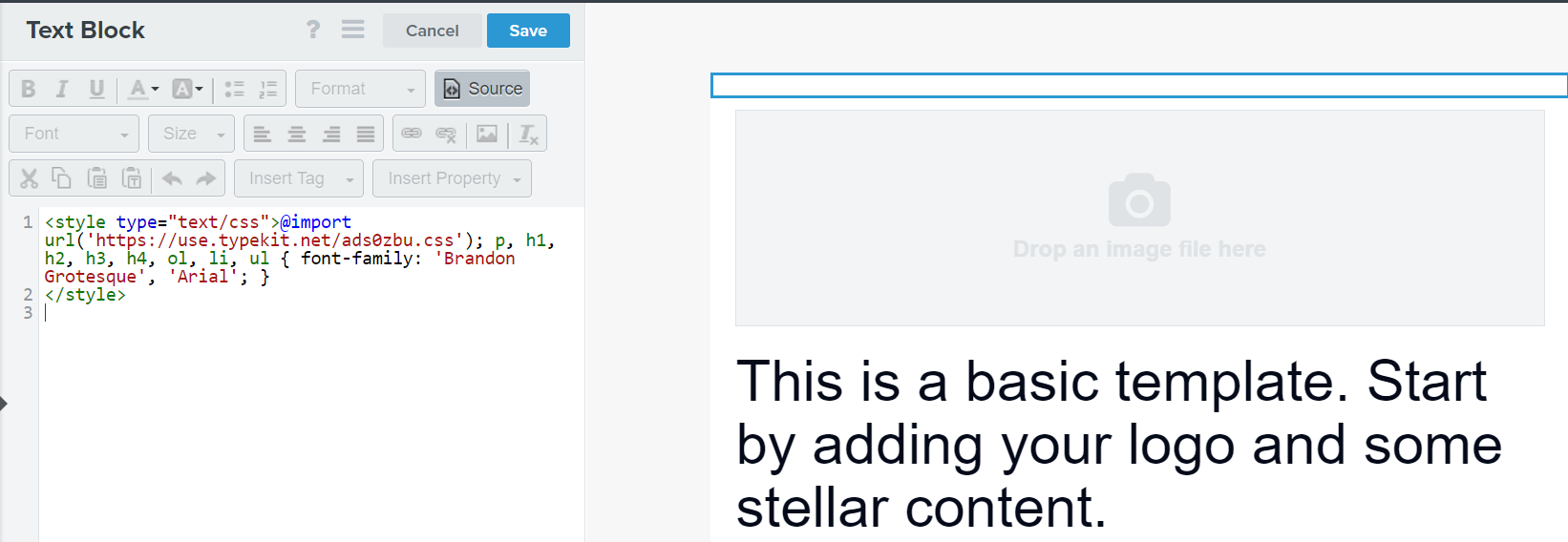
I was able to import my adobe fonts to my signup form no problem, but my fonts are not showing up following the instructions to add the HTML in the text block source found here: How to Add Custom Fonts in Email Templates – Klaviyo - Help Center


I did this, saved, but none of my fonts are importing. Can anyone tell me why this isn’t working?

 

Best answer by elisegaines

Could you try this code? 

<style type="text/css">@import url('https://use.typekit.net/ads0zbu.css'); p, h1, h2, h3, h4, ol, li, ul { 
font-family: "brandon-grotesque", Arial, sans-serif;
}
</style>


The only change is the addition of @import before the URL, to match what’s found in this doc. I tested it in my own account, and it works there! 

8 replies

caroline
Forum|alt.badge.img+8
  • Klaviyo Alum
  • March 4, 2021

Hi there,

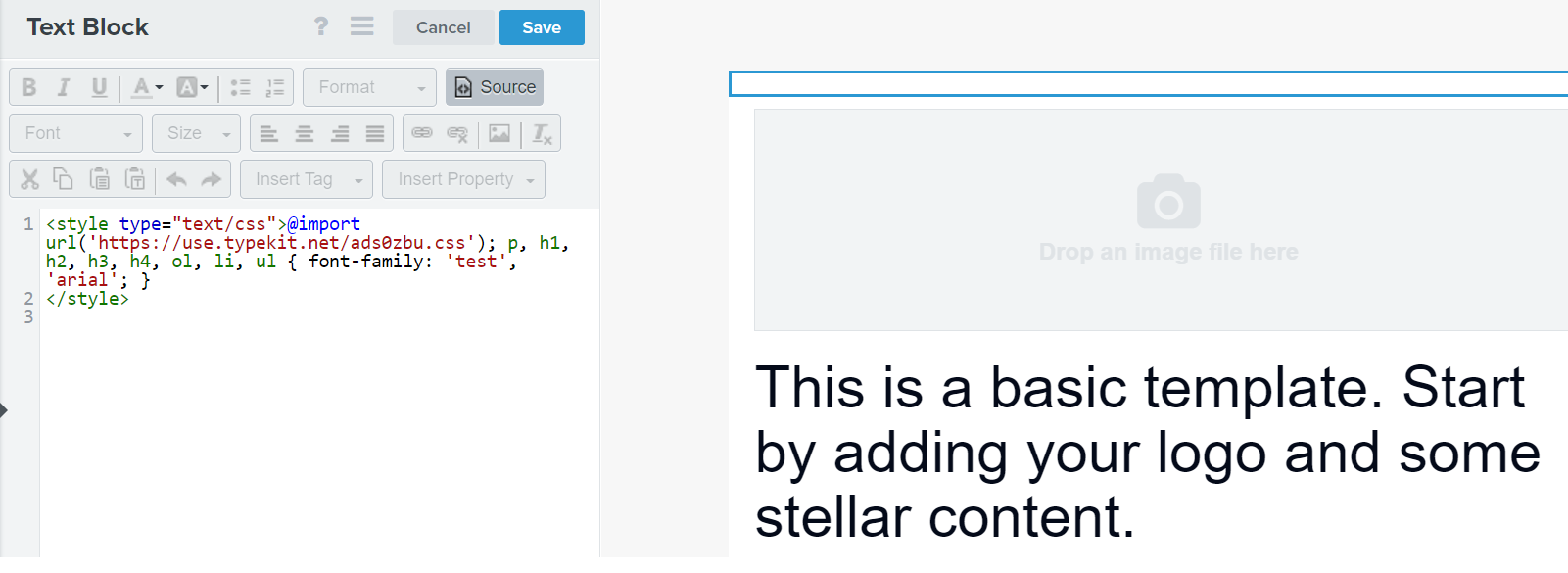
Thanks for sharing with the Community! It looks like you have ‘test’ as the first font family name, while the fonts at that URL are Adobe Garamond Pro and Brandon Grotesque. Have you tried replacing ‘test’ with one of those fonts? Additionally, I believe that ‘arial’ has to be properly capitalized as ‘Arial’

Best,

Caroline


Forum|alt.badge.img+2
  • Author
  • Contributor II
  • March 4, 2021

@caroline I’ve updated the code with your suggestions, unfortunately the font is still not appearing as an option for me.


caroline
Forum|alt.badge.img+8
  • Klaviyo Alum
  • March 4, 2021

Hi @grecogum,

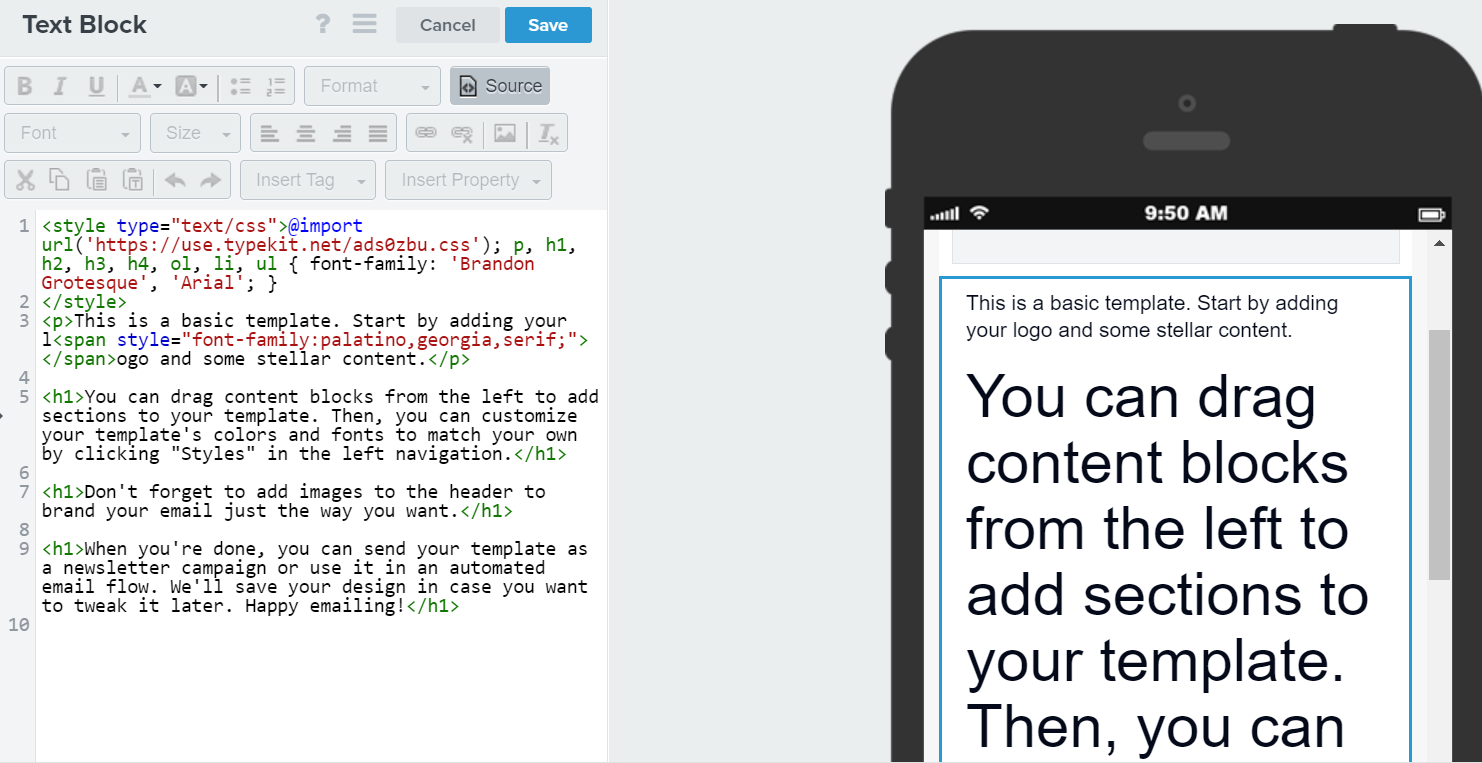
Forgive me if you are already aware of this, but I just wanted to clarify that the fonts will not appear as an option in the drop-down font selector in the UI. Instead, once you add text to the template which has the elements you included in the font import statement (for example, a header enclosed in <h1> tags), the font of that text will render as the font you specified for <h1> in the import statement.

Best,

Caroline


Forum|alt.badge.img+2
  • Author
  • Contributor II
  • March 4, 2021

@caroline I was not aware of that, thanks. However, it still does not appear to be working for me:


Forum|alt.badge.img+25
  • Customer Ed.
  • March 4, 2021

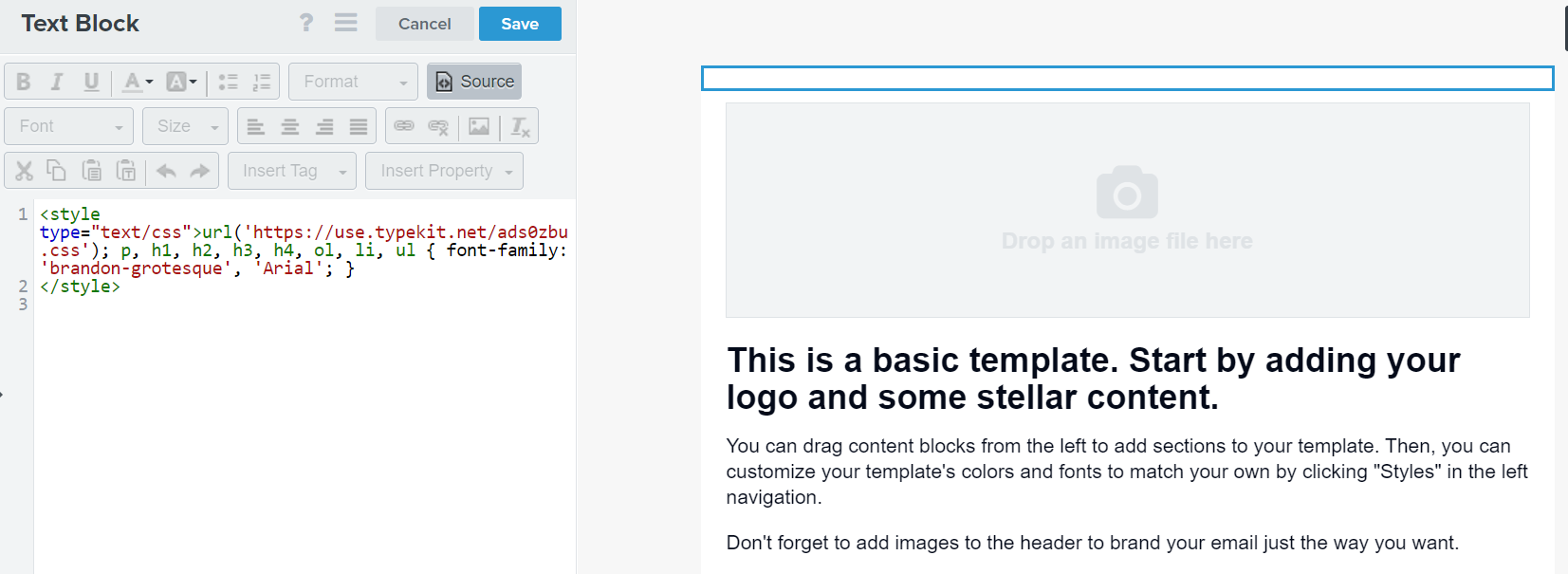
Hi @grecogum ! Could you try using ‘brandon-grotesque’ in the import code, instead of ‘Brandon Groteque’? This matches the font family name found at the Typekit URL you shared. 


Forum|alt.badge.img+2
  • Author
  • Contributor II
  • March 4, 2021

Hi @grecogum ! Could you try using ‘brandon-grotesque’ in the import code, instead of ‘Brandon Groteque’? This matches the font family name found at the Typekit URL you shared. 

Still not working:


Forum|alt.badge.img+25
  • Customer Ed.
  • Answer
  • March 4, 2021

Could you try this code? 

<style type="text/css">@import url('https://use.typekit.net/ads0zbu.css'); p, h1, h2, h3, h4, ol, li, ul { 
font-family: "brandon-grotesque", Arial, sans-serif;
}
</style>


The only change is the addition of @import before the URL, to match what’s found in this doc. I tested it in my own account, and it works there! 


caroline
Forum|alt.badge.img+8
  • Klaviyo Alum
  • March 11, 2021

Hi @grecogum,

Wanted to check back in -- were you able to try @elisegaines’s last suggestion?

Best,

Caroline