
Question

Custom Properties

  • December 18, 2025
  • 5 replies
  • 24 views

Forum|alt.badge.img+1

I am building a Sign-up Form and I'm trying to add a Radio Button question to collect customer preferences.

The Goal: I want the answer to be saved as a new Custom Property on the profile.

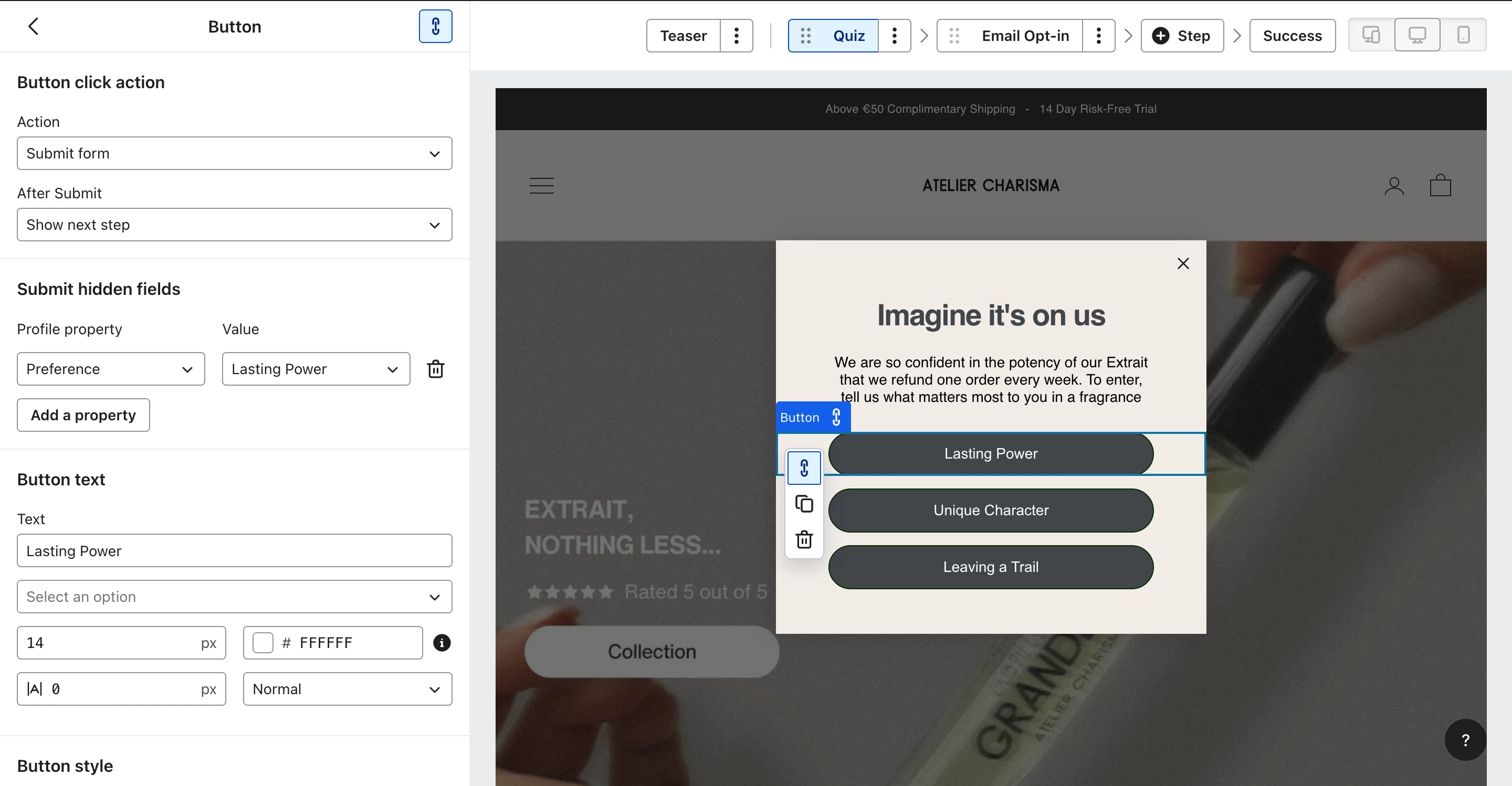
The Problem: In the form editor, under "Profile Property", I am struggling to create a new property.

  1. When I type a new name, it doesn't seem to register or create the property key.

  2. I am also confused about the "Value" field vs the "Label".

Currently, when I test the form, the data is not appearing under the "Custom Properties" section of the profile.

Question: How do I correctly set up a Radio Button block so that it automatically creates a new Custom Property with the specific Value I entered?

Screenshots attached of my current settings.

Thanks.
5 replies

whereisjad
Expert Problem Solver IV
Forum|alt.badge.img+16
  • Expert Problem Solver IV
  • December 18, 2025

@Jarnobroekkamp how come you are not utilizing the standard radio button element in your form?  I see that you are currently trying to force the effect by having a button and then having it set hidden fields which isn’t possible with the Klaviyo Form Editor.  You can always create the form externally from Klaviyo and have it call a client side Klaviyo API to add a user to the list.  Described here


Forum|alt.badge.img+1
  • Author
  • Contributor I
  • December 19, 2025

Because i don’t like the way the radio button looks tbh


whereisjad
Expert Problem Solver IV
Forum|alt.badge.img+16
  • Expert Problem Solver IV
  • December 19, 2025

@Jarnobroekkamp I am sorry there doesn’t seem to be anything specific under the Styles tab to change anything relating to the radio buttons.  Your best option is to go the custom route.


takendigital
Problem Solver I
Forum|alt.badge.img+5
  • Problem Solver I
  • December 19, 2025

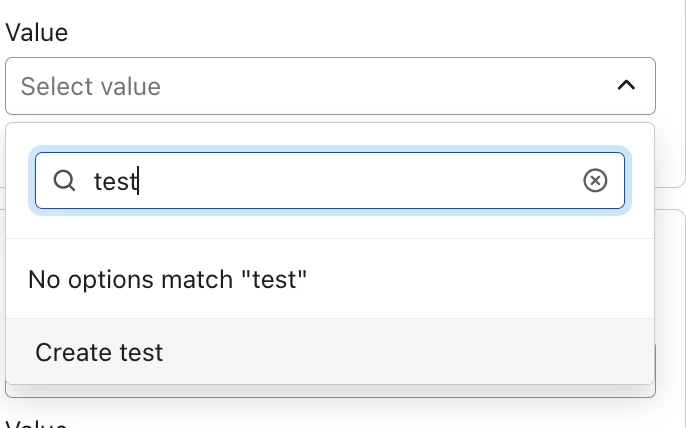
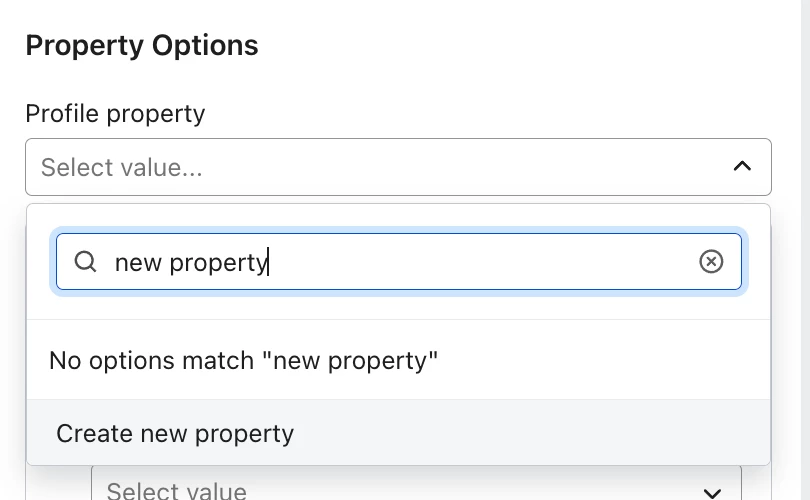
@Jarnobroekkamp when you type the name of the new property there should be an option to select “Create new property”.


The Label is the text people see on the form vs. the value is what you will see recorded on the profile. 


You mentioned radio buttons but the image is of regular buttons. Either way though the steps are almost the same. 


takendigital
Problem Solver I
Forum|alt.badge.img+5
  • Problem Solver I
  • December 19, 2025

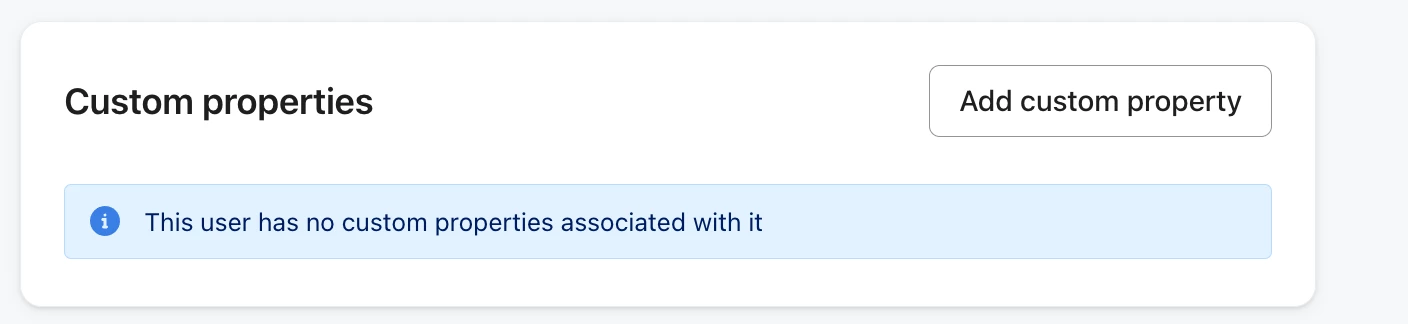
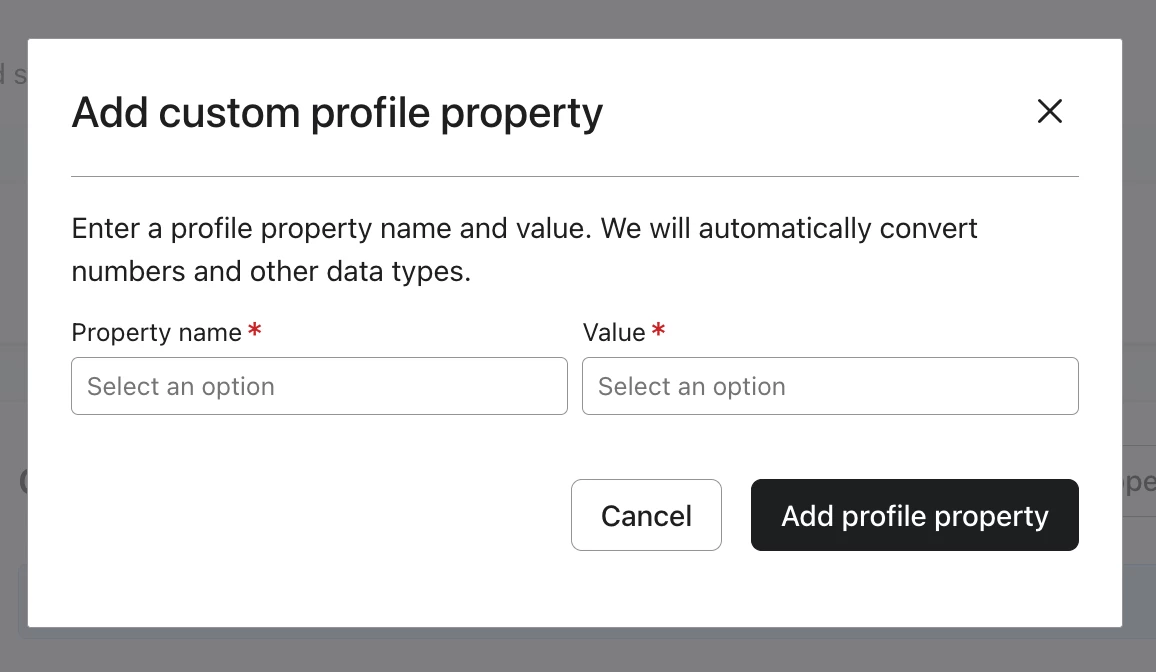
Another work around in case for whatever reason you’re not seeing the “Create” option in that drop down is to go to your own profile. Click “Add custom property” and add the field and a value.

Once it’s populated, it should show up as an existing property in the dropdown.