

One of our customers was suppressed and now wants to be unsuppressed. How can we do that?

Solved
How do I unsuppress a profile?


 +4
+4Best answer by retention
If you want to manually unsuppress subscribers follow these steps.
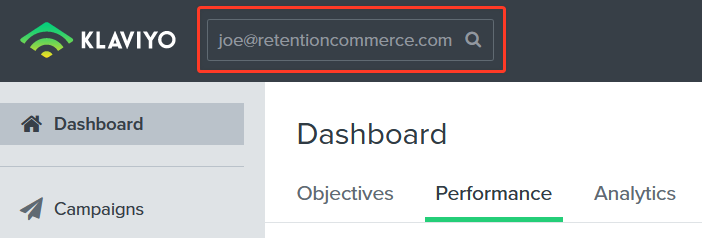
1. Find and open that profile. You can open the profile by typing his email address in the search bar.
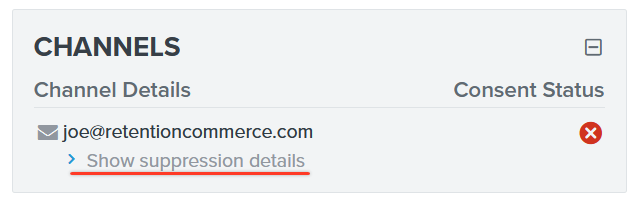
2. On the right side, among other profile properties, you should see a “Channels” section with a “Show suppression details” option. Click on that option.
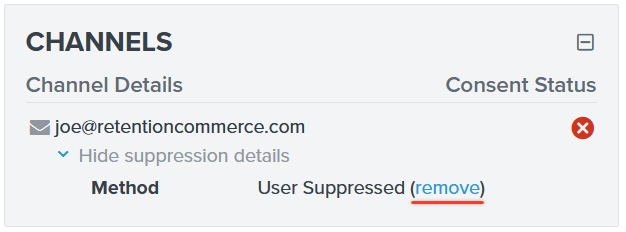
3. In the details you should see the method of suppression and a “remove” option. Click on the “remove” option and the subscriber will be removed from the suppression list.
Never manually unsuppress subscribers without their consent.
Hope this helps!
This topic has been closed for replies.



Log in to the Community
No account yet? Create an account
Use your Klaviyo credentials
Log in with Klaviyo
Enter your E-mail address. We'll send you an e-mail with instructions to reset your password.