
Help shape the future look of Klaviyo – design feedback needed!

  • March 12, 2026
  • 5 replies
  • 71 views

jlungaro
Klaviyo Employee
Forum|alt.badge.img+2

Hi everyone, I’m Julie Lungaro, Sr. Manager of Product Design at Klaviyo.

Our team is exploring a visual design refresh of the product and we’d love a quick gut check from the community. We’re early in the process and just trying to understand how the product feels visually to the people who use it every day.

When we say visual design, we mean the overall look and feel of the interface. Things like layout, spacing, colors, typography, icons, and how modern or polished the product feels.

If you have a minute, I’d love your perspective:

1️⃣ What 3 words describe the visual design of Klaviyo today?

2️⃣ What feels strongest visually?

3️⃣ If we could fix ONE visual design element today, what would you improve? (Examples: spacing, colors, typography, layout, visual hierarchy, etc.)

4️⃣ What other products or apps have visual design you admire?

If you’re willing, share a screenshot of a part of the product you love or one you think could be improved.

Thanks for helping us make the product better.

Please share your feedback below 👇

5 replies

Kylie W
Partner - Silver
Forum|alt.badge.img+35
  • Champion & Partner
  • March 13, 2026

Hi ​@jlungaro 

This is a pretty exciting adventure and I look forward to the final output! 

To answer your questions, and from my personal opinion, please see below 😊

  1. Clinical, Dry & High-Profile
  2. Clinical feel for me - it’s very clean and stark. 
  3. Colours - I think this would make a huge difference. When I look at Campaigns, the background colour of the page vs the listing is the same, but if I went to Service>Overview you’ve started to add colour here with the beige background, white tiles etc
  4. I quite enjoy Reviews.io UI and Rebuy’s

Hope this helps, somewhat


brightirismarketing
Problem Solver II
Forum|alt.badge.img+2

Hi Julie, 

Looking forward to the final output as well! I actually really like a lot about Klaviyo’s current design. 
 

1️⃣ What 3 words describe the visual design of Klaviyo today? 
Clean, streamlined, understated

2️⃣ What feels strongest visually?
For me, the new features/setup tips at the top of the home screen stand out the most visually. Secondarily, as you scroll anything with a color stands out, which for the most part is the % change in different areas. I like this, because when I’m just taking a quick scan through accounts I can easily see exactly what is up & down. I also really like the fact that the design of the platform isn’t super visually overwhelming. When it’s a platform you’re in a lot, I tend to get a little annoyed/distracted by a lot of bold colors. 

3️⃣ If we could fix ONE visual design element today, what would you improve? (Examples: spacing, colors, typography, layout, visual hierarchy, etc.)
I’m not sure if this is a design element, but with changes to the sidebar layout I do tend to forget/need a moment to find where things are. If we had the ability to pin or favorite certain sections and have them show up at the top under campaigns and flows, that would be huge. Quickbooks is a platform that does this—you can have a favorites section that shows up at the top. I pretty much just favorited every section I use and then can go straight there without hunting for anything.

4️⃣ What other products or apps have visual design you admire?
I really like Asana! 


Forum|alt.badge.img+3
  • Contributor III
  • March 17, 2026
  • hey ​@jlungaro,

    don’t have something very specific for what you are asking… as it is really good as it is right now, and constant change is not very nice for users as we constantly need to adjust to new, UX/UI, always search for how to new the things we’ve ben doing forever. 

    example with the new UX/UI updates push today:
    - having twice the name a campaignis useless, burry even more everything
    - we now have to update 3 TIMES in # different spots the name of a campaign: 1 when cloning, 2 at the audiance lever 3 in the campaign etiding settings level. This make life a nightmare for users….
    - havimg 2 status for ONE campaign schedule: 1 being “scheduled” anotehr being “0 of 1 sent” is ridiculous, how is tis making anything better? this is just adding to the confusing and non-sense

    I really feel your team should stop trying to update things which are working, to make it not better, or even worse sometimes, and focus more on what matters and would actually make a difference. There’s no need to update gain colours or spacing. 

Forum|alt.badge.img+6
  • Problem Solver I
  • March 19, 2026

Hi ​@jlungaro, comments below...


1️⃣ What 3 words describe the visual design of Klaviyo today?

Clean, professional and ‘means business’


2️⃣ What feels strongest visually?

The black top bar but whenever creative apps are strong visually, they tend to conflict with the creative.

e.g. Canva is a horror show - they seem enamoured with their own design. The coloured UI especially, conflicts with your work, and subtly influences colour and design choices without you realising it.

A visual ideal would be out of the way, uncluttered, and ensuring creative work has room to breathe.


3️⃣ If we could fix ONE visual design element today, what would you improve? (Examples: spacing, colors, typography, layout, visual hierarchy, etc.)

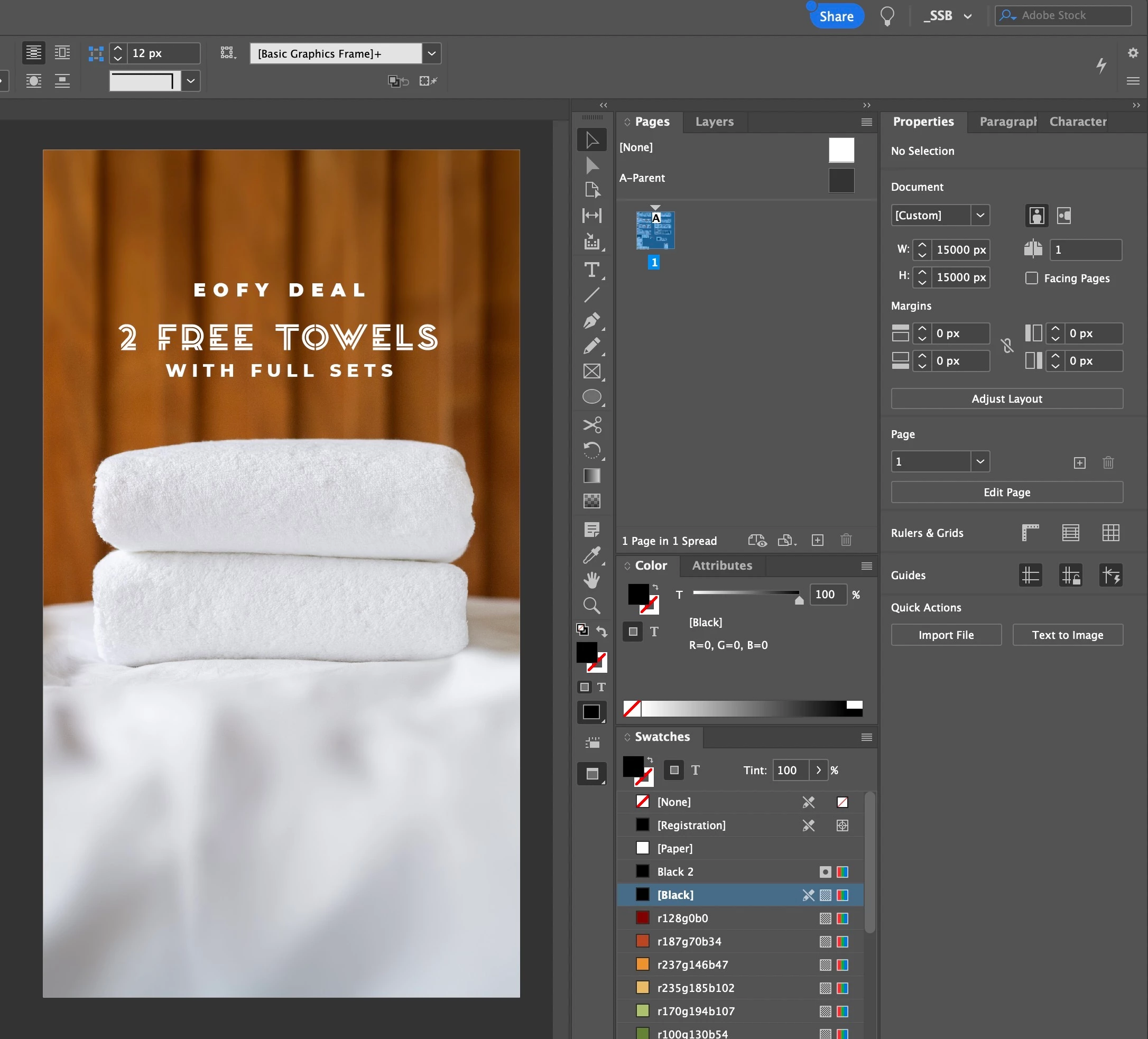
Ignore if this already exists but a couple of neutral, dark grey UI choices.

See below. The app is separate from the work (and is stronger visually), but  is still clean and uncluttered - plus the creative work shines as it tends to be brightest.

It’s also less fatiguing on the eyes, especially when working longer hours but it could make Klaviyo feel more serious (which has its pros and cons).


As a side note, it’s tempting to think of this as a simple dark mode but I find dark modes are nowhere near as well thought-through as a proper dark UI, where the contrast of dark and light greys has been properly designed. Hope that makes sense.


4️⃣ What other products or apps have visual design you admire?

Most video and design apps have darker UI or options...


Cheers, Ben


MikeKumlin
Problem Solver I
Forum|alt.badge.img+4
  • 2025 Champion
  • March 19, 2026

1️⃣ What 3 words describe the visual design of Klaviyo today?

Efficient, saturated, accommodating
 

2️⃣ What feels strongest visually?

The welcome/home page and all it’s different callouts, reminders, and assistance. Really focused on getting back to where I left off, letting me know about something new that has launched, or alerting me to an issue that needs my attention. This tone is then carried across the other pages I may navigate to but to a lesser degree. Soft corners, easy to read text with nicely contrasting colors means I never get a headache from spending hours on site.
 

3️⃣ If we could fix ONE visual design element today, what would you improve? (Examples: spacing, colors, typography, layout, visual hierarchy, etc.)

I want more control over how things are displayed within Klayivo. As an admin level user of the tool there are a lot of things that I don’t need at the top of my navigation bars that a campaign coordinator may need. Being able to define a more customized view would help me establish a super optimized instance of Klaviyo that met my specific needs. Would be good if these custom views could be assigned to different User Roles so I could ensure my team is seeing everything they need without any of the additional noise.
 

4️⃣ What other products or apps have visual design you admire?

Miro and Segment are the first two to come to mind. I really love how Miro balances efficiency with still having some sense of a brand in their design, iconography is still fun and feels very “Miro” without being obnoxious, all menus and interfaces are easy to navigate and understand. I also like how seamlessly they’ve integrated some of their AI supported systems where they feel appropriately placed and natural on page, vs other products where it almost feels shoehorned in.

Segment is definitely more “enterprise” in tone compared to Miro but still does a great job of organizing things in a way that despite being an absolutely massive product with hundreds of features is easy to navigate based on the way they’ve organized features based on the family of services it belongs to. This allows me to easily select a space to work based on the task at hand and know that all resources I may need will be within the menu that has expanded based on my initial selection. I really enjoy and admire tools that are designed to be used as well… a tool haha I think of it like this, I’m opening a tool box and then expanding the shelves within to get to the section of tools I need, all things I may need to use for my task will be on that shelf of the toolbox and readily available for me to use rather than having to dig around or hop from shelf to shelf in the box. Operational efficiency through design is really important to me and something I definitely notice and appreciate.