Solved
window.klaviyo.openForm() always returns a pending Promise – form never displays (Shopify)
Hi everyone,
I’m running into an issue with a Klaviyo form on my Shopify store.
When I call window.klaviyo.openForm('XXXXXX') it always returns a pending Promise and the form never appears.
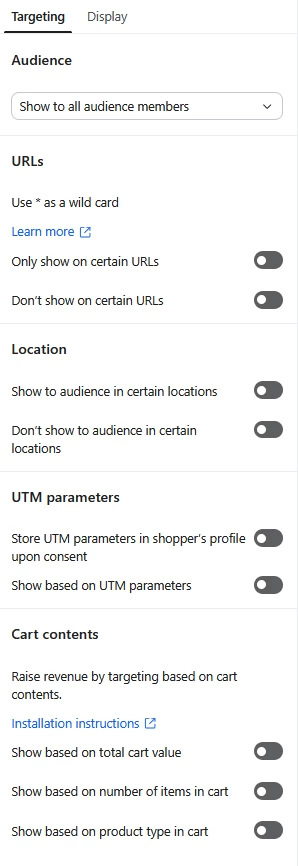
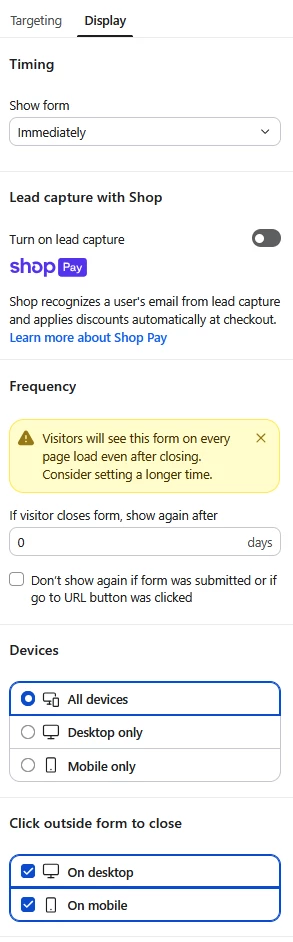
The form was working earlier today, but stopped after I activated and then deactivated URL targeting in the form settings. The form works fine in the password-protected Shopify preview mode, but not on the public store.
The API key is correct. I’ve already created multiple new forms and reconnected the Shopify integration – same result.
The status of the form is “Live”.
Does anyone have an idea what could be causing this?
Thanks in advance!