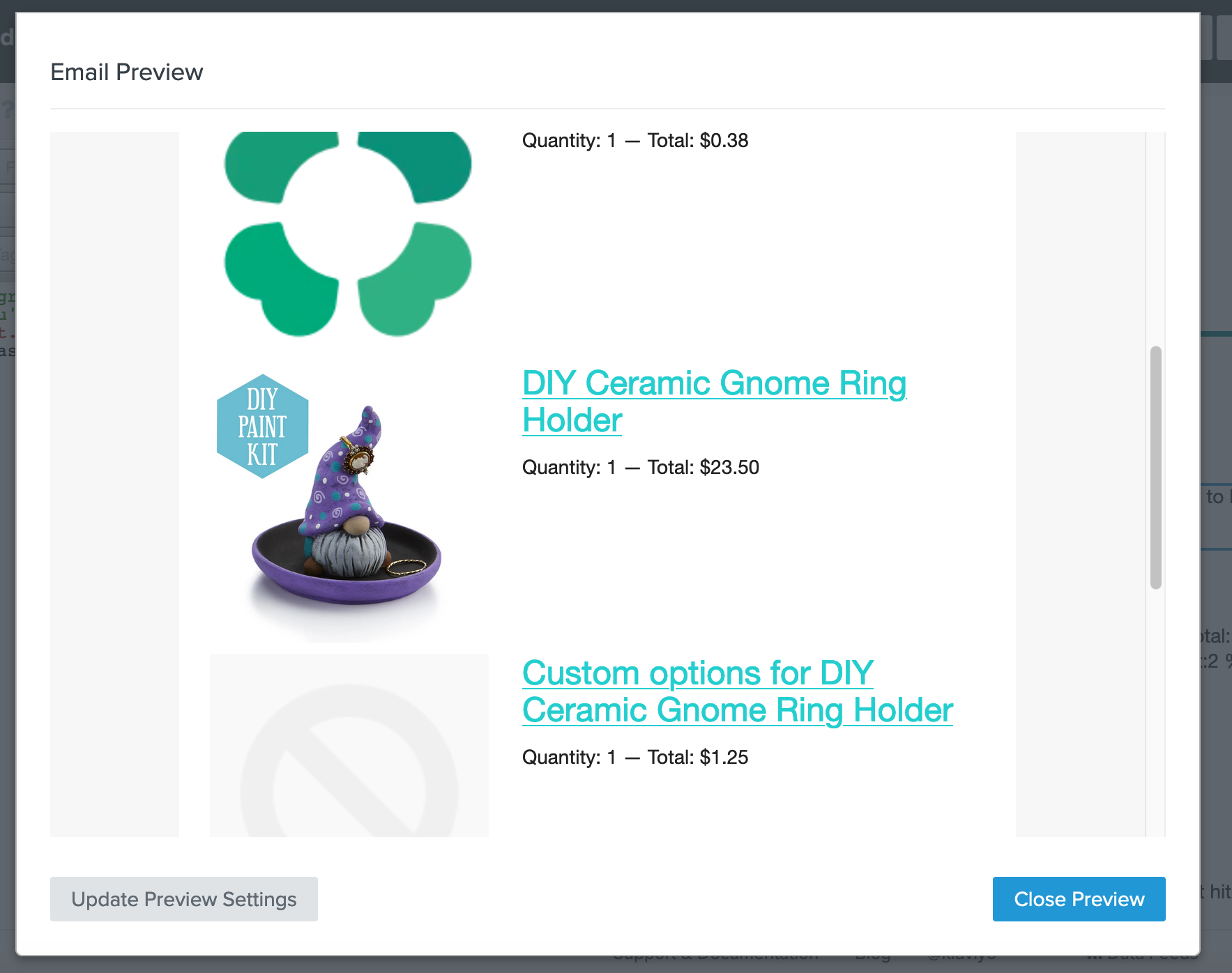
I am wondering if it is possible to exclude certain items from the dynamic table block for the abandoned cart e-mails. Or only include certain items/ collections. These are items that are “in” their cart but I do not want to send them to encourage them to finish checking out. For example I have the cloverly app for offsetting carbon footprint for shipping and I also have an app that I use to have multiple options for products. I don’t want these items showing in the abandoned cart e-mail. Is there a way to go about excluding these?
Thanks so much for any help!
Natalie
Best answer by retention
@tangleartistry There is a way, but it requires some coding. It’s actually quite interesting to achieve.
If you have multiple different products that you want to exclude from the dynamic table block, the easiest way to do it is to tag those products in Shopify, and then use that tag to exclude the products.
Let’s say for example you tag them with “ac_exclude”.
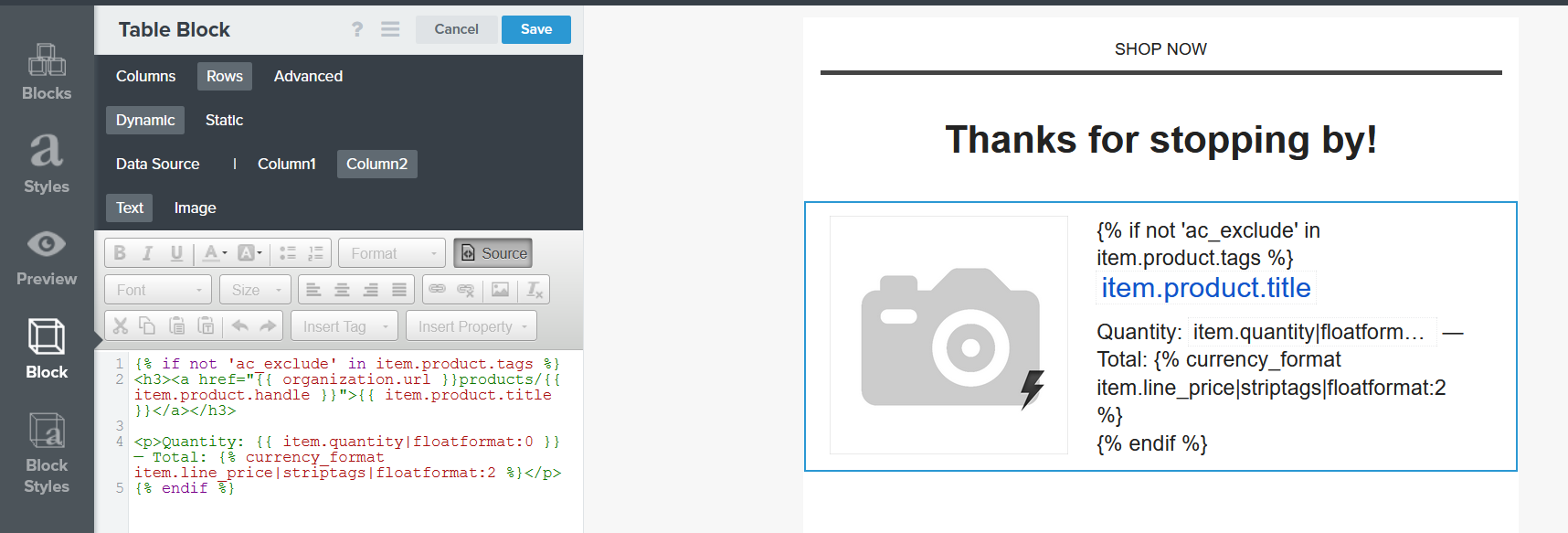
Then, in the dynamic table block, you need to wrap the text part (Title, Quantity, Price, etc.) in an “IF” statement that should look like this:
{% if not 'ac_exclude' in item.product.tags %} <h3><a href="{{ organization.url }}products/{{ item.product.handle }}">{{ item.product.title }}</a></h3>
This will check for each product if “ac_exclude” is one of the tags. If the product doesn’t have the “ac_exclude” tag, it will be shown in the feed.
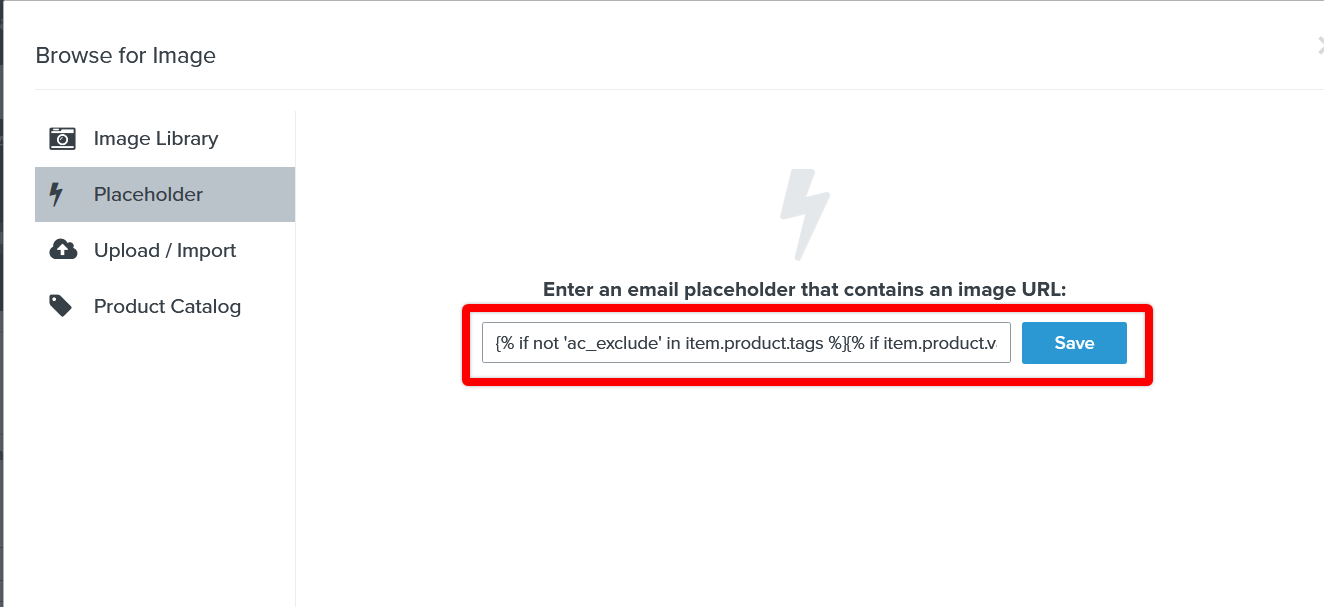
For the image part, you need to wrap the existing snippet, in a new “IF” statement that should look like this:
{% if not 'ac_exclude' in item.product.tags %}{% if item.product.variant.images.0.src %}{{item.product.variant.images.0.src}}{%else%}{{item.product.images.0.src|missing_product_image}}{%endif%}{%endif%}
The solution that’s being discussed in this thread to omit and prevent certain products from being pulled into an email through a dynamic table block would not be the same as using flow filters to exclude users from a flow.
The difference here is that a flow filter is used to evaluate if an individual is eligible for the flow as a whole. The solution being discussed here would be on a more targeted level of restricting only certain products from appearing in an email. For example, if someone purchased a t-shirt and a baseball cap, if you wanted to omit the baseball cap, using a flow filter will prevent the user from entering the flow as a whole. Recoding the dynamic table block will still allow the customer to enter the flow, but will prevent the baseball cap from appearing in their abandoned cart email.
Hey @tobias_wildling_shoes, Just to confirm, are you using the exact code you shared of:
{% if 'ac_exclude' in item.product.tags %}

{% endif %}
If so, then it seems like you’re missing the response portion of the if-statement. This means that even when this if-statement was true, nothing would be returned since you haven’t defined a response in the statement. My colleague, @Anna McCarthy actually has a great tutorial on using If/Endif/Elif/Else Statements which I’ve included below that I think would be really helpful to take a look at:
If you were using the code provided by @retention verbatim and it worked successfully, I don’t see why removing the not function in the code wouldn’t be working to achieve the inverse effect. Omitting the not from the code would cause those products tagged with ac_exclude to be shown and products without this tag to be hidden.
thank you for your reply. Of course I used code “in between” that is displayed. I contacted your Chat Support yesterday and we do not know why, but after some tweaking, it worked. Code was correct. But it does work now what is most important.
I’m on BigCommerce and want to exclude digital products from showing in my abandoned cart email. I tried using {% if not event.extra.line_items.digital_items %} wrapped around the same text you show above but it doesn’t work. Well at least when I try to preview or send myself a preview, I get an error.
I also tried wrapping my the text with the name of the product (we only sell 1 digital product) and that didn’t work either. I tried both {% if not event.Items == 'Shipping Protection' %} and {% if not item.product.name == 'Shipping Protection' %} and neither worked.
I suspect the issue you’re running into may be the syntax you’re using is incorrect. Since the code discussed in this thread relate to the Shopify Checkout Started metric, the syntax would not translate to an email in a flow triggered by BigCommerce’s Started Checkout event. It may be helpful to take a look at some of the resources that were previously provided such as the About Using Event Variables to Personalize Flows and How to Build Dynamic Blocks in a Flow Email Help Center articles to learn how to properly use and pull the correct dynamic syntaxes for your use.
I think it would also be helpful if you provided the full if/else statement to see if others can lend some advise.
I tried following the code above but I couldn’t get it to work. Sometimes I got an error that I needed to fix the tags, sometimes I would put the code in and it would display the code text in the preview. I know the previews in Klaviyo wouldn’t show the hidden product because I just added the tag to the product, but I don’t think it should be showing the code text. Can anyone help here? I’m not sure what I’m doing wrong.
Are you sure you’re putting those codes in the source code of the text box? A lot of times I see customers mistakenly add code directly into the text box instead of the source code which is visible to recipients.