


Brickwood
Contributor I
Contributor I
April 19, 2022
Solved

How do I make this multiple Image Blocks / Text Blocks?

  • April 19, 2022
  • 2 replies
  • 521 views

How do I make this multiple Image Blocks / Text Blocks?


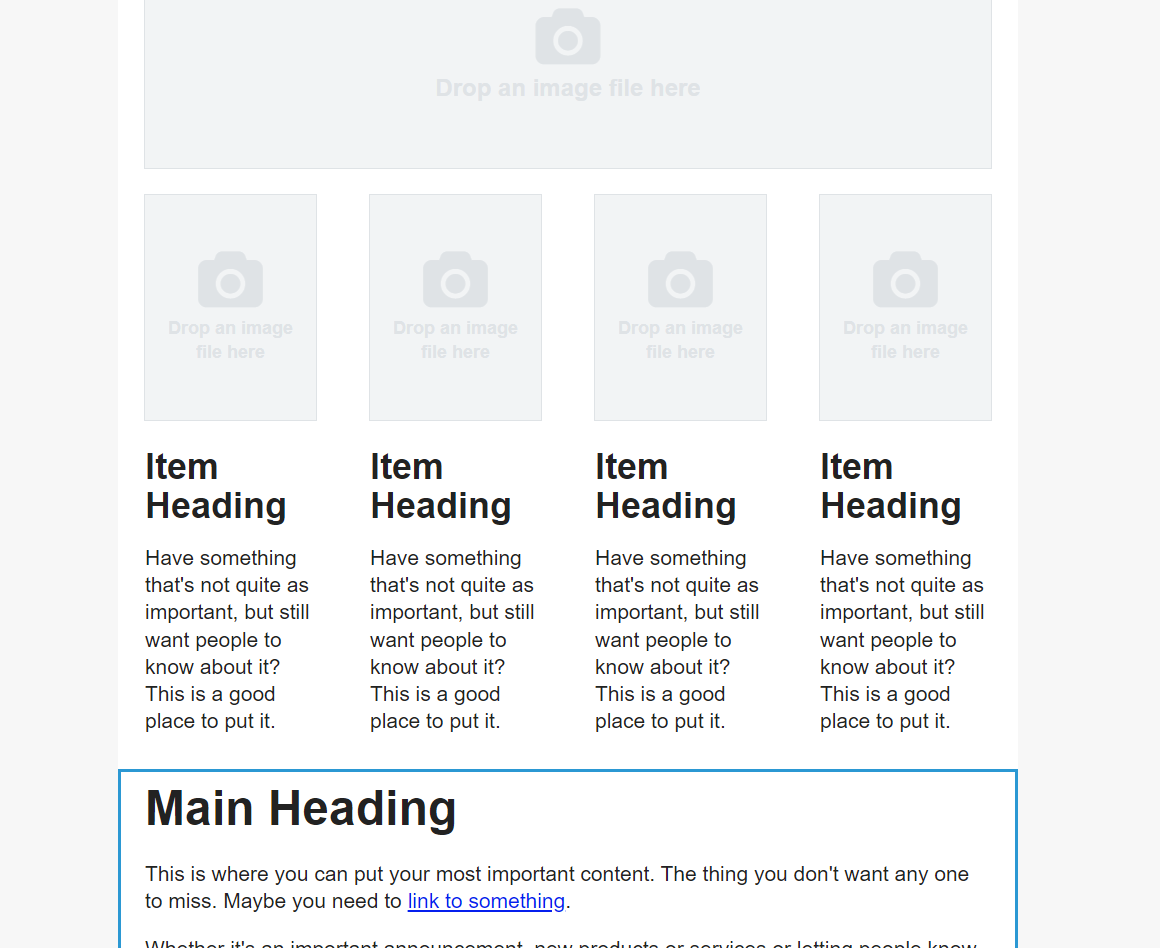
I’m able to drag / drop one big Image Block & Text Block… but I can’t find out how to make 2, 3 or even 4?


Ideas?


    This topic has been closed for replies.
    Best answer by David To

    Hello @Brickwood,

    Welcome to the Klaviyo Community!

    If you were looking to imitate the screenshot you provided, you’ll want to add a column block to the template before dragging in those image and texts blocks into their respective columns. Alternatively, you can also use a table block to accomplish the same thing! 

    I think taking a look at our Add Columns to an Email Help Center would be helpful in providing more details on how to accomplish your goal.

    I hope this helps!

    David

    2 replies

    David To
    Klaviyo Employee
    David ToAnswer
    Klaviyo Employee
    April 19, 2022

    Hello @Brickwood,

    Welcome to the Klaviyo Community!

    If you were looking to imitate the screenshot you provided, you’ll want to add a column block to the template before dragging in those image and texts blocks into their respective columns. Alternatively, you can also use a table block to accomplish the same thing! 

    I think taking a look at our Add Columns to an Email Help Center would be helpful in providing more details on how to accomplish your goal.

    I hope this helps!

    David

    Brickwood
    Contributor I
    BrickwoodAuthor
    Contributor I
    April 19, 2022

    Didn’t see that little sucker down there.  

    Thx for your help!  That got me rolling again!

