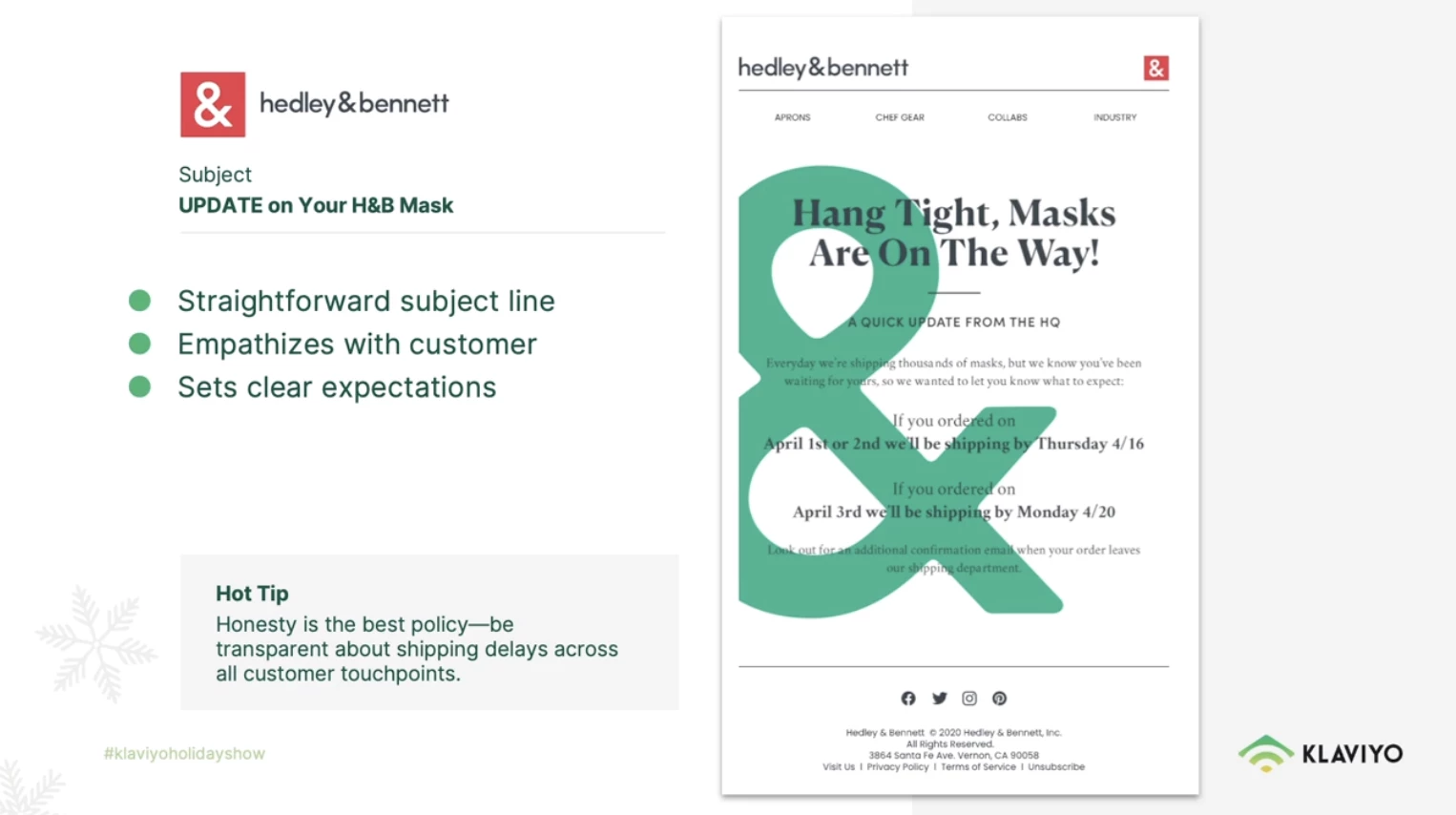
@daphne + @GoodVibes123 - Great news - I’ve been waiting for this day to come! You can now add Text on top of a Background Image without implementing any HTML workarounds.
If you haven’t heard, in the new Klaviyo October Product Event, Klaviyo released an update to the Template Editor interface with Sections. With Sections, you can now set a “Background Image” and have your Blocks within the Sections be transparent so that the Section Background Image shows through. Now you can have Text and other Blocks (Buttons, Tables, etc) on top of an Image.
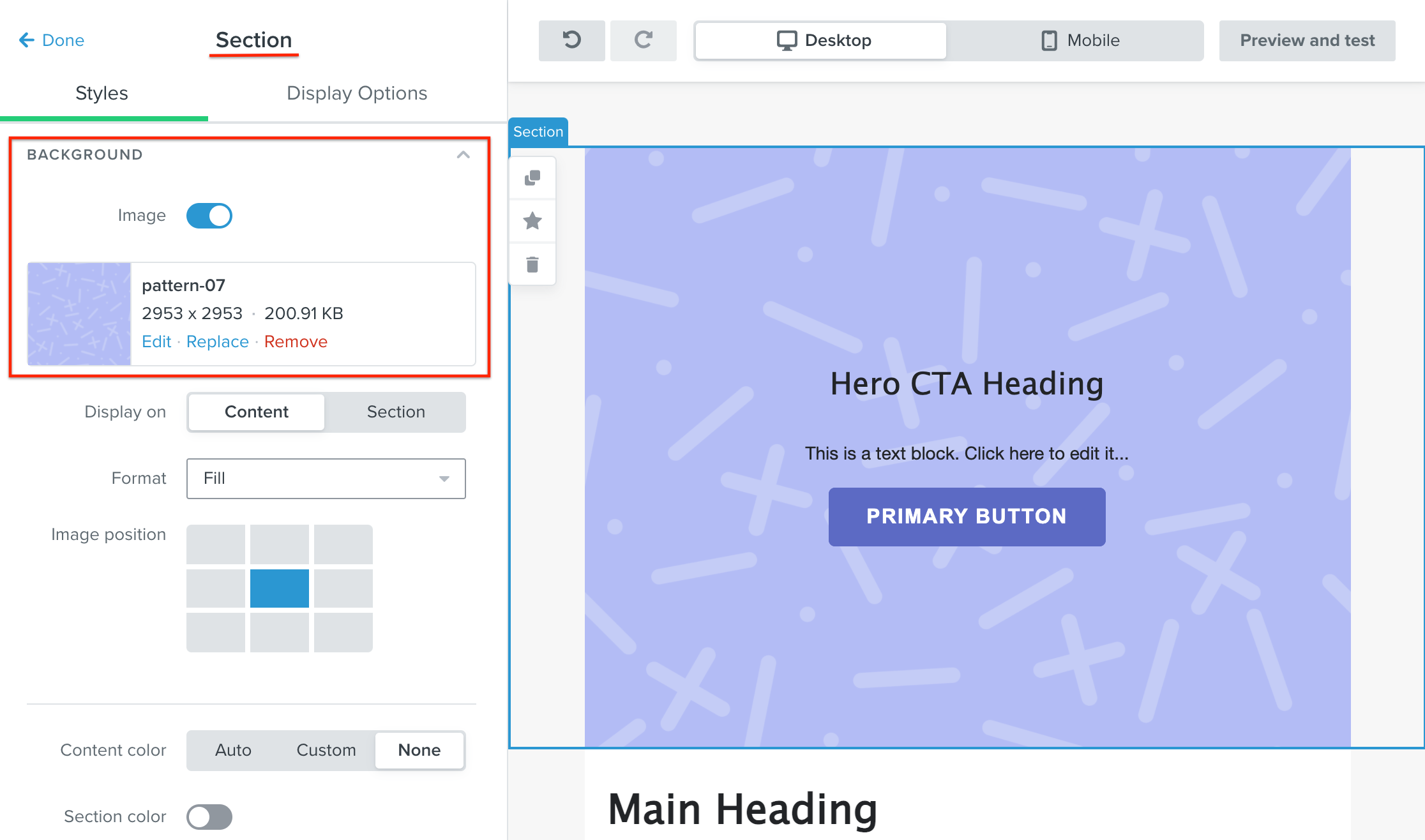
I did a quick test of this and was able to do this:
Here you can see I put a Two Text Blocks (Headline + Sub-title) along with a Button on top (with a transparent Block backgrounds) of a Background image defined in the Section.
You may still want to tweak settings like padding and spacing, how the image fills and position, and adjust any irregularities with mobile, but this is now a native feature and works out of the box!
Here’s some newly minted Klaviyo documentation articles about using the new Section feature:
Yes, a feature allowing text overlaying images would be extremely helpful, as well as images over other images. Also, being able to lay buttons over images would also be really useful, thanks.