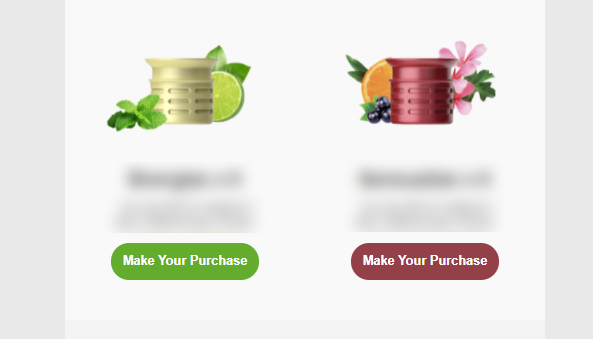
Hi, does someone know how to decrease the spacing of these two columns? (Please see photo attached.) I’ve already set the padding to zero and it wouldn’t also work if I put a negative number.
This would really all depend on what type of block you are using to display these two products. If you were using a Product Block to populate these two products, at this time there wouldn’t be a method to designate the spacing/padding between these two columns.
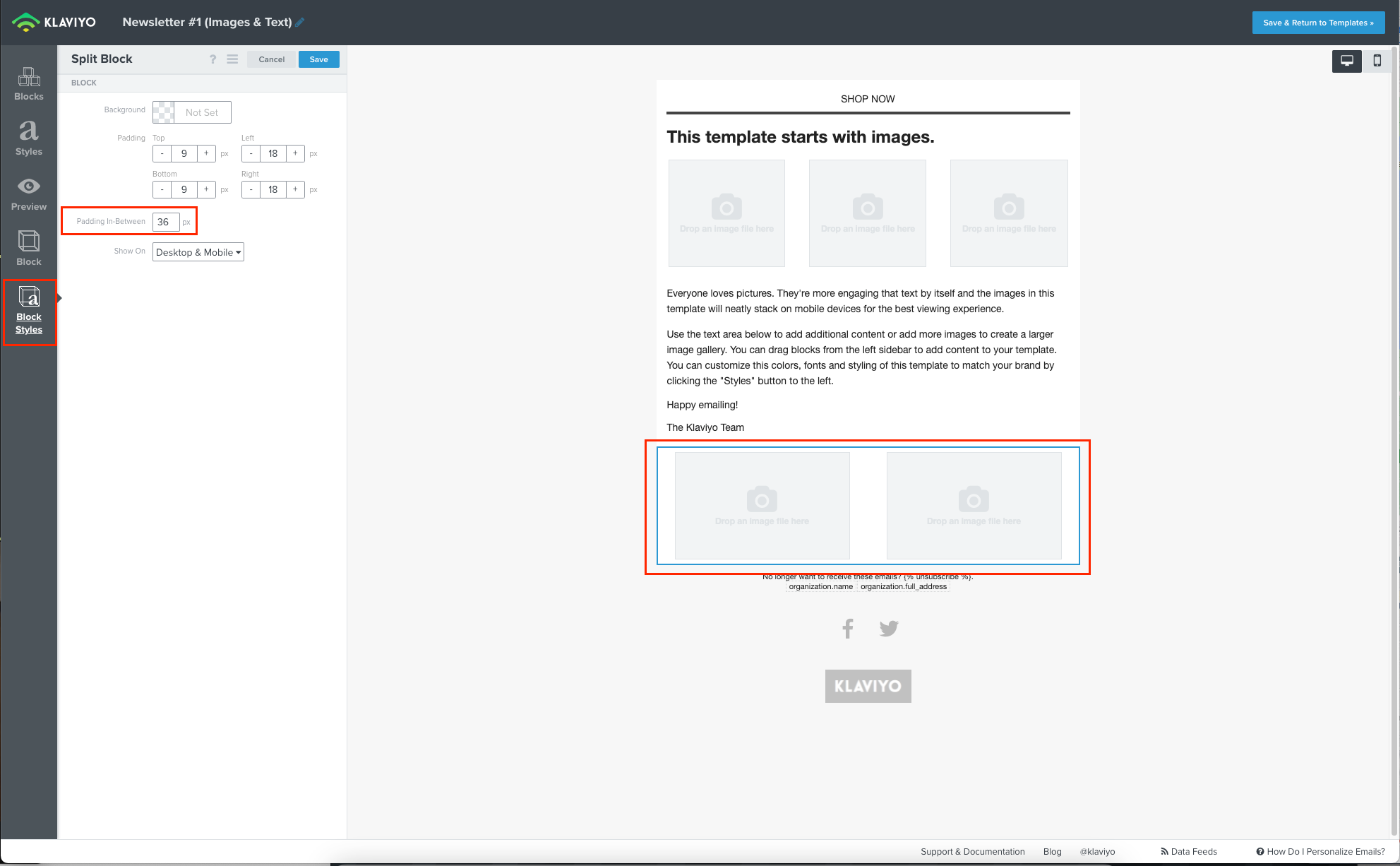
However, an available work around would be to manually recreating this product block through using a Split Block. Because of the flexible width of split blocks, you are granted access to the Block Style setting of Padding in-between X px. Through this setting you can adjust the space between these two columns by decreasing the designated px to bring the columns closer, or increasing them by raising the px to put them further apart.
I also look forward to sharing your feedback and use case of allowing a variable width between product blocks to our Product Team for further scoping!
I hope this helps and thank you for being a part of the Klaviyo Community!
This would really all depend on what type of block you are using to display these two products. If you were using a Product Block to populate these two products, at this time there wouldn’t be a method to designate the spacing/padding between these two columns.
However, an available work around would be to manually recreating this product block through using a Split Block. Because of the flexible width of split blocks, you are granted access to the Block Style setting of Padding in-between X px. Through this setting you can adjust the space between these two columns by decreasing the designated px to bring the columns closer, or increasing them by raising the px to put them further apart.
I also look forward to sharing your feedback and use case of allowing a variable width between product blocks to our Product Team for further scoping!
I hope this helps and thank you for being a part of the Klaviyo Community!
Anyone know how to change the “Padding in-between X px” in the new email builder? I see Section “Padding” settings, but it’s Top, Bottom, Left, Right. I don’t see an option for specifying padding in between.
It looks like you’re selecting a section instead of the individual split block. After selecting the split block within the new editor, you should be able to still see the Padding in-between X px setting under Split settings.