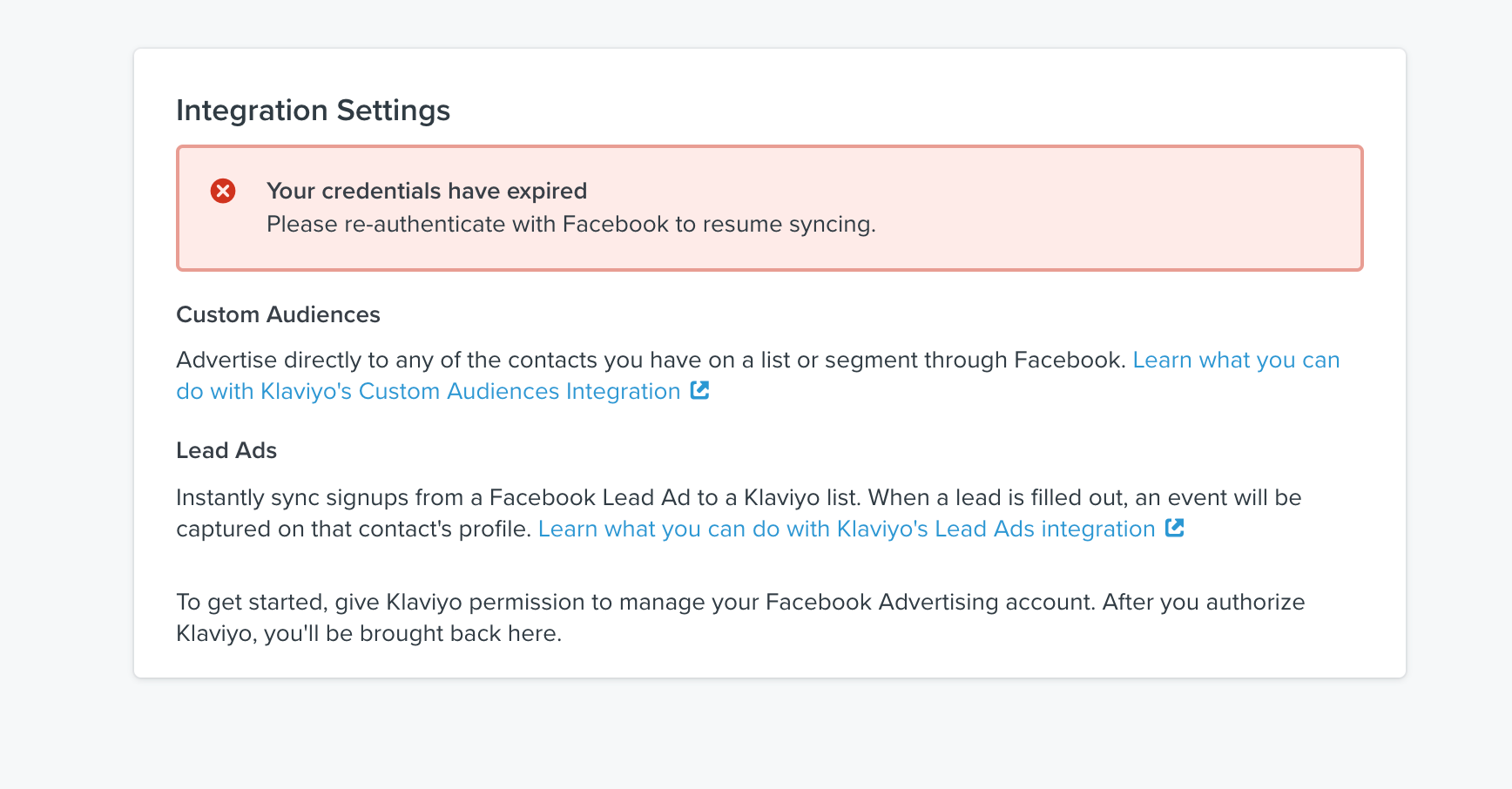
I have just started a form on Facebook to collect email addresses, I need to connect my Klavyio account so that the emails are added directly into Klavyio and the email is sent automatically but I can't connect my facebook account. Can anyone help me?

Best answer by alex.hong
Hi there @margaux,
Welcome to the Community! It looks like your Facebook integration is having an issue with the authentication step. Let me see what we can do about that! This can be cause by recent updates to log in credentials To fix this issue we will need you to try to remove/re-integrate. To do so please follow the instructions below:
3. Click the arrow next to Disable Integration and select Remove Integration (NOT disable).
4. Log out of Klaviyo
5. In your web browser, clear your cache and cookies. This will allow us to create a fresh connection under your Facebook page (which should have the correct admin permissions. Please ensure that you have admin permissions on your Facebook page)
6. Log into your Facebook page. Please ensure that the Facebook account which you are signed into has ADMIN permissions so that you can manage lead ads and custom audiences
7. Go to the "integrations" tab. You should not see Facebook as an enabled integration since you removed it in step 3. You can now re-add the Facebook integration.
Welcome to the Community! It looks like your Facebook integration is having an issue with the authentication step. Let me see what we can do about that! This can be cause by recent updates to log in credentials To fix this issue we will need you to try to remove/re-integrate. To do so please follow the instructions below:
3. Click the arrow next to Disable Integration and select Remove Integration (NOT disable).
4. Log out of Klaviyo
5. In your web browser, clear your cache and cookies. This will allow us to create a fresh connection under your Facebook page (which should have the correct admin permissions. Please ensure that you have admin permissions on your Facebook page)
6. Log into your Facebook page. Please ensure that the Facebook account which you are signed into has ADMIN permissions so that you can manage lead ads and custom audiences
7. Go to the "integrations" tab. You should not see Facebook as an enabled integration since you removed it in step 3. You can now re-add the Facebook integration.
Thank you very much! I have remove the application and it worked !!!!! thankssss
Search saves time. Contributing compounds value.
The ROI of your reply? One helpful answer can support dozens of teams, build your credibility, sharpen your own expertise over time, foster connectivity, and create good karma – because what goes around comes around. The community is what YOU make it.