Contributor II
February 17, 2025
Solved

Meta Ads Integration Shows Enabled but Not Connected – No Audience Sync Option

  • February 17, 2025
  • 6 replies
  • 375 views

Hi everyone,

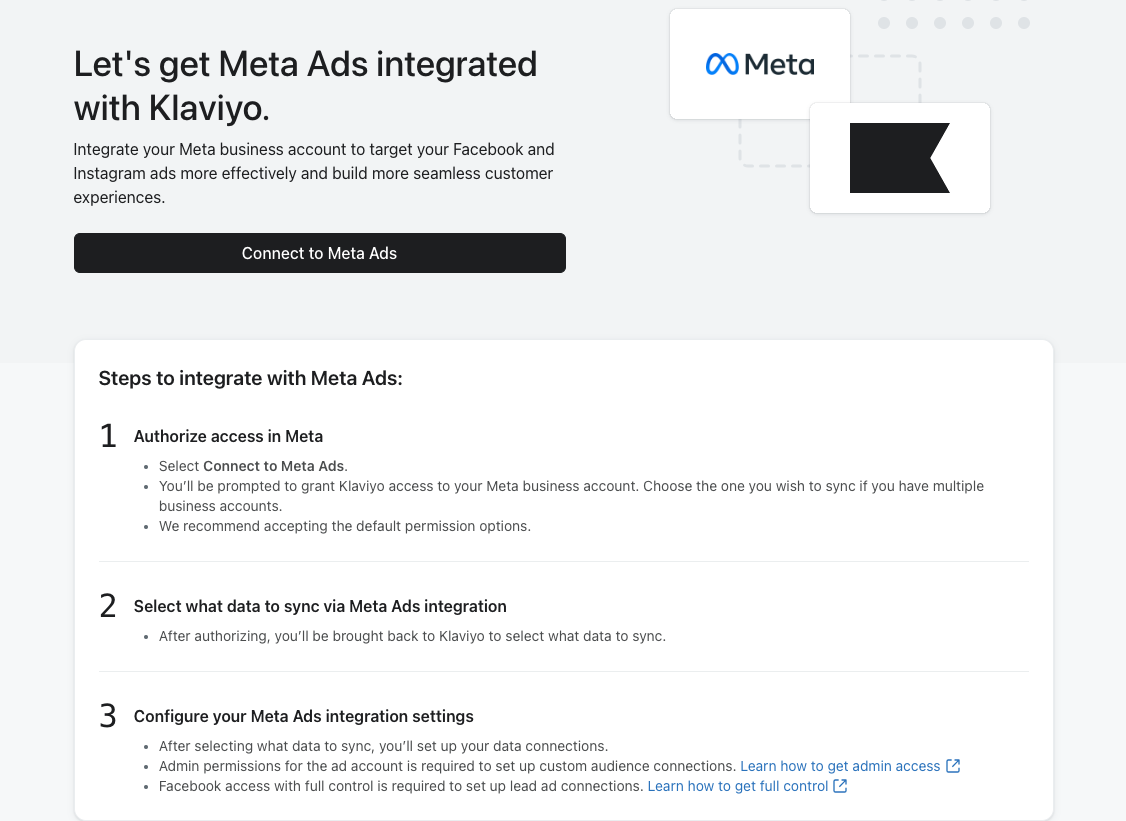
I've integrated Meta Ads with Klaviyo, and it shows a green tick with "Enabled." However, when I click into it, it appears as if it's not connected. I’ve attached a picture for reference.

Additionally, there's no option to sync the audience. Has anyone experienced this before, or does anyone know how to fix it?

Any help would be greatly appreciated. Thanks!

Olivia
 

    Best answer by Adunni

    Hi ​@OliviaS 

    It sounds like Klaviyo is showing a false positive—the integration appears enabled, but it's not fully connected. This is a common issue with Meta Ads and Klaviyo. Here’s how to fix it:

    Step 1: Reauthenticate the Integration

    1. Go to Integrations in Klaviyo and find Meta Ads.
    2. Click Manage SettingsReconnect to refresh the connection.
    3. Ensure you're logged into the correct Facebook account with admin access.

    Step 2: Check Business Manager Permissions

    1. Go to Meta Business SuiteSettingsBusiness Integrations.
    2. Look for Klaviyo and ensure it has full permissions (including audience access).
    3. If needed, remove and re-add Klaviyo.

    Step 3: Sync the Audience Manually

    1. In Klaviyo, go to Lists & Segments and select the audience you want to sync.
    2. Click Manage Integration and check if you can manually push the data.

    If none of these steps work, you may need to remove and re-add the Meta Ads integration entirely.

    Still stuck? Let me know—I can walk you through the process and get it fixed quickly! 🚀

    6 replies

    Adunni
    Problem Solver II
    AdunniAnswer
    Problem Solver II
    February 17, 2025

    Hi ​@OliviaS 

    It sounds like Klaviyo is showing a false positive—the integration appears enabled, but it's not fully connected. This is a common issue with Meta Ads and Klaviyo. Here’s how to fix it:

    Step 1: Reauthenticate the Integration

    1. Go to Integrations in Klaviyo and find Meta Ads.
    2. Click Manage SettingsReconnect to refresh the connection.
    3. Ensure you're logged into the correct Facebook account with admin access.

    Step 2: Check Business Manager Permissions

    1. Go to Meta Business SuiteSettingsBusiness Integrations.
    2. Look for Klaviyo and ensure it has full permissions (including audience access).
    3. If needed, remove and re-add Klaviyo.

    Step 3: Sync the Audience Manually

    1. In Klaviyo, go to Lists & Segments and select the audience you want to sync.
    2. Click Manage Integration and check if you can manually push the data.

    If none of these steps work, you may need to remove and re-add the Meta Ads integration entirely.

    Still stuck? Let me know—I can walk you through the process and get it fixed quickly! 🚀

    Whats A p p No - +234- 07042366365, E ma i l- waliyatkehinde 46 @ g ma i l . c om
    OliviaSAuthor
    Contributor II
    February 18, 2025

    Hi Adunni,

    Thanks for the instructions!  I’ve followed the instructions but it still doesn’t work.

    Also, there’s a notification about the API, I’m not sure if it’s relevant or what it means, but I’m including it here just in case. I’ve attached a picture for reference.

    Would appreciate any further guidance. Thanks!


    MANSIR2094
    Expert Problem Solver IV
    Expert Problem Solver IV
    February 18, 2025

    Hello ​@OliviaS , 
    It sounds like there might be a display issue or a partial connection between Klaviyo and Meta Ads. Try disconnecting and reconnecting the integration to refresh the connection. Also, check Klaviyo’s API permissions in your Meta Business settings to ensure full access. If the audience sync option is missing, it could be a permissions-related issue or a delay in data processing. Let me know if you need further guidance!

    Mansir Digital Portfolio
    OliviaSAuthor
    Contributor II
    February 18, 2025

    @MANSIR2094  ​@Adunni It’s working now! I have successfully integrated Klaviyo with Meta Ads and synced the audience.

    Thanks for your help! 😊

    Klaviyo Employee
    February 18, 2025

    Hey ​@OliviaS - how did you get this to work?

    retention
    Partner - Platinum
    2025 Champion
    February 18, 2025

    @amadgavkar - Try disconnecting and reconnecting.  Also, sometimes when Meta updates its audience manager’s “Terms of Use” policy, you have to agree/approve/confirm it for it to continue to work.  I’ve seen this break integration all the time since you have to agree to the updated terms for the integration to work.  It doesn’t always show up where you expect it, so when you reconnect, that prompt might show up.  

    Joseph Hsieh // retentioncommerce.com // X: @retention