
soukraco
Contributor II
Contributor II
March 24, 2021
Solved

Why aren't photos populating in my order confirmation email?

  • March 24, 2021
  • 8 replies
  • 602 views

I am creating a customized Order Confirmation email and am able to input all syntax for order number, item name, quantity and price, but not the photo. The photos are simply not showing up, but when I click the space in preview, it takes me to the photo.

When I set up the abandoned cart with the template, the photos of abandoned cart items appear, but not in this email. Please help! 

This topic has been closed for replies.
Best answer by caroline

Hi @soukraco,

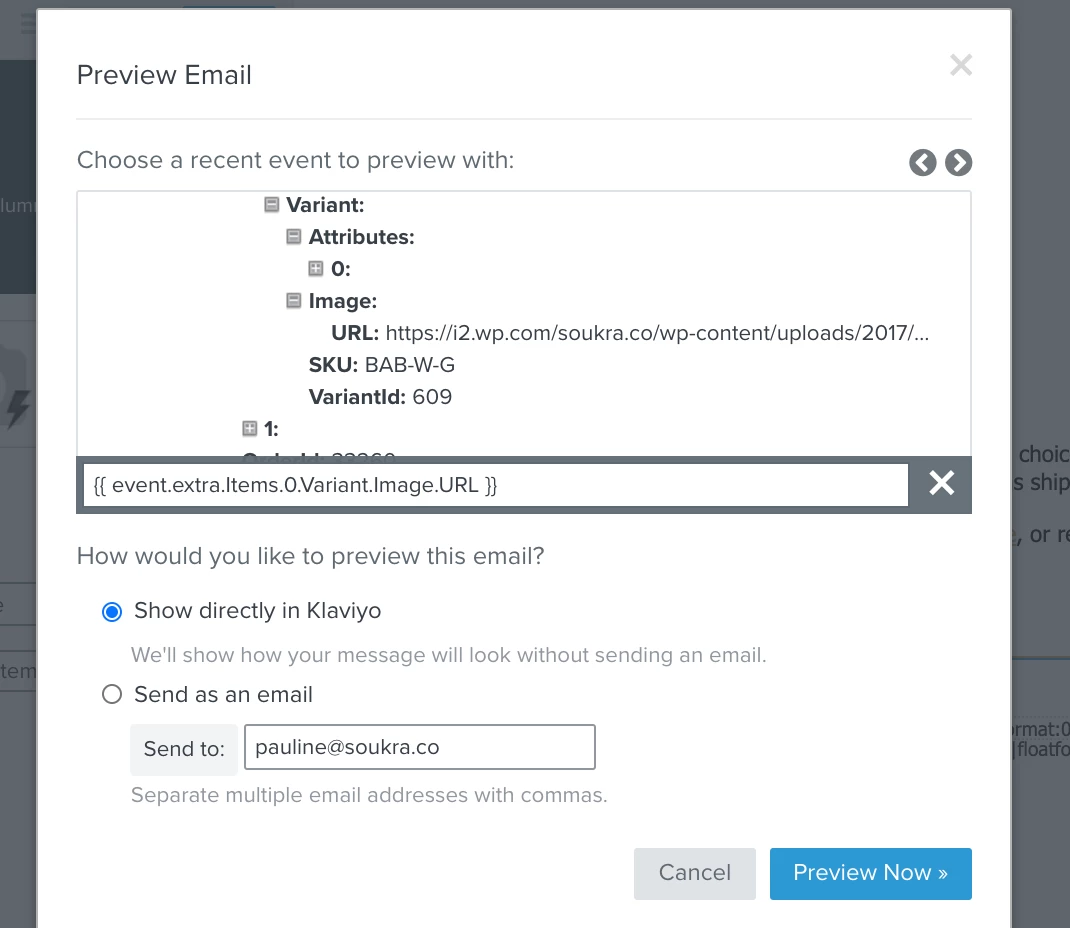
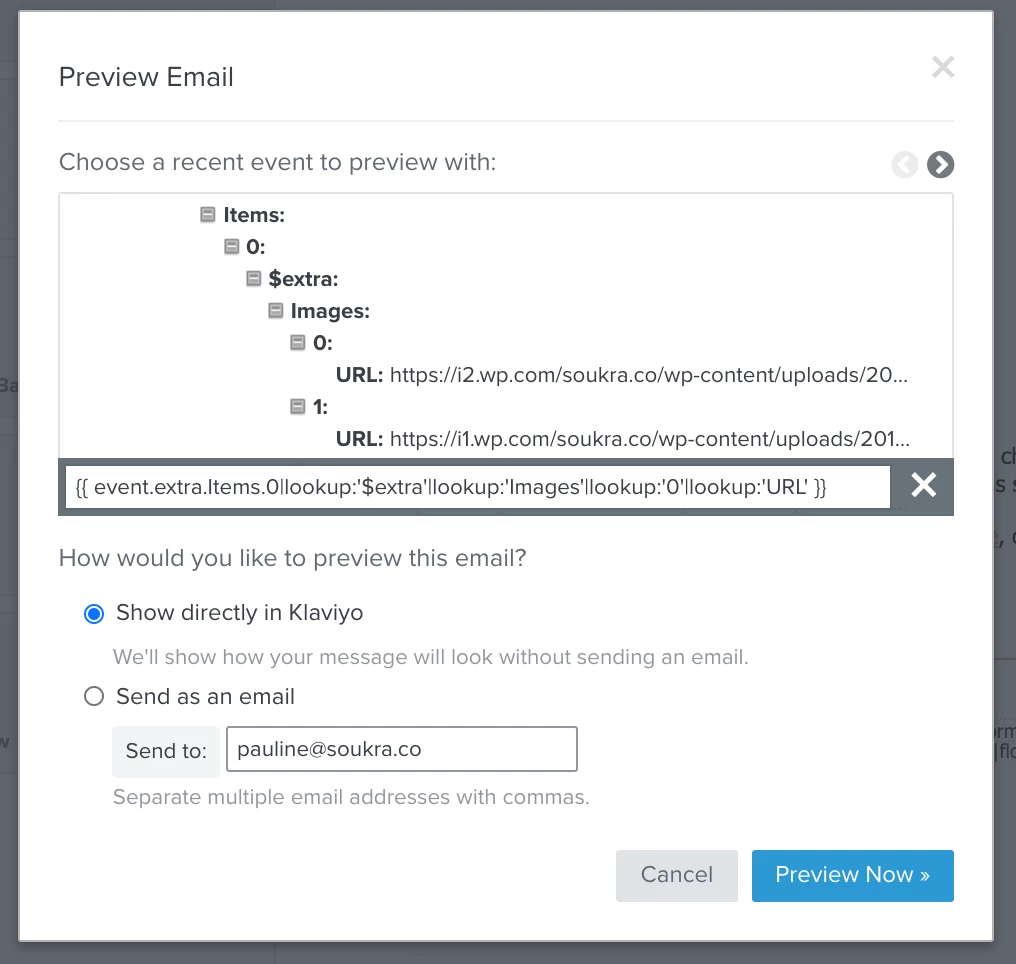
It looks like the syntax of the product image URLs is different from what you’re entering in the template. From your template it looks like you have two options in terms of URL, either the variant image URL or the non-variant image URL.


Best,

Caroline

8 replies

caroline
Klaviyo Alum
March 25, 2021

Hi @soukraco,

Can you provide a screenshot which shows the link to the photo in the “Preview” section?

About Using Event Variables to Personalize Flows

Best,

Caroline
 

Caroline Lu
soukraco
Contributor II
soukracoAuthor
Contributor II
March 25, 2021

Hi Caroline - Thanks fo checking in! Attached is a screen shot of the link. I’ve tried every single link associated with “images” in the Preview, and nothing shows up. Pauline 


Pauline Eveillard | Founder at SOUKRA | www.soukra.co | @shopsoukra  
soukraco
Contributor II
soukracoAuthor
Contributor II
March 25, 2021

Here’s another screenshot of when I preview. 


Pauline Eveillard | Founder at SOUKRA | www.soukra.co | @shopsoukra  
caroline
Klaviyo Alum
March 25, 2021

Hi @soukraco,

What event is this flow triggered by?

Caroline

Caroline Lu
soukraco
Contributor II
soukracoAuthor
Contributor II
March 25, 2021

Hi Caroline! When someone placed an order. 


Pauline Eveillard | Founder at SOUKRA | www.soukra.co | @shopsoukra  
caroline
carolineAnswer
Klaviyo Alum
March 25, 2021

Hi @soukraco,

It looks like the syntax of the product image URLs is different from what you’re entering in the template. From your template it looks like you have two options in terms of URL, either the variant image URL or the non-variant image URL.


Best,

Caroline

Caroline Lu
soukraco
Contributor II
soukracoAuthor
Contributor II
April 29, 2021

Hi Caroline - Thanks so much! I was able to figure this out with your help. I really appreciate the time you’ve put in to answering my question. Pauline 

Pauline Eveillard | Founder at SOUKRA | www.soukra.co | @shopsoukra  
Contributor I
January 24, 2022

Dear Klaviyo Community,

I am experiencing the same issue mentioned above. When I set up the abandoned cart with the template, the photos of abandoned cart items appear, but not in the “Order Confirmation” or “Order Shipped”. Could anyone help me with this?

Thank you!

Lam