Solved
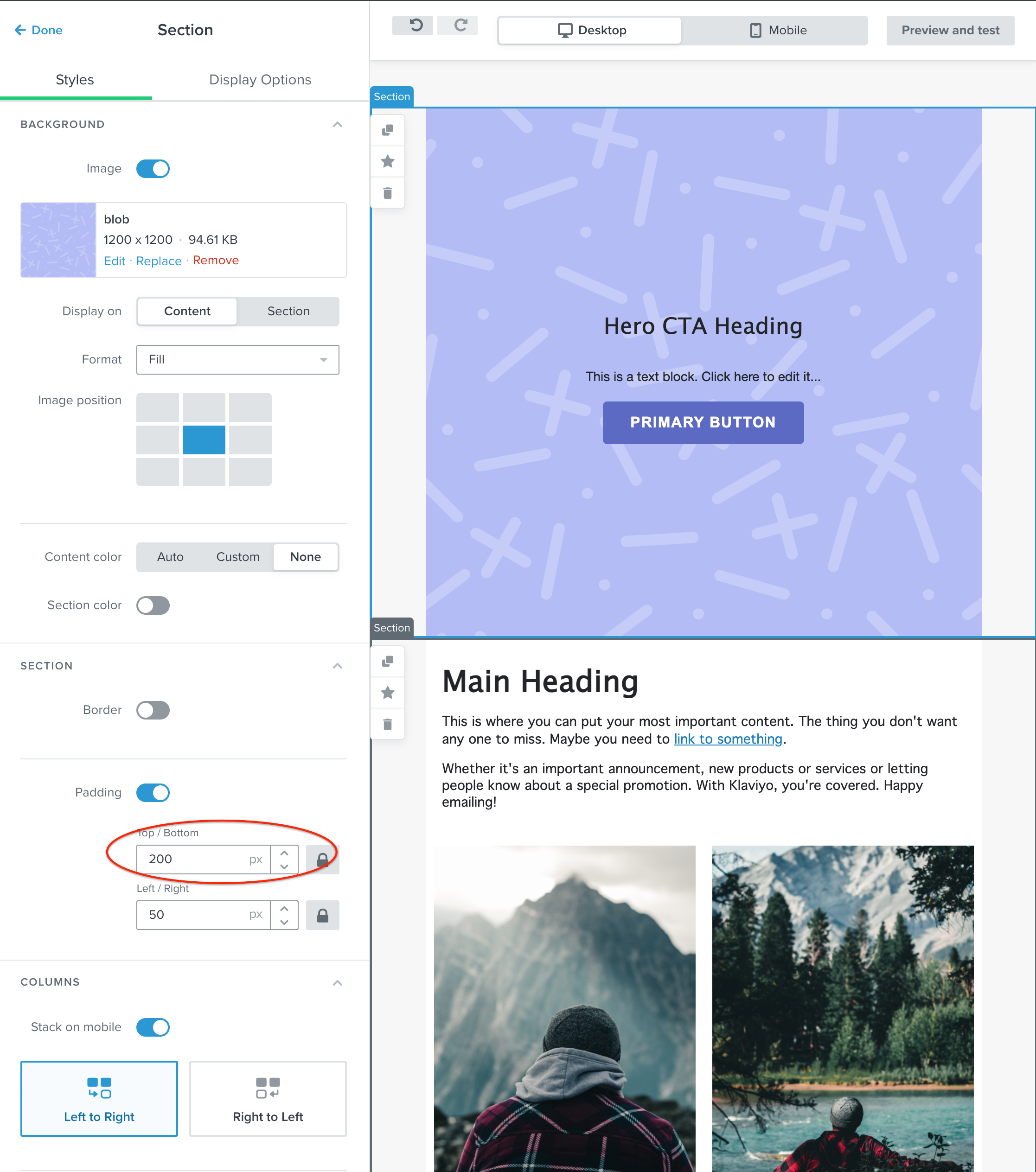
Why isn't the full background image displaying in my block in my email template?
So, apparently the new template editor allows you to add images as background with “content” on top.
So, someone explain to me why, when I add an image in the background via the Sections tab my image is cropped?
My original image shows much more than it shows below. If I add text, I know I can hit the space bar, and it will reveal more of the image, but I shouldn’t have to do this.
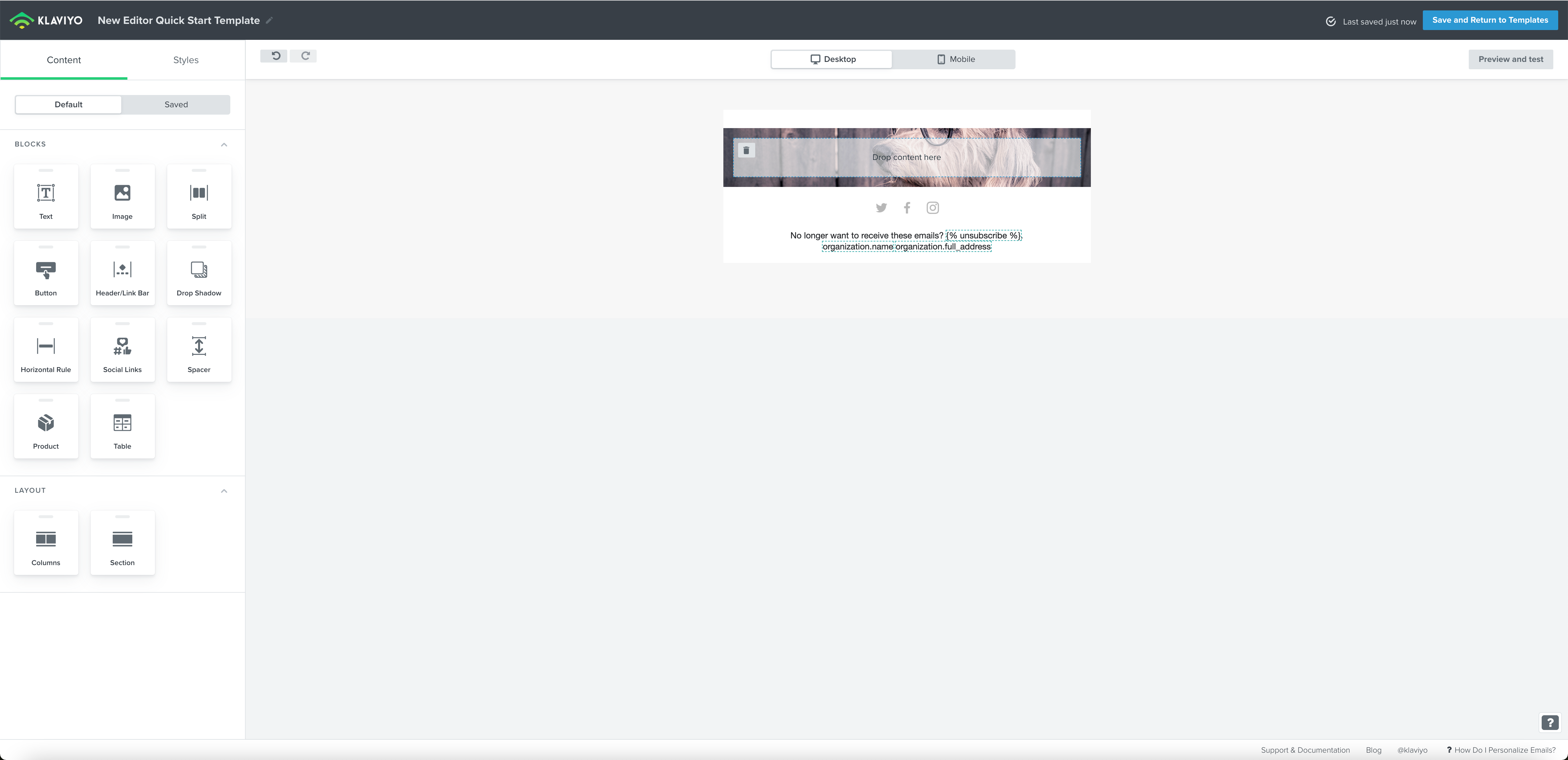
I’ve also noticed there is no videos showing people how to do this? And very little information anywhere actually.