
GabbyEsposito
Community Manager
Community Manager
Nov 3, 2026 10:37 PM UTC

What’s your top piece of BFCM advice you'd tell another Klaviyo user in November?
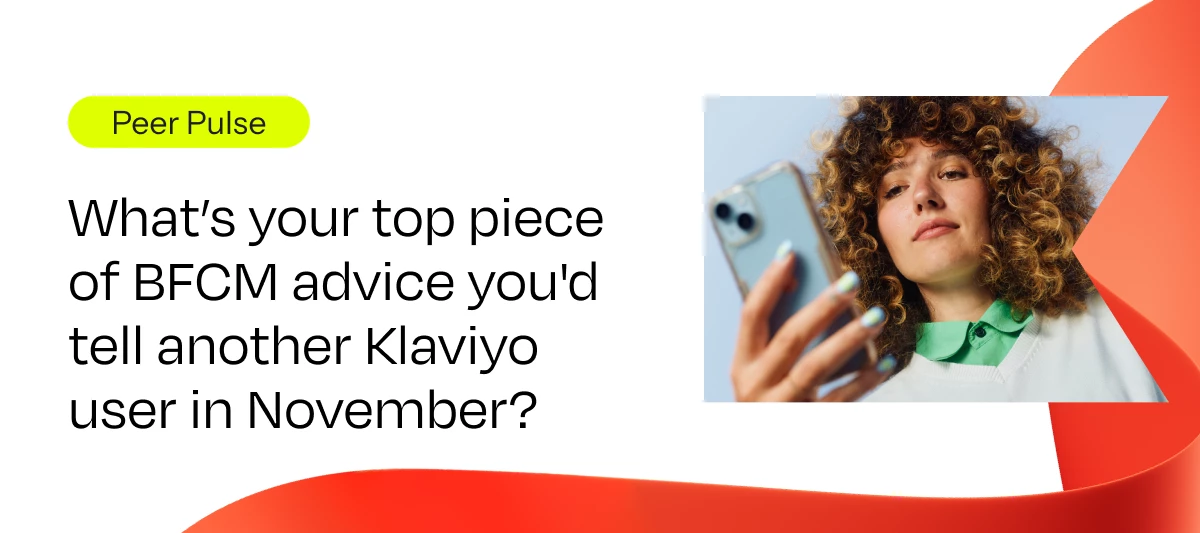
BFCM is just around the corner. What’s your top piece of BFCM advice you'd give to another Klaviyo user or marketer in November to help them prepare (mentally and in the platform) for the biggest shopping moment of the year?

Share one tip, lesson learned, or tactic you’re relying on between now and BFCM. Get specific about what’s worked for you. Let’s help each other head into the season ready! 

13 replies

Contributor I
Nov 20, 2026 12:53 PM UTC

If you're running a multi-day offer (12 days of deals, advent style), lock every day's product, code and exact start and end time before the first send. Then build one email template where only the product, the code and the date change, and send it at the same morning hour each day so people learn to expect it. Ask people to opt in to the daily series instead of sending all 12 to your whole list; the opt-in group is smaller but far more engaged, and it protects deliverability during the busiest week. Disclosure: I build a tool for offer calendars, so this is the part I think about every day. knockaday.app

Solo founder from Greece knockaday.app. I build offer calendars for online shops and think a lot about daily campaign emails.
Contributor I
Nov 20, 2026 11:03 PM UTC

Mine is a design one: before you schedule your BFCM emails, check them with images turned off and in dark mode.

A lot of Black Friday emails put the whole offer (the percentage, the code and the end date) inside one hero image. Many Outlook and work inboxes block images until the reader clicks to load them, and dark mode can turn a light image into a dark, muddy block. Either way, the subscriber opens your biggest email of the year and doesn't see the offer.

Quick fixes that take about ten minutes:

  • Put the discount and the code in live text right under the hero, not only inside the image.
  • Give the hero image alt text that states the offer, e.g. "30% off everything with code BF30", so it still reads when images are blocked.
  • Use a transparent PNG logo with a thin light outline so it doesn't disappear on a dark background.
  • Send a test to a phone with dark mode on and to an Outlook address before you schedule.

It's the cheapest way to protect conversions on the busiest send of the year.

oliverwilliams
Contributor I
Contributor I
Nov 24, 2026 11:36 AM UTC

Keep it simple. I would check the welcome flow first. Most small shops send a lot of promo mail and forget the basics. 

https://itsmuhammad.com