


Julie Hayes
Klaviyo Alum
September 21, 2020
Tutorial

Sign-up form recommendations

  • September 21, 2020
  • 21 replies
  • 5674 views

When editing your forms in Klaviyo, you’ll find several customization options for display and targeting located within the Behaviors tab:

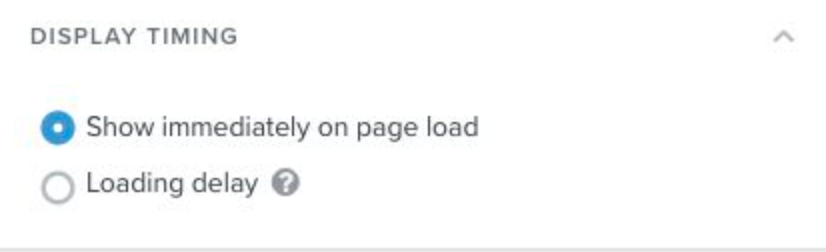
Display Timing: Setting a loading or scrolling delay creates a better experience for your visitors that’s both less intrusive and disruptive. Exit intent forms in particular have been shown to perform really well for this reason, and combining this behavior with a delay will ensure that your messaging reaches those visitors who have spent a decent amount of time on your site just before they go to leave.
 

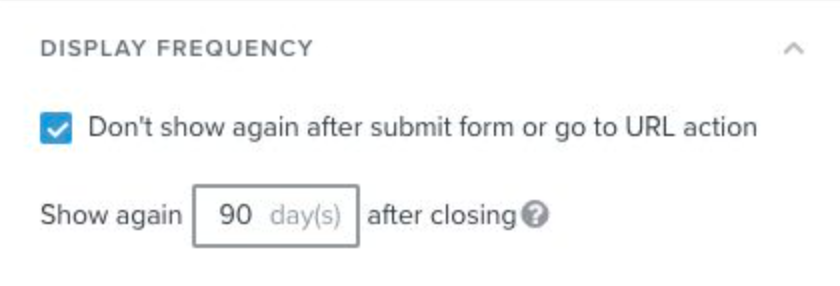
Display Frequency: It’s a good idea to hide forms from visitors who have already provided the information requested, but in the case where someone closed a form without submitting it, you can set the form to show again for that person after a certain number of days, when they may be more willing to subscribe.
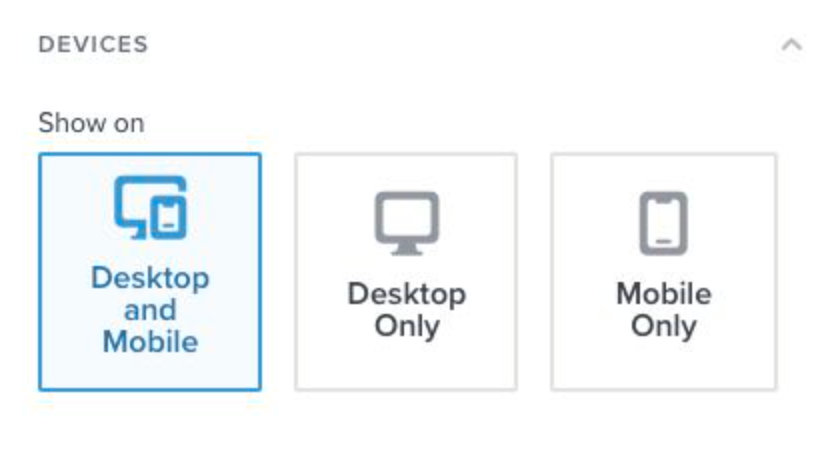
Devices: This is where you will choose which devices your form will appear on. Very often you’ll find you need to create a mobile-only version of a form that’s smaller or better optimized for smaller screens (e.g., having a phone number input instead of email, using dropdown menus or radio buttons instead of text inputs or checkboxes, etc.).
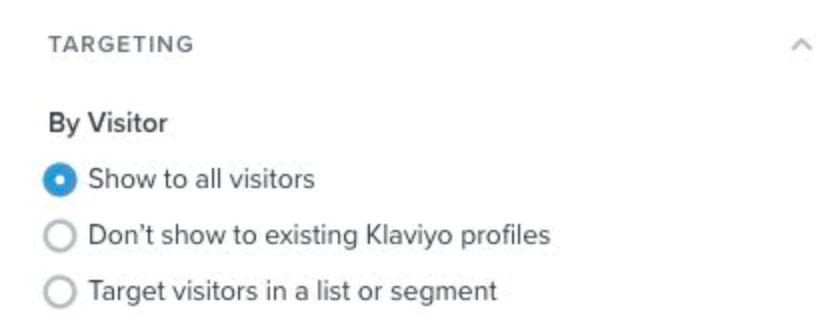
Targeting by Visitor: Here you can set your form to only show to specific lists or segments, and some best practice examples for this include: re-targeting recipients of a recent campaign with a form that contains similar branding or a special experience (think countdown timers) for those who click through the email (or targeting non-openers), targeting a VIP segment of big spenders with a coupon, or targeting a segment of past purchasers of a certain item or collection with a form advertising a new or similar product. 
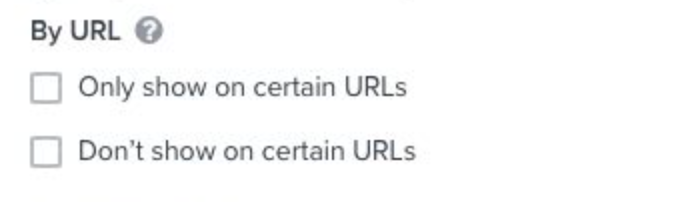
Targeting by URL: Targeting by URL can be very useful when it comes to creating a cohesive experience across all of your marketing channels. For example, you can target your form to only show to leads coming to your site from Facebook using the UTM parameters in the URL in order to provide them with a unique offer or promised content from the original ad.

You can also have forms that contain gender-specific messaging set to only show on URLs containing “womens” or “mens”, for example. 

Targeting an exit-intent form with abandoned cart messaging to your /cart URL can also be an effective strategy.
 

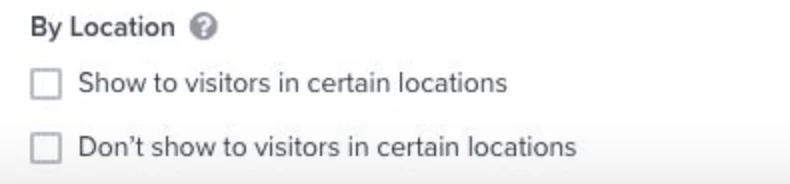
Targeting by Location: This becomes important if you sell in certain countries and want to show language-specific forms to customers based on where they’re located. Another common use case for this is targeting free shipping offers to visitors who are in your geographic area.


21 replies

Malachi McG
Active Contributor I
January 8, 2022

Hi all, 

Thanks in advance for any help. I have two questions/issues with Signup Forms. 

#1 I’m having an issue where the Exit Intent Form will appear over top of the Initial Signup form upon landing. Sometimes it’s because the exit-intent form is triggered prematurely, or seemingly at random on mobile, so the customer sees one signup form on top of another and can easily get frustrated and confused enough to bounce. 

  • Is there a way to automatically hide one form when another one appears? 


#2 I am using a Teaser on mobile and the teaser is set to “before displaying form”, and the form is set to show 2 seconds after page load. But what is happening is that the form is loading upon page load, and the teaser is only showing up later after I close the form. The teaser is ALSO showing up even if I “X” out of the form, but the setting is to only show “before displaying form”.

  • Any ideas why this is happening or how to fix?


David To
Klaviyo Employee
Klaviyo Employee
January 10, 2022

Hello @Malachi McG,

As i’ve mentioned in my previous comment above your question, if you are using multiple signup forms, there wouldn’t be a method to limit your site visitors to only one form. For this reason we suggest enabling the Don’t show to existing Klaviyo profiles under the form’s Targeting & Behavior settings or limiting your forms through different display settings. Keep in mind though that neither of these solutions are perfect and using an exit intent form on mobile can be tricky and instead suggest using the  Show after scrolling X% of the page behavioral setting as mentioned in the below Community post:

For your second issue, this would be related to only having a two second delay set for your Display Timing setting. When using a teaser set with the behavior of Before displaying form, we suggest using a longer Display Timing behavior. We suggest this as having those two conflicting behaviors would cause a race condition between the teaser and the signup form. Our How to Add a Form Teaser Help Center article also calls this out when explaining the Before displaying form teaser behavior:

Before displaying form
A teaser set to show before displaying a form will appear two seconds after the page loads. It will display until a visitor clicks it, or until the form's display conditions are met (e.g., time delay or scroll percentage). 

Note that if your form is set to display immediately on page load, or after less than a two second wait, the teaser will be skipped. 


I hope this helps!

David

Malachi McG
Active Contributor I
January 11, 2022

@David To thanks so much!  Couple quick follow up questions…

  1. Does don’t show to “existing Klaviyo profiles” mean Klaviyo Profiles that have subscribed to our list? Or would this include profiles found in Klaviyo that have not subscribed to our list? I currently have the form set to not to show to visitors that are on our two main lists. 
  2. For mobile, if I only wanted the teaser to show, and not have the form appear unless the user clicks on the teaser, is the only way to do this to set the “display  __ seconds after page load” to a very large number like 1000 seconds?
David To
Klaviyo Employee
Klaviyo Employee
January 11, 2022

Hey @Malachi McG,

The Don’t show to existing Klaviyo profiles Targeting Behavior would cover all identified profiles in your Klaviyo account and not only identified profiles that are not subscribed to a list. To learn more about profiles, I would recommend taking a look at our helpful Guide to Active Email Profiles and Guide to Profiles in Klaviyo Help Center articles. 

You are correct on the second point. If you wanted only a tease on your page without the form automatically appearing, then taking advantage and using a longer time frame for the Show X seconds after page load Display Timing Load Delay setting would accomplish this. In doing so, this would ensure the form does not prematurely load while the tease is present. 

David

Malachi McG
Active Contributor I
January 13, 2022

thank you very much @David To! I currently have all forms set to “Don’t Show” to visitors of certain lists as seen in the attached screenshot. However when myself and others on our team browse the site (without being in incognito mode) we are consistently shown the forms, even though we are on the lists excluded.

Is Klaviyo referencing users for this targeting filter based on IP address? Or are they cookies and so if someone clears out cookies they would be shown the forms even if they are on the lists? (I routinely clear cache and cookies). 

Thanks again for all of your help!


David To
Klaviyo Employee
Klaviyo Employee
January 13, 2022

Hey @Malachi McG,

You’re very welcome!

Klaviyo is able to identify users and adhere to those form behaviors through cookies. For this reason, when testing we suggest users test their forms in an incognito window to avoid any remnant cookies playing a role. 

This also means that if you frequently clear your cookies and cache and/or use third party tools that mask or remove your cookies from the browser, this would play a role in forms either appearing or not based on how your form is set up. You can learn more about cookies from our About Cookies in Klaviyo Help Center article.

For your case, since it seems like you may have cleared your cookies when testing, it would be expected that the form would appear for you as you would no longer be identified as a profile that is present on one of those two lists. 

David

Contributor I
August 2, 2023

How do you measure the timing of when a pop up should appear after the page loads? Because showing too soon can discourage site visitors but showing too late we could miss an opportunity to capture email addresses? The average duration for a visitor on our homepage is 56 secs and 1 minute and 12 secs average duration for our website. We are looking to A/B test the seconds after the page loads vs the scrolling page percentage pop ups. Any advice is appreciated! Thank you! 

David To
Klaviyo Employee
Klaviyo Employee
August 7, 2023

Hey @Hunter_Brielle,

You’re totally on the right track with A/B testing! Oftentimes the timing of when you want a pop up to appear would really depend entirely on your customers and your site experience. Because of this, constantly testing to find the right timing is key. 

Have you also tried adding a form teaser to your site? Personally, I’m a big fan of this feature since even if your form pops up too soon or too early, it still allows your visitors to opt-in. Especially if there’s a discount involved. 

David

Problem Solver I
September 23, 2023

Great discussion here, as always.

@David To 

I’m working with a client who will use a strategy allowing Amazon customers to opt in via a QR code. 

Since these subscribers haven’t subscribed using the conventional opt-in form, I assume they will see our pop-up form even though they are already on the list.

Is this correct?


David To
Klaviyo Employee
Klaviyo Employee
September 26, 2023

Hey @eCommetry,

That would depend on if these subscribers are already cookied through the browser they’re viewing your site from. 

Despite your subscribers not having signed up through a conventional sign-up form, so long as they are cookied and recognized as being on the list, the Klaviyo targeting behaviors would still apply.

David