Solved

Viewed Product event not firing on Shopify flows

  • January 16, 2026
  • 1 reply
  • 25 views

Forum|alt.badge.img


 Hi Klaviyo Community,

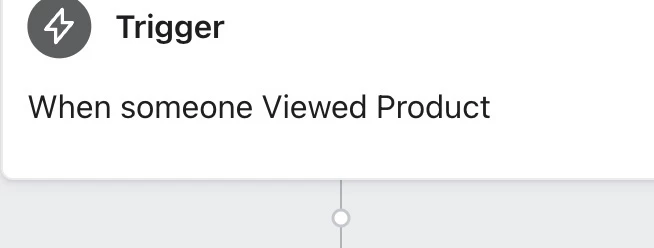
I have Viewed Product-triggered flows set up on Shopify, but I can’t see the event firing, and my emails aren’t sending.

Setup:

  • Shopify theme: Dawn 15.4

  • Klaviyo app installed with Onsite Tracking enabled

  • Checkbox “Add Viewed Product tracking to my site” is turned on

  • Tested in a normal browser (not incognito, no ad blockers)

Problem:

  • Flows set to trigger on Viewed Product never start

  • I’ve tested multiple times in both normal and incognito browsers, scrolling around and landing on product pages

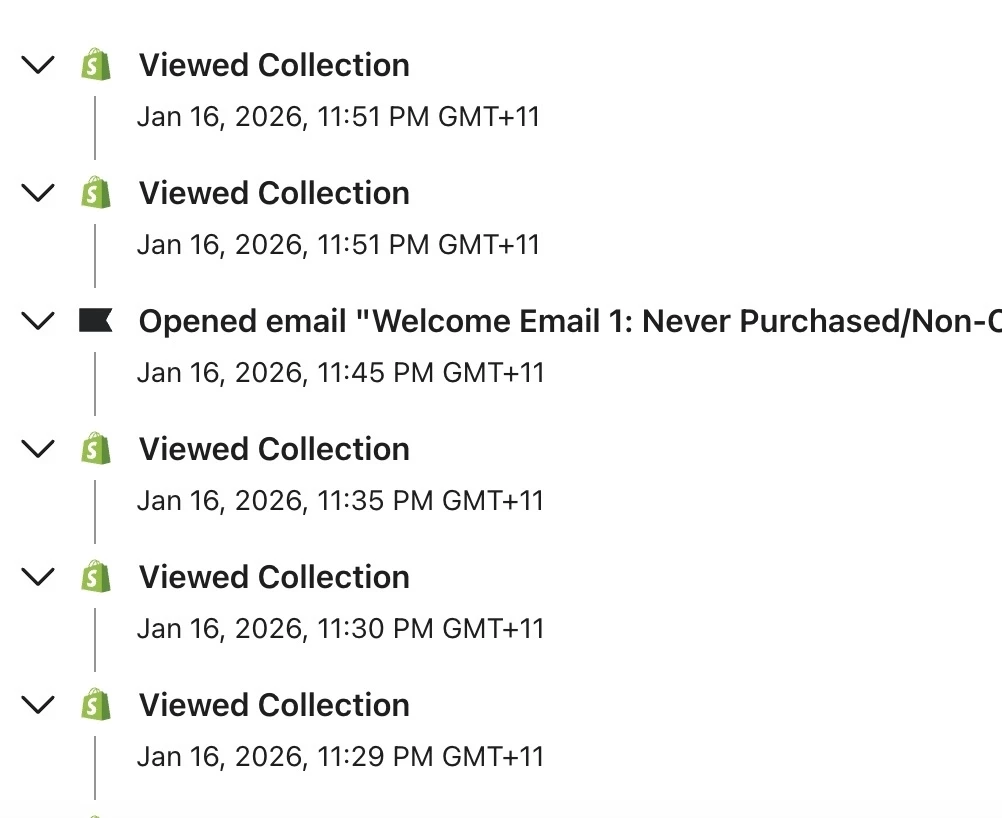
  • View Collection events work fine, but Viewed Product events never appear

  • The Viewed Product event doesn’t show in Real-Time metrics or anywhere in Klaviyo

  • I want to see the event firing and have my flows work properly

Questions:

  1. How is the Viewed Product event supposed to fire with Onsite Tracking enabled?

  2. Should it appear in Real-Time metrics immediately?

  3. Are there any known issues with Shopify Dawn 15.4?

  4. What else can I do to make sure Viewed Product-triggered flows actually work and send emails?

Thanks in advance for any guidance! 
 

Best answer by Byrne C

Hey ​@Fiona Lu,

My theory here is that you’re not taking an action that would allow our Active On Site/Viewed Product tracking to track your activity, which is why you’re not seeing the event populate on your profile. Viewed Product tracking relies on cookies, and in order to be tracked, a site visitor needs to do something to “cookie” themselves, which allows Klaviyo to recognize them. These actions include:

  1. Filling out an email in a Klaviyo form and submitting the form
  2. Clicking a link in a Klaviyo email that leads to your website
  3. Manually adding a UTM parameters to the site’s URL that allows you to be tracked (usually used for testing purposes). For example, if you added ?utm_email=test@test.com to the URL pressed enter, and started browsing and viewing products, you’d see a profile for that email on your Klaviyo account, complete with the actions you took.

Can you try one of these 3 actions, and then view a couple products to see if viewed product tracking works?

1 reply

Byrne C
Community Manager
Forum|alt.badge.img+28
  • Community Manager
  • Answer
  • January 20, 2026

Hey ​@Fiona Lu,

My theory here is that you’re not taking an action that would allow our Active On Site/Viewed Product tracking to track your activity, which is why you’re not seeing the event populate on your profile. Viewed Product tracking relies on cookies, and in order to be tracked, a site visitor needs to do something to “cookie” themselves, which allows Klaviyo to recognize them. These actions include:

  1. Filling out an email in a Klaviyo form and submitting the form
  2. Clicking a link in a Klaviyo email that leads to your website
  3. Manually adding a UTM parameters to the site’s URL that allows you to be tracked (usually used for testing purposes). For example, if you added ?utm_email=test@test.com to the URL pressed enter, and started browsing and viewing products, you’d see a profile for that email on your Klaviyo account, complete with the actions you took.

Can you try one of these 3 actions, and then view a couple products to see if viewed product tracking works?