Contributor II
October 23, 2023
Solved

Abandoned cart reminder flow

  • October 23, 2023
  • 4 replies
  • 270 views

Hi,

I’m having some issues, some help on this would be amazing!


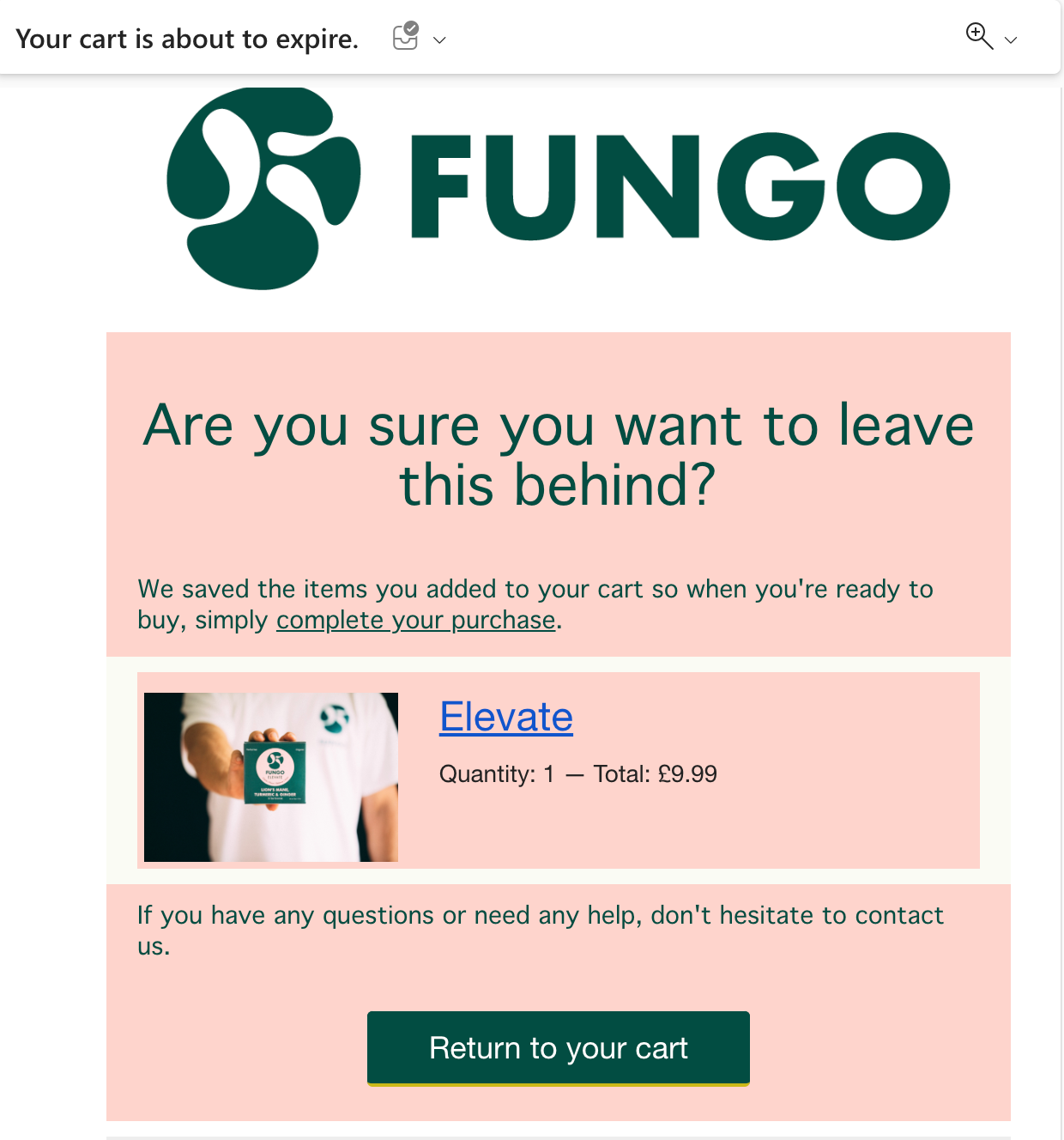
I’m using the abandoned cart reminder template, which is now live on my website (Wordpress + Elementor). I’ve tested the flow, but filling in my details on the checkout page of my website. It works, I get the automated email ‘Your cart is about to expire’. 


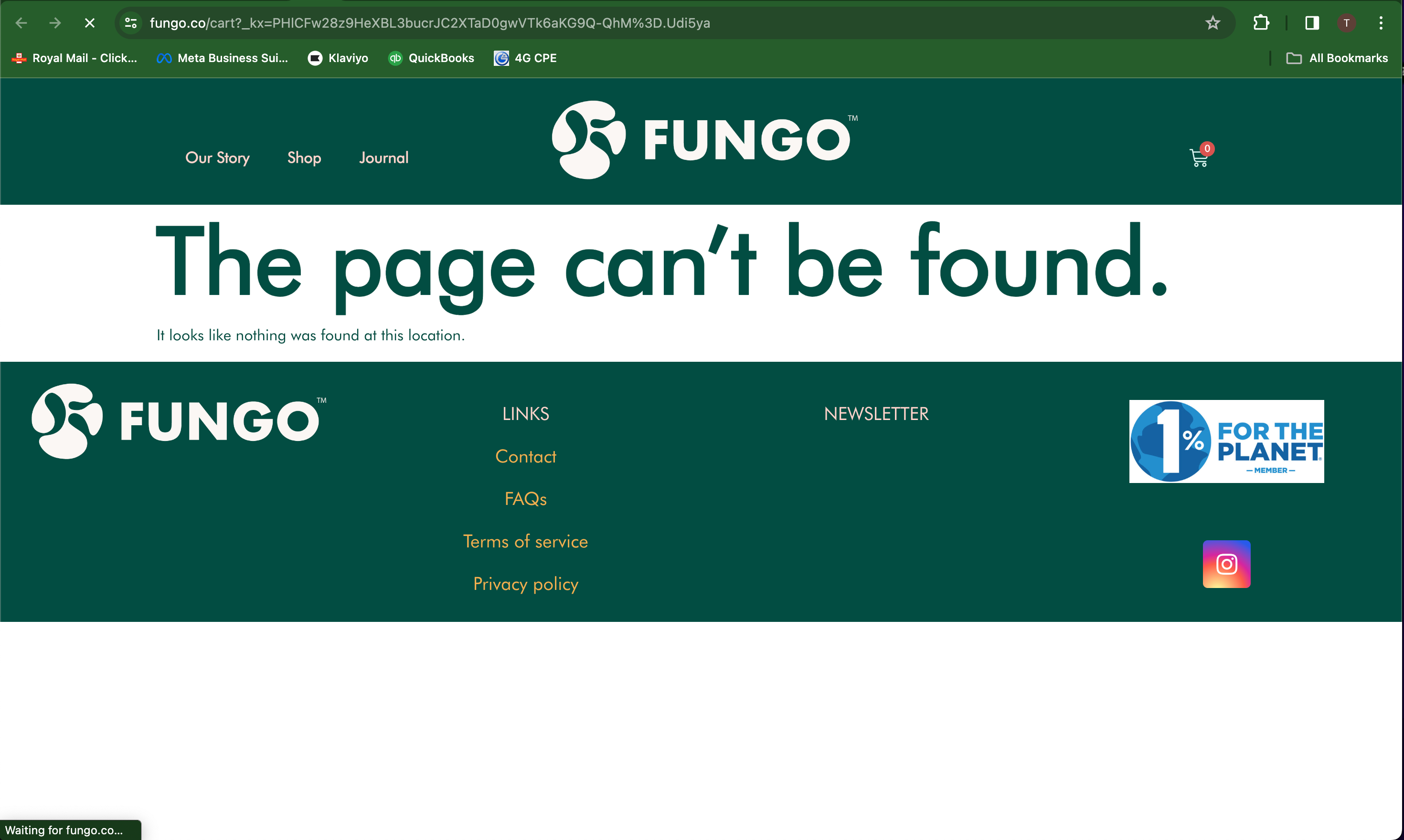
However, I then click through on the email, which prompts to take me through to my saved cart. It doesn’t work, I get taken through to ‘the page can’t be found’. I’ve also tried on mobile and incognito, but no luck. 
 

I haven’t changed any code, so I’m not sure what i’ve done wrong here.


Does anyone have any idea why this might be happening? 


Thanks

    This topic has been closed for replies.
    Best answer by Spark Bridge Digital LLC

    How is your current URL formed for the button? And is it WooCommerce that is handling the purchases? It can be a tad trickier on building your cart link.

    Give this URL string a try to the end of your company’s website -

    ?wck_rebuild_cart={{ event.extra.CartRebuildKey }}

    Or a full string could be this -

    {{ organization.url }}cart?wck_rebuild_cart={{ event.extra.CartRebuildKey }}

    But sometimes the Org URL field can be funky, so typing in your actual URL .com/cart and then the first code option should work!

    4 replies

    bluesnapper
    Partner
    Champion & Partner
    October 23, 2023

    Hi @tombarrow 

    What ecomm platform are you on - WooC? Can you share the url for your ‘Return to Cart’?

    Regards

    Andy

    https://bluesnapper.com - Klaviyo Champion '24 & Partner
    Spark Bridge Digital LLC
    Partner - Platinum
    2025 Champion
    October 23, 2023

    How is your current URL formed for the button? And is it WooCommerce that is handling the purchases? It can be a tad trickier on building your cart link.

    Give this URL string a try to the end of your company’s website -

    ?wck_rebuild_cart={{ event.extra.CartRebuildKey }}

    Or a full string could be this -

    {{ organization.url }}cart?wck_rebuild_cart={{ event.extra.CartRebuildKey }}

    But sometimes the Org URL field can be funky, so typing in your actual URL .com/cart and then the first code option should work!

    Klaviyo Champion | Your Email Marketing BFF
    retention
    Partner - Platinum
    2025 Champion
    October 23, 2023

    @tombarrow - adding on top of @Spark Bridge Digital LLC, just to make sure, check if you have updated to the latest Klaviyo WooCommerce extension.

    https://woocommerce.com/products/klaviyo-for-woocommerce/

    In a past client project a while back, we had an outdated Wordpress version that didn’t have the cart rebuilding code so an update fixed it for us. 

    Joseph Hsieh // retentioncommerce.com // X: @retention
    tombarrowAuthor
    Contributor II
    October 24, 2023

    Thanks everyone, @Spark Bridge Digital LLC your first suggestion worked here a beauty!


    Thanks for your help on this.