




Email AI Demo and Example Outputs
When the Email AI feature first launched, I was curious on some of the example outputs that it could generate. The Email AI lets you generate a Section of your Template with a given prompt to get you started. What’s interesting is that the AI seems to try to use your brand contextually wherever it can, which is most obvious when it creates some generative text. I’ll add a few example here for now, but I’ll continue to update this thread with new additions.
Here’s an example of how it works (highly compressed animated gif!):
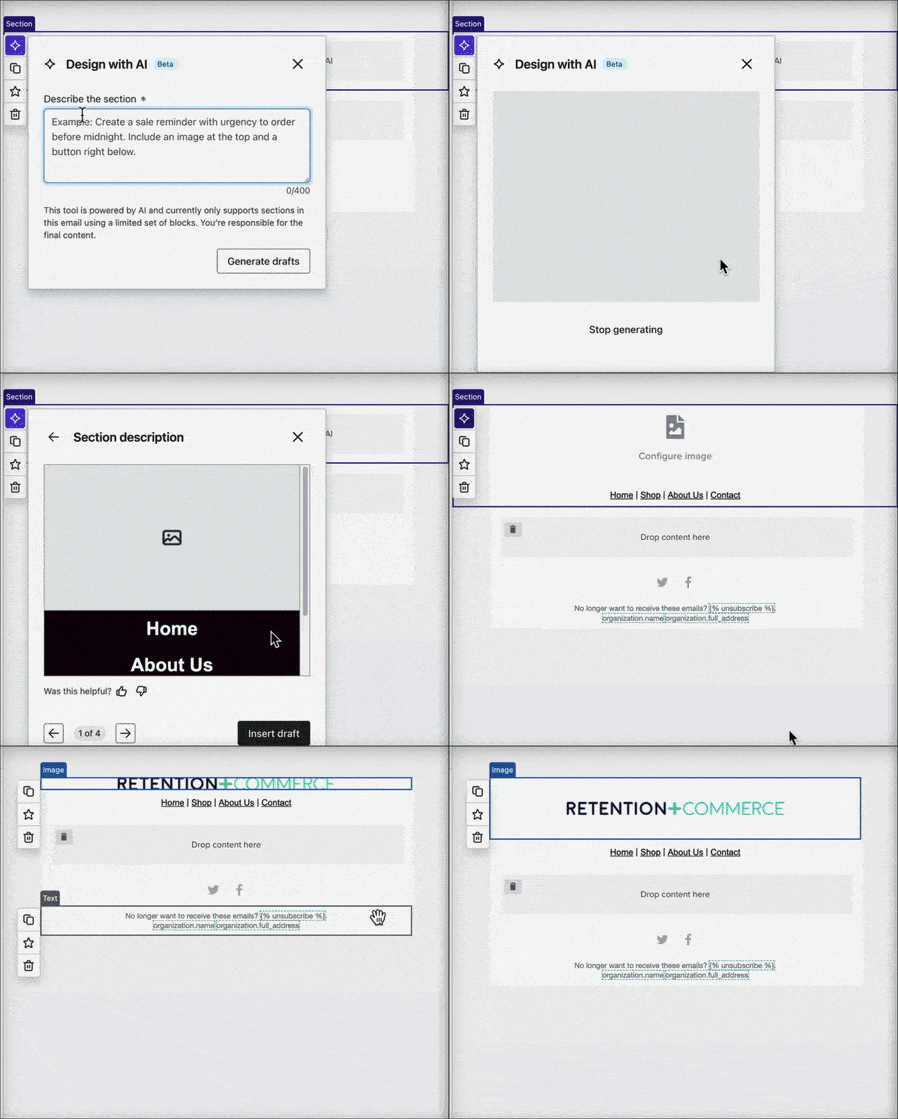
Prompt:
Create a header section with a logo image centered on top with a white background. Below the logo has four primary navigation links from left to right.
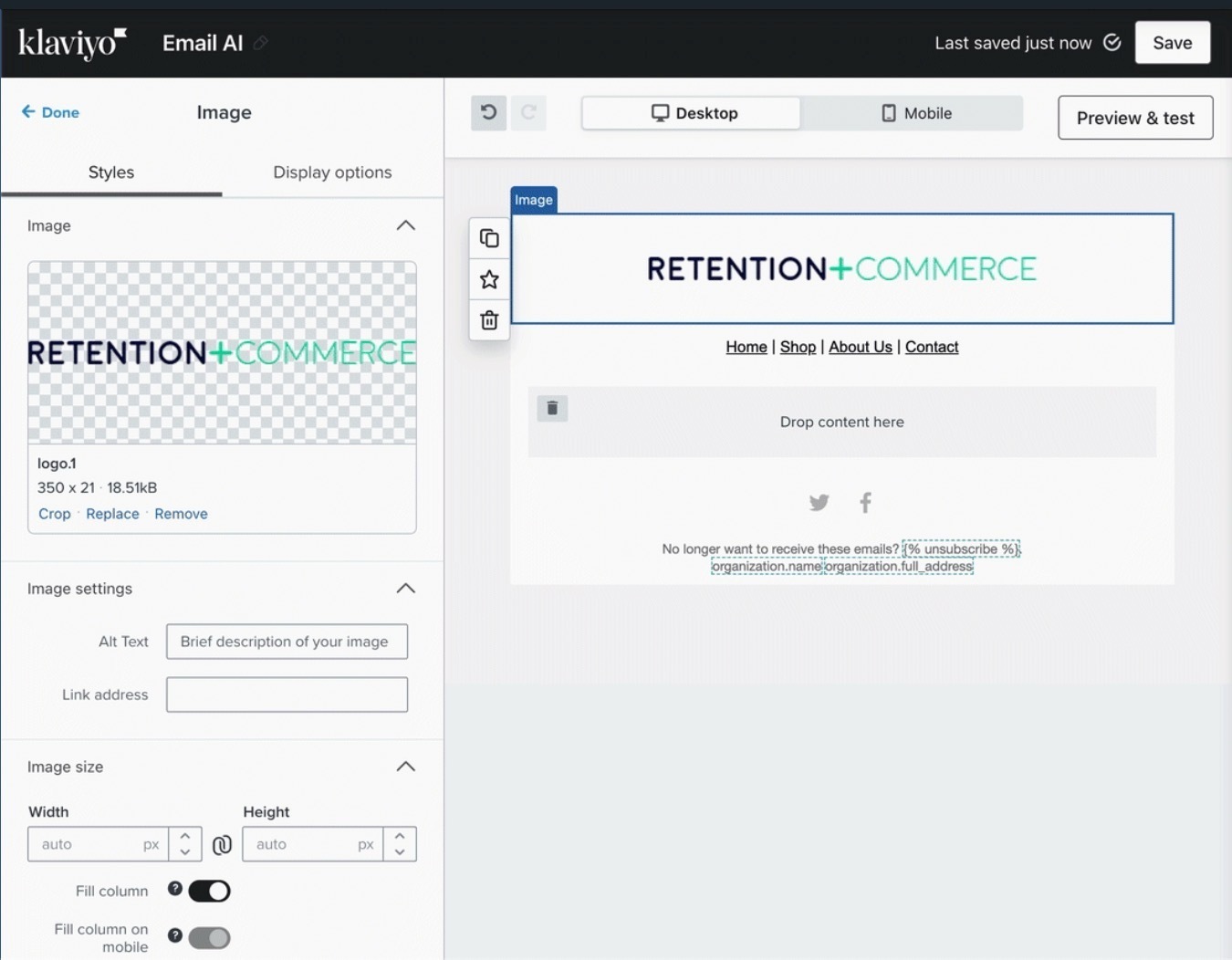
- Note: Email AI didn’t add the image logo, but it did center it correctly.
Prompt:
Create a section with images and text laid out in a zigzag pattern. At the bottom, add a button encouraging readers to take a look.
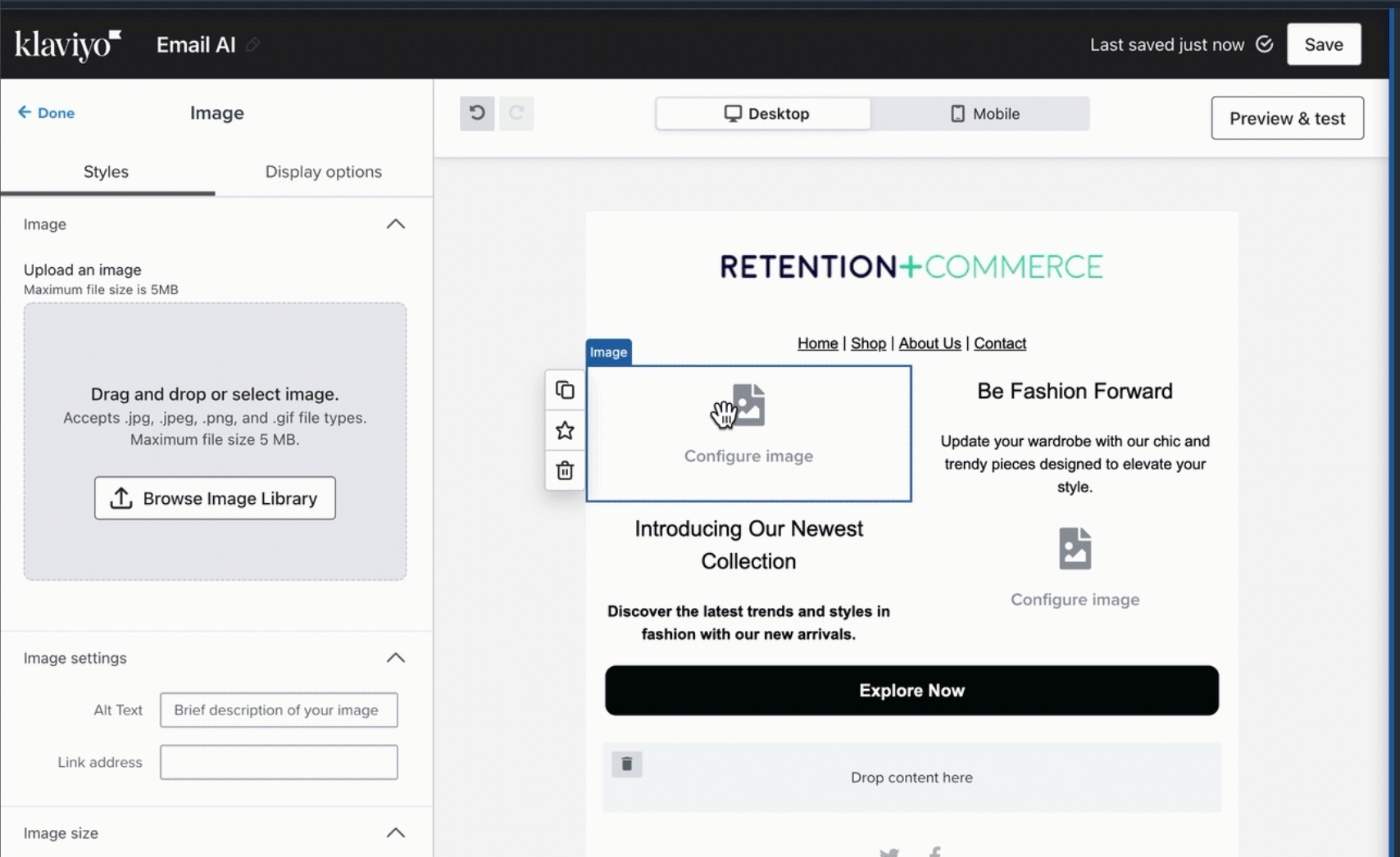
Prompt:
Create a friendly message with links to follow us on social media.
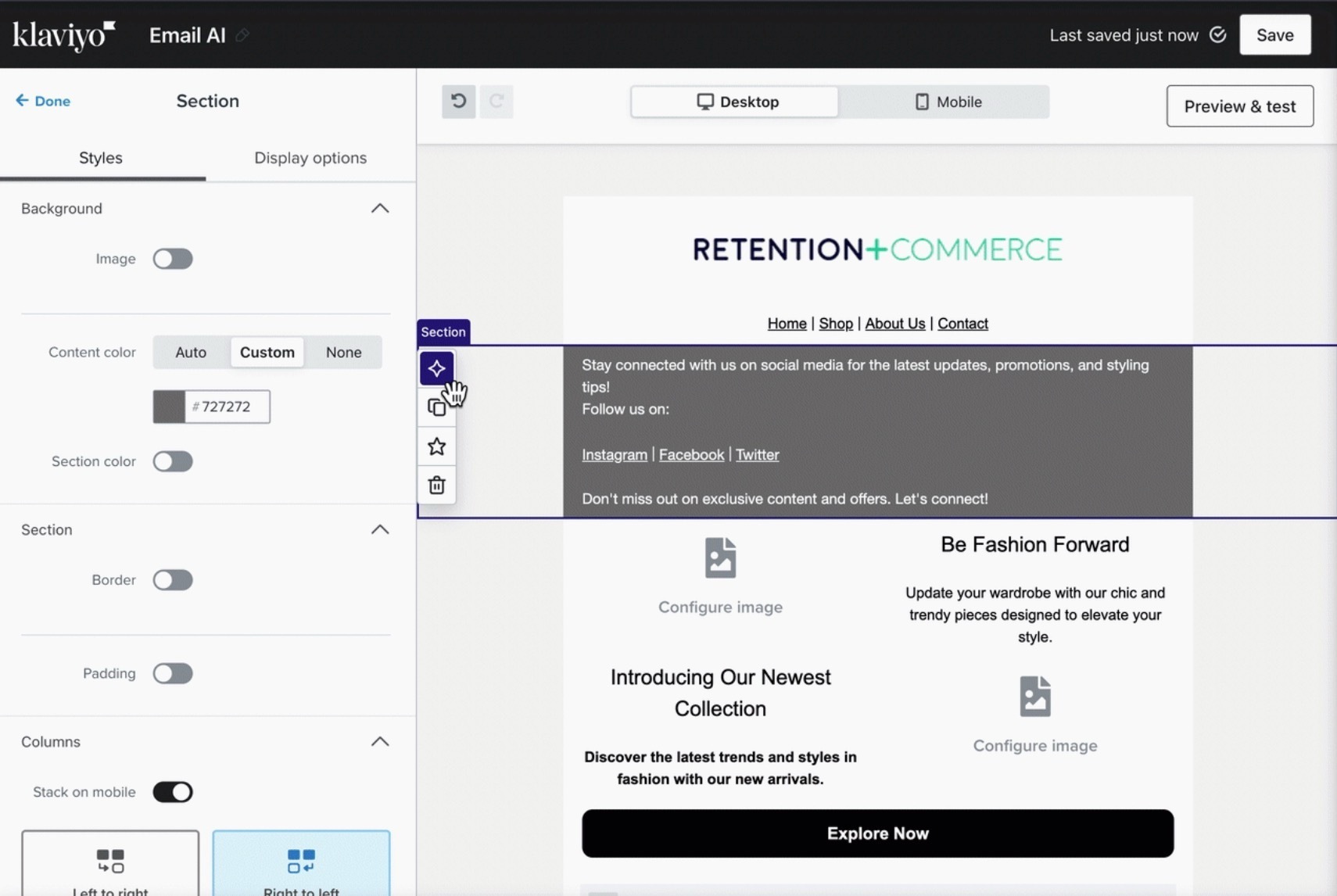
For more information about Email AI, you can read the documentation here:
Have you tested the Email AI feature yet? Try these prompts above or share your own in a reply.

