



Question

Figma-to-Klaviyo... How to start?

  • June 5, 2026
  • 1 reply
  • 12 views

claudiavarela
Contributor I
Forum|alt.badge.img

Hi everyone!

I'm new to both Klaviyo and this community, and I'm excited to start learning from all of you.

I'm currently working on creating more sophisticated and professional email and newsletter designs using Figma, and I have a few questions that I hope someone can help me with.

What's the best way to bring Figma email designs into Klaviyo? Do you usually recreate the design directly in Klaviyo, export it as HTML, or use another workflow?

I'm also curious about how this works with dynamic and interactive content. For example, if I'm building an Abandoned Cart flow, how can I use a custom-designed template while still incorporating Klaviyo's dynamic product blocks and event-based content?

I'd really appreciate any advice, best practices, or resources you can share.

Thank you in advance, and I'm looking forward to learning from the community!😃
1 reply

  • Contributor I
  • June 5, 2026

Hi Claudia! 

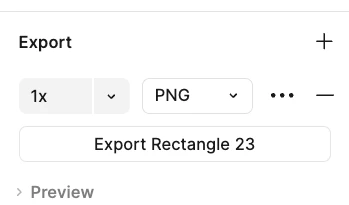
Happy to try and help here :) We use Figma at Sticky Digital for all designs so I have a bit of practice. After you create the design in Figma, you will need to export it as a PNG. I recommend exporting at 2x to maintain the quality. After exporting, I would open it in Photoshop and use the slice tool to break up the blocks so that you can link each block to the URL you want in Klaviyo. After that you can use the drag and drop templates in Klaviyo and upload each slice as an image! For dynamic blocks, you can create a header and footer for the dynamic block, but then you will need to use the product block in Klaviyo to set the dynamic content you want to pull in. You can adapt the fonts and background color of the dynamic block to have it match your brand as close as possible. I hope that helps!