Hi @crystalresurrection, welcome to the community!
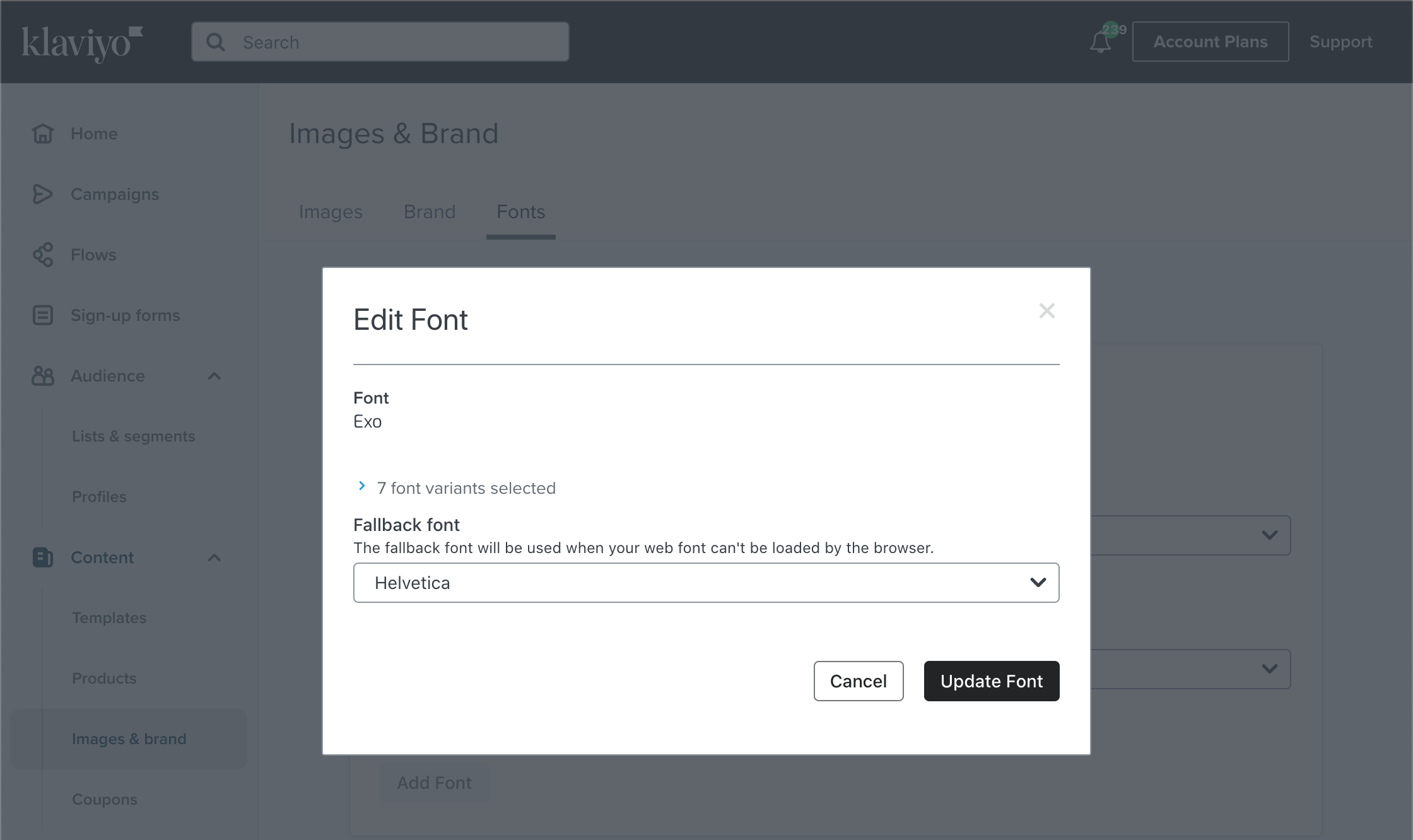
If you go to your Images & Brand section in your Admin, select the Fonts Tab and click on the triple dots to edit an existing Font under the “Your Fonts” section. From there, you should be able to select a “Fallback Font” from there and click Update Font to save.
Hi @crystalresurrection, welcome to the community!
If you go to your Images & Brand section in your Admin, select the Fonts Tab and click on the triple dots to edit an existing Font under the “Your Fonts” section. From there, you should be able to select a “Fallback Font” from there and click Update Font to save.