Solved
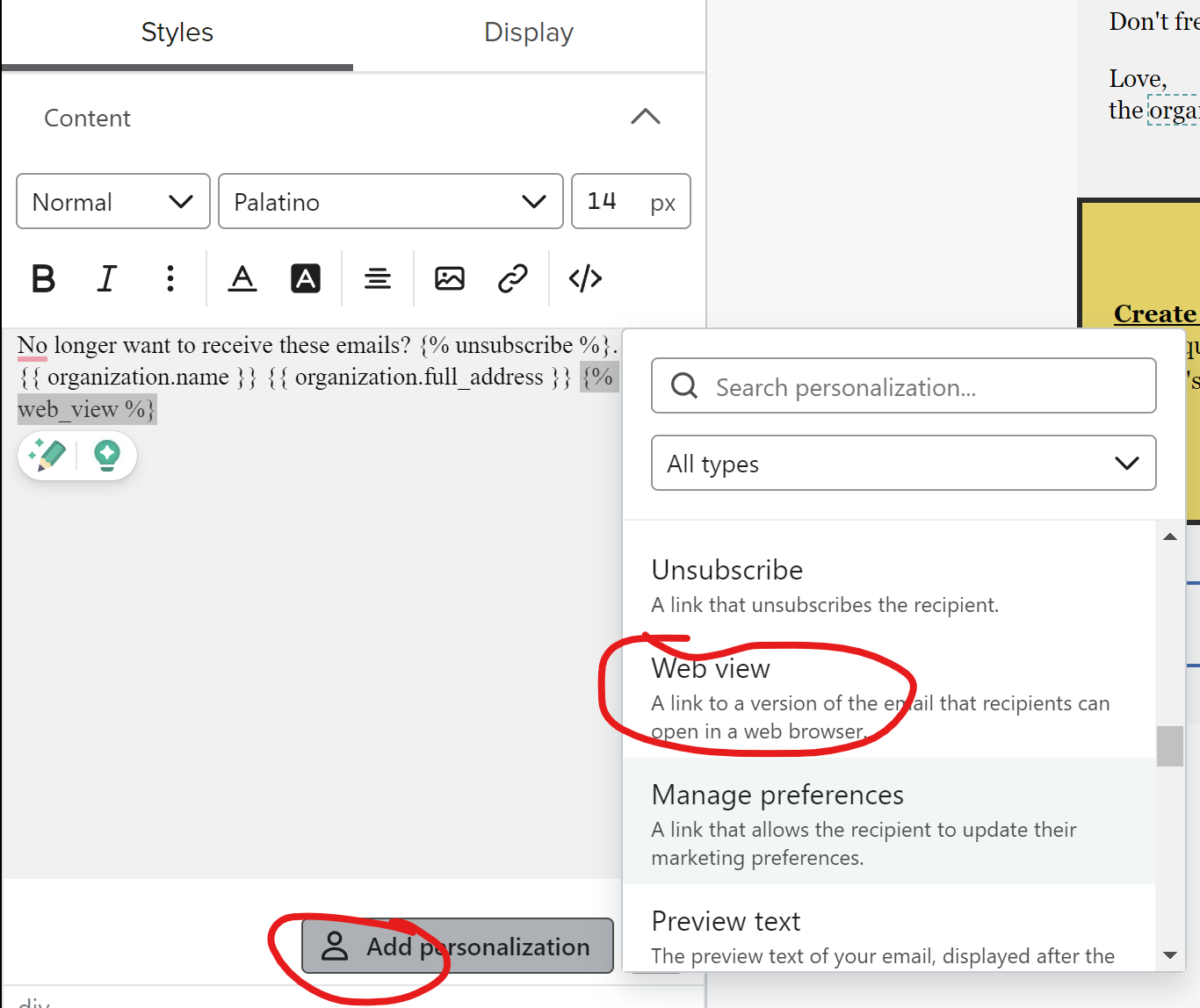
How to enable "View in Browser" and share email as a web page?
Where is the setting to enable the “View in Browser” feature?
I would like to use a link to share with certain individuals through a messaging app like WhatsApp.

Where is the setting to enable the “View in Browser” feature?
I would like to use a link to share with certain individuals through a messaging app like WhatsApp.
Enter your E-mail address. We'll send you an e-mail with instructions to reset your password.