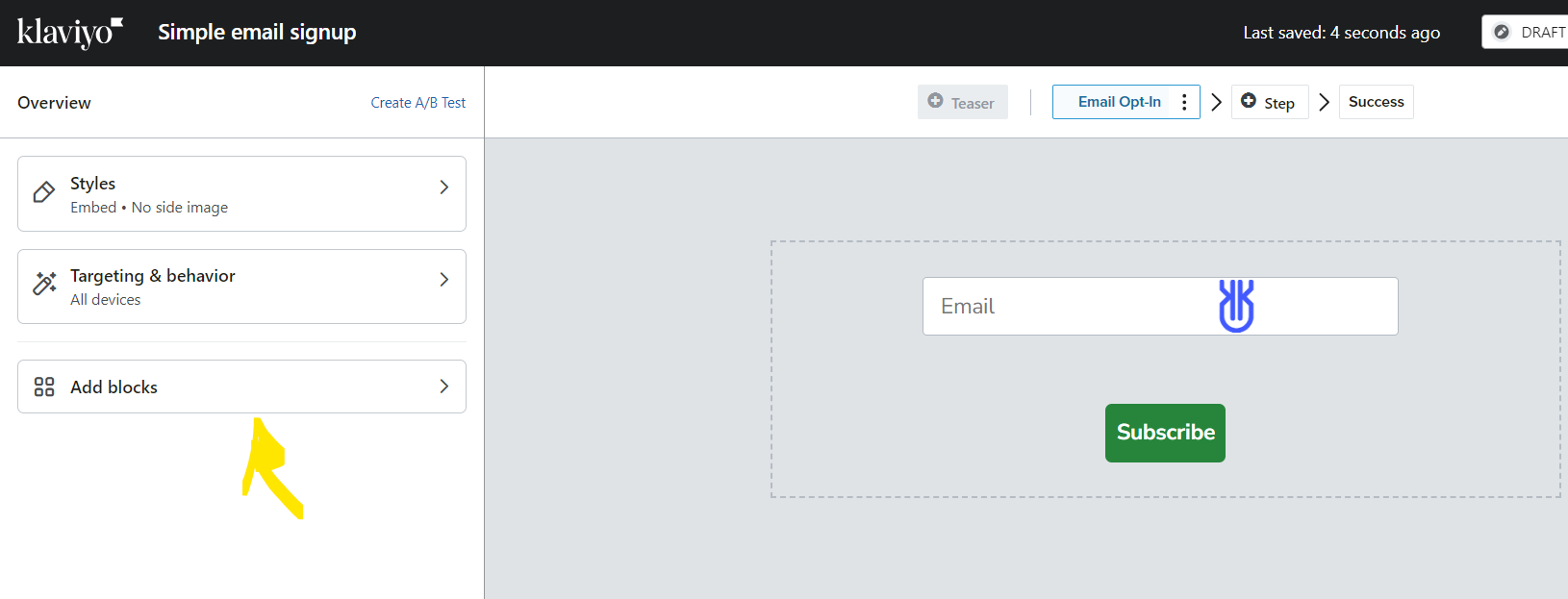
You should be able to drag and drop the different blocks in the editor. Simply press the button and move it underneath - this should show a blue bar, that shows where you can place it.
If you wish to edit the styling, this will appear in the leftside bar, where fonts, colours and sizing of the buttion and embedded form in general can be edited.
You are also able to add more elements from the leftside bar.
I hope this helps :-)
Champion & Klaviyo Partner based in Aarhus, Denmark. It is all about communicating the right message to the right people at the right time!
You should be able to drag and drop the different blocks in the editor. Simply press the button and move it underneath - this should show a blue bar, that shows where you can place it.
If you wish to edit the styling, this will appear in the leftside bar, where fonts, colours and sizing of the buttion and embedded form in general can be edited.
You are also able to add more elements from the leftside bar.
I hope this helps :-)
Champion & Klaviyo Partner based in Aarhus, Denmark. It is all about communicating the right message to the right people at the right time!