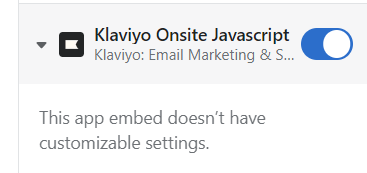
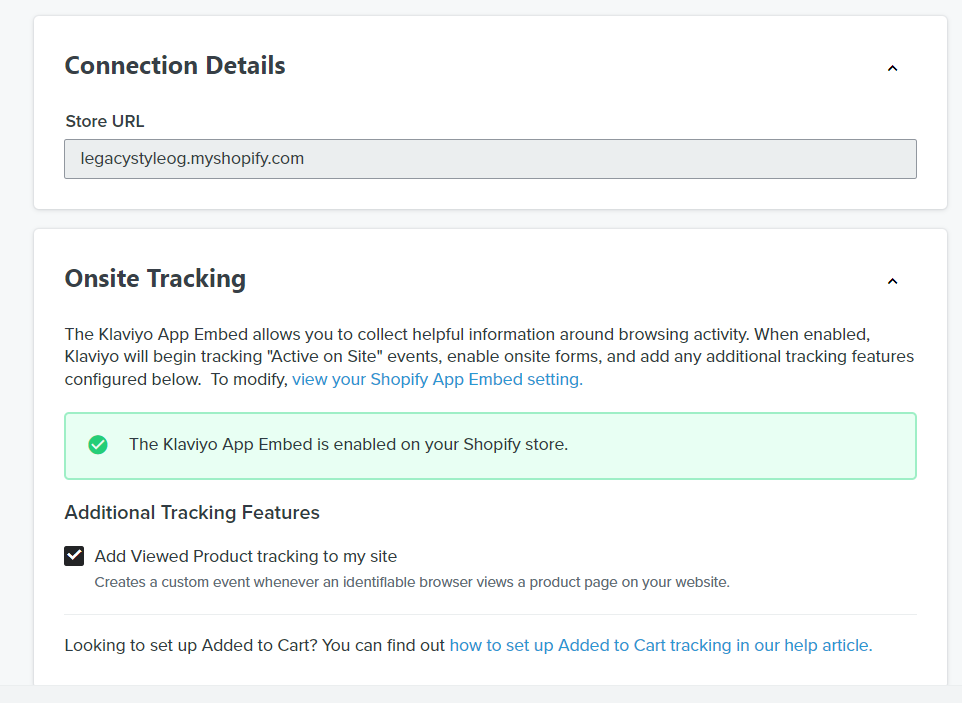
Hi @LegacyOG, just to add to @Irrra excellent answer, if you see the green checkmark on the Klaviyo Integration page you should be fine - for most Shopify users, this is all you need to do. Klaviyo’s script (in Shopify) does not have any theme-user customizable settings at this time so there’s really nothing else you have to do.
If you want to verify, you can follow @Irrra steps, to validate that Klaviyo’s tracking code is working. You can also look for Klaviyo’s Metric for “Viewed Product” since you have it enabled to see if you are seeing any activity there. If you see activity, then your tracking should be working as intended.
Finally, for the few Shopify themes that somehow break this process, or if you have a extremely customized or hand built Shopify Theme and you are a developer (or have access to one), you can manually add the Klaviyo tracking code into the Theme code itself. Just make sure to disable the automatic placement so you don’t have it duplicated. Klaviyo has some excellent information on how to do this or you can share it with your developers to implement:
Hope this helps!