

Contributor I
July 31, 2024
Solved

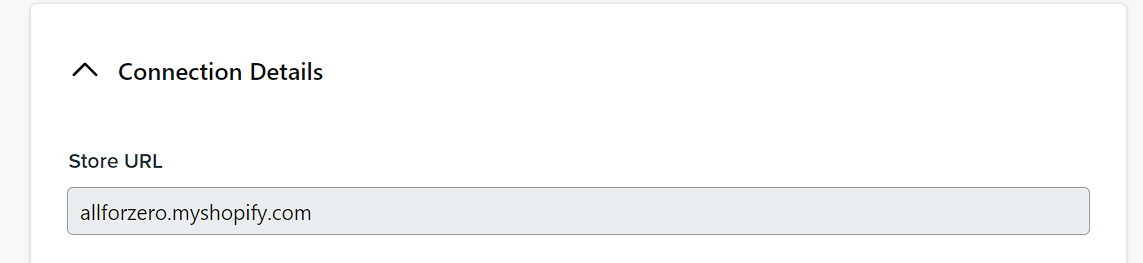
Unable to change store URL
  • July 31, 2024
  • 2 replies
  • 154 views

I can't click on my store URL to change in the integration settings. What to do?

    This topic has been closed for replies.
    Best answer by DishaM13

    Hi @Nickopheij14 ,


    Thank you for sharing the query in the community!

    To update the store URL, you have two options:

    1. Contact the Support Team for assistance.
    2. Remove the existing integration and then add a new one with the updated store URL and previous details.

    If you choose to remove the existing integration, please note down all current settings to ensure nothing is missed in the new setup.

    Let us know if you need any further assistance!


    2 replies

    DishaM13Answer
    Partner
    July 31, 2024

    Hi @Nickopheij14 ,


    Thank you for sharing the query in the community!

    To update the store URL, you have two options:

    1. Contact the Support Team for assistance.
    2. Remove the existing integration and then add a new one with the updated store URL and previous details.

    If you choose to remove the existing integration, please note down all current settings to ensure nothing is missed in the new setup.

    Let us know if you need any further assistance!


    Disha Sharma | Transforming Klaviyo into your brand’s favorite profit center. https://www.mavlers.com/klaviyo-email-marketing-agency
    Customer Champion
    August 9, 2024

    Hey, I think you will need to redo your integration, is this a shopify integration?