


Contributor I
August 6, 2024
Solved

WooComm/Klaviyo - sign up form showed then disappeared.

  • August 6, 2024
  • 4 replies
  • 104 views

If you look on the right column of footer you can see in the code, my embed code is there but its not rendering a form (it did for a very brief period, like 2 minutes). But then stopped showing.

https://shopmountainpeaknutritionals.com/

This footer exists on all our pages, so I can’t just turn off caching (We’re hosted at WP Engine) - and I’m not sure what other avenue to look for a solution. 
    This topic has been closed for replies.
    Best answer by Maxbuzz

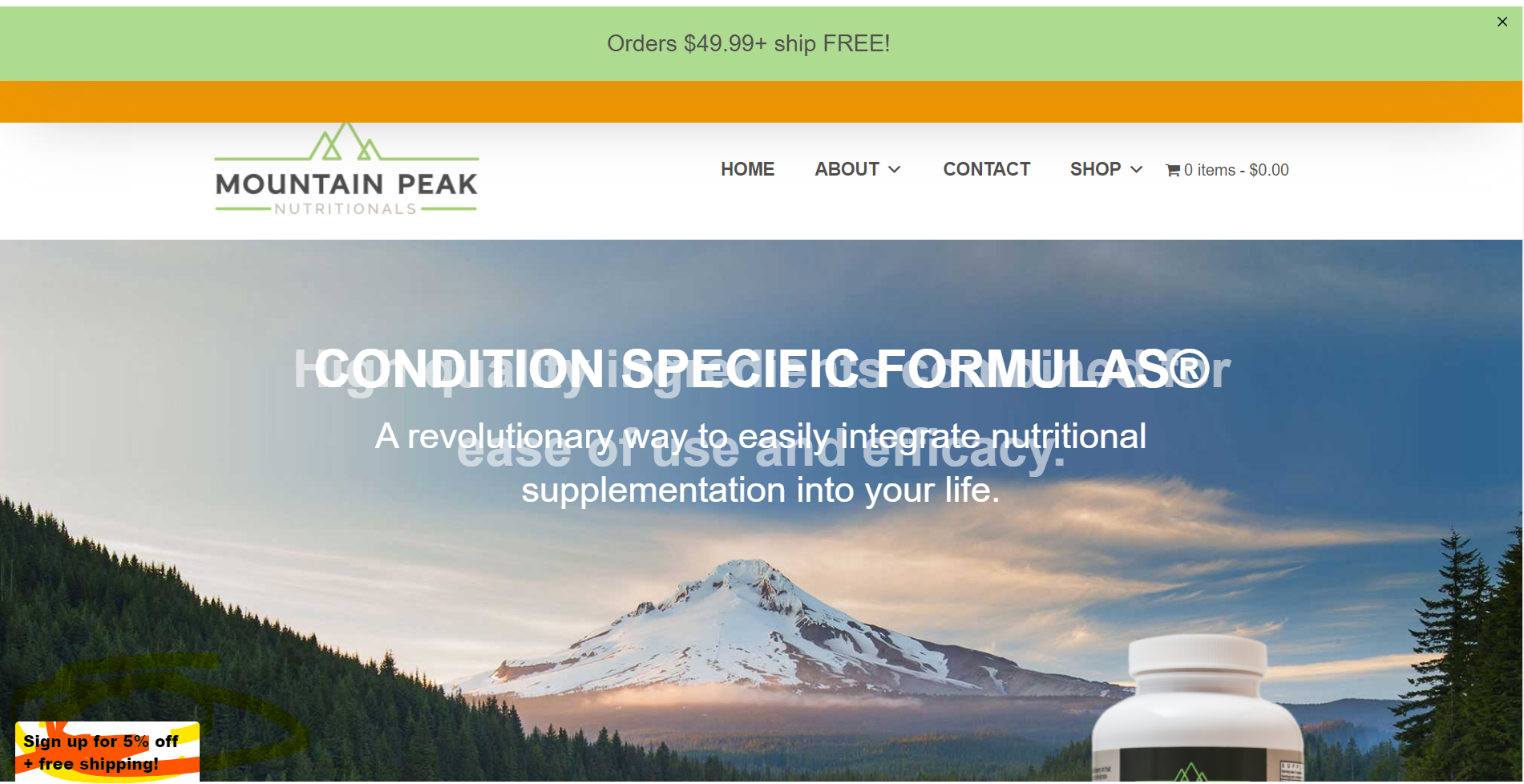
    Hello @Mountain Peak Nutritionals  Looks like you have now changed the form with a teaser.  Now it shows a teaser on the left bottom corner. Once you click on that teaser the pop-up form will appear.


    4 replies

    Partner
    August 6, 2024

    Hello @Mountain Peak Nutritionals  I can see the form


    It could be a caching issue. If you are using any caching plugin on your WooCommerce website then I would suggest you to purge the cache

    https://theforms.pro
    Contributor I
    August 7, 2024

    Other than the built in caching of WP Engine, we’re not running a caching plugin…but thank you for the suggestion. I tried that...

    MaxbuzzAnswer
    Partner
    August 7, 2024

    Hello @Mountain Peak Nutritionals  Looks like you have now changed the form with a teaser.  Now it shows a teaser on the left bottom corner. Once you click on that teaser the pop-up form will appear.


    https://theforms.pro
    Contributor I
    August 7, 2024

    That guy is not from Klaviyo - at least I don’t think it is… There is a popup form from Klaviyo - but I need the form that shows up on the popup to appear all the time, on the right bottom footer. You can see the div code in source… so it’s there…. just not rendering. Maybe I have to have WP Engine turn off all caching for the site? Kind of a bummer if so...