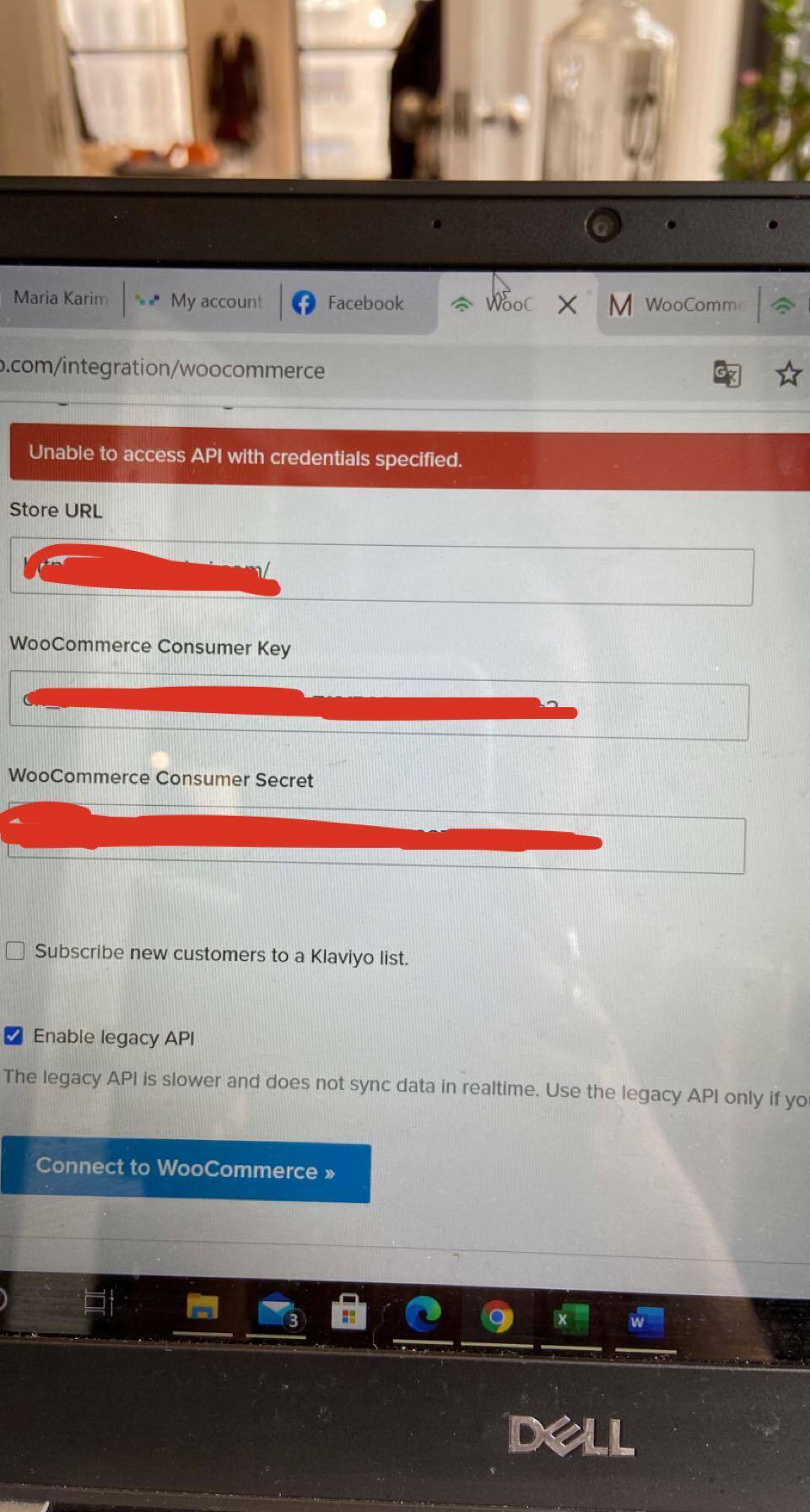
I’m having issue with the integration of my WooCommerce with Klaviyo.
I generated an API key with read,write permission. I have my consumer key and consumer secret wich I paste in my integrations settings. But when I click « Connect to WooCommerce» this message appear « Unable to access API with credentials specified». I’m stuck here and don’t jnow what to do
The WooCommerce integration settings form makes a few test API calls using the provided store URL and consumer key and secret. If the calls fail or returns an unexpected response, then an error is displayed. Often times the culprit is a firewall or other plugin interfering with the API.
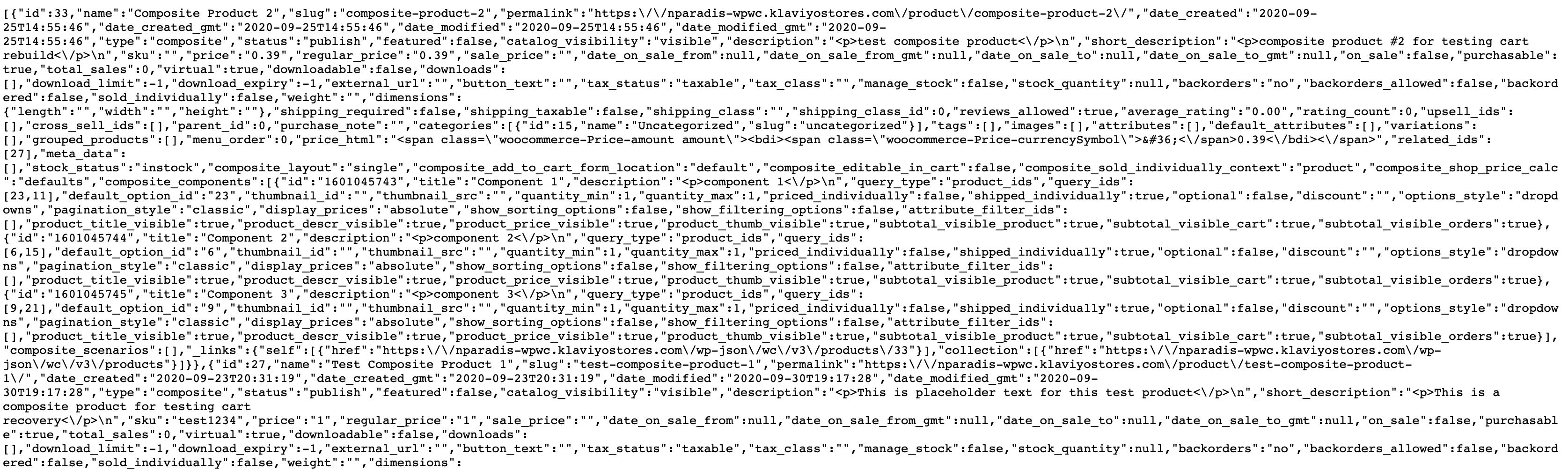
One check you can perform is to make a test API call yourself and inspect the response. You can do this by navigating to a URL in your browser with the below structure, filling in the placeholders with the appropriate information:
For example, if my store URL was “https://www.example.com” and my key and secret are “my-consumer-key” and “my-consumer-secret” respectively, the URL would look like this:
The WooCommerce integration settings form makes a few test API calls using the provided store URL and consumer key and secret. If the calls fail or returns an unexpected response, then an error is displayed. Often times the culprit is a firewall or other plugin interfering with the API.
One check you can perform is to make a test API call yourself and inspect the response. You can do this by navigating to a URL in your browser with the below structure, filling in the placeholders with the appropriate information:
For example, if my store URL was “https://www.example.com” and my key and secret are “my-consumer-key” and “my-consumer-secret” respectively, the URL would look like this:
The WordPress plugin also creates some custom API endpoints that are tested by the settings form. These checks could also be triggering a settings form error if they are sending back unexpected results. What do you see for this API call (filling in placeholders where appropriate)?
This error means that the Klaviyo WordPress plugin is not installed or another plugin is interfering with this API endpoint. Have you gone through the setup process for the Klaviyo WP plugin?
If the plugin is installed and this behavior persists, I would recommend opening a support ticket so we can work with you more closely - we may need to work with your IT/hosting provider to track down why this API endpoint is unavailable.