Hi, I’m wondering if there’s a way for me to see the placed order value for a certain list for like the past month or 3 months, etc. Currently I only found Klaviyo article about the average 30 day order amount per order for each list, but not the total revenue.
One option is to analyze the revenue by source. By default, the source name in the chart will align with the name of the Klaviyo sign-up form. This will give you the revenue per sign-up form source.
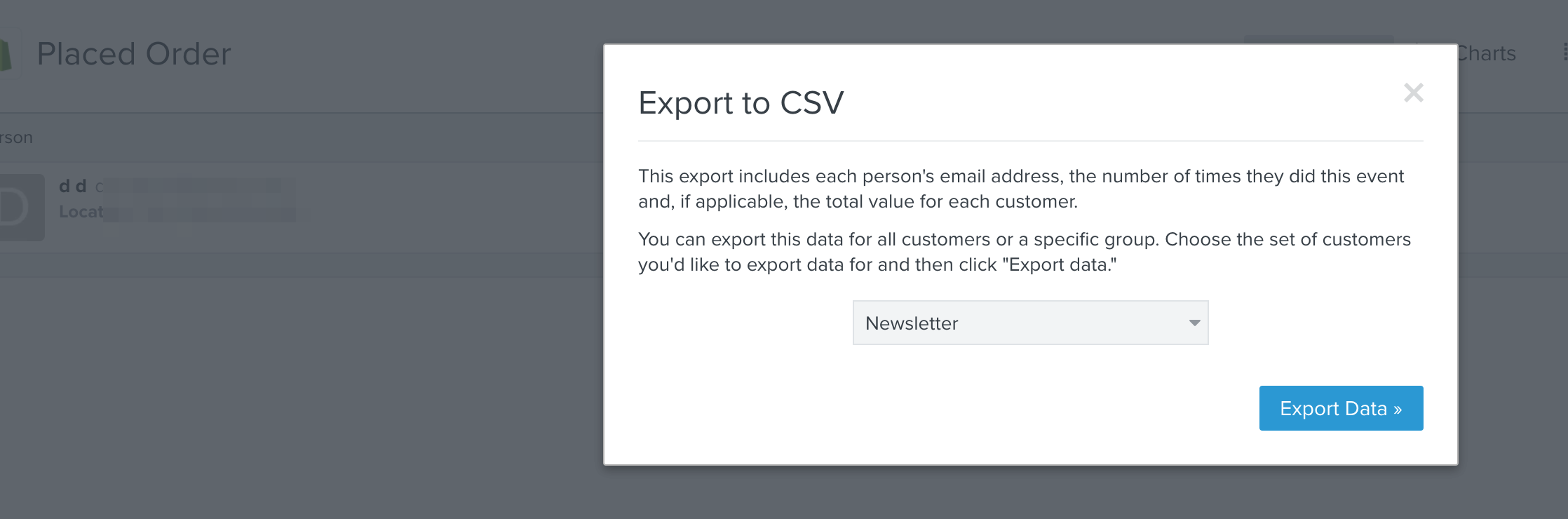
Alternatively, if you navigate to Analytics > Metrics > Placed Order > Best People and then click "Export to CSV", then you will see a modal window where you can select your list for export from the dropdown. This will generate a .csv file of everyone in that list with a column for revenue. However, the caveat in this situation is that it wouldn’t be in the last 3 months, it would display revenue over all time for these users.
The question of this thread is “Is there a way to see total revenue from a list?” That is what I was answering. Downloading a list and selecting “Historic Customer Lifetime Value” will give you that answer.
To also answer the secondary question within the original question about a timeframe you can make a custom multi metric report and choose placed order and select value and sum. Then choose $source and choose the source of your list. Then select last 30 days, or whatever you want.
Apologies to hear that this wasn’t adequate for you. This is a feature that has been requested by other customers so we're hoping we'll be able to offer it in the future. I'll be happy to submit product feedback on your behalf.
Unfortunately, the timeframe is hard-coded on this engagement report. I'll pass your insight to our Product Team.
But what happens if it is not an individual campaign and it’s a flow?
For instance, we created a flow based that ran over Labor Day. We exported a segment comprised of multiple lists. We then imported that segment and had the flow start sending to that segment upon import. Various lists are combined in that import. I want to see which lists were responsible for conversions (a sign up form, vs. a facebook lead gen campaign etc.). What’s the easiest way for me to be able to understand which lists in the flow were responsible for our sales?
Is something like an engagement report going to work for what you are looking for? Looking at individual lists that are part of a certain flow might be a solution then. Aside from that, you would have to look at the individual flows and campaigns that were sent to that list to see revenue from those sources.