


Contributor I
May 19, 2022
Solved

Embed sign-up in Gatsby/React JS App
  • May 19, 2022
  • 4 replies
  • 899 views

I am embedding klaviyo forms in my project that is on a gatsby js.
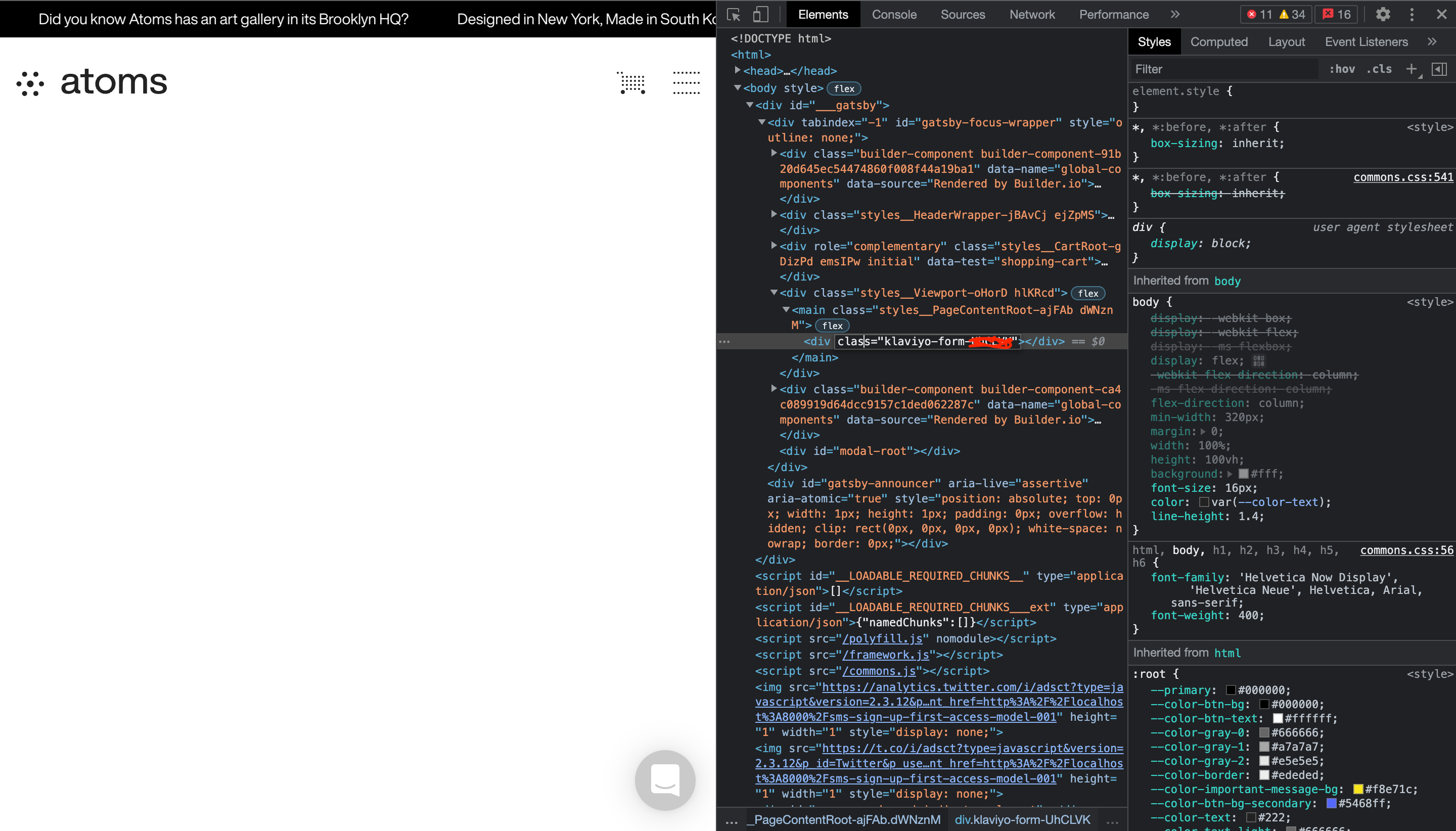
I made a new page and add this embed line <div class="klaviyo-form-****"></div> on that page. But I don’t know why I am not able to see the form on my page.
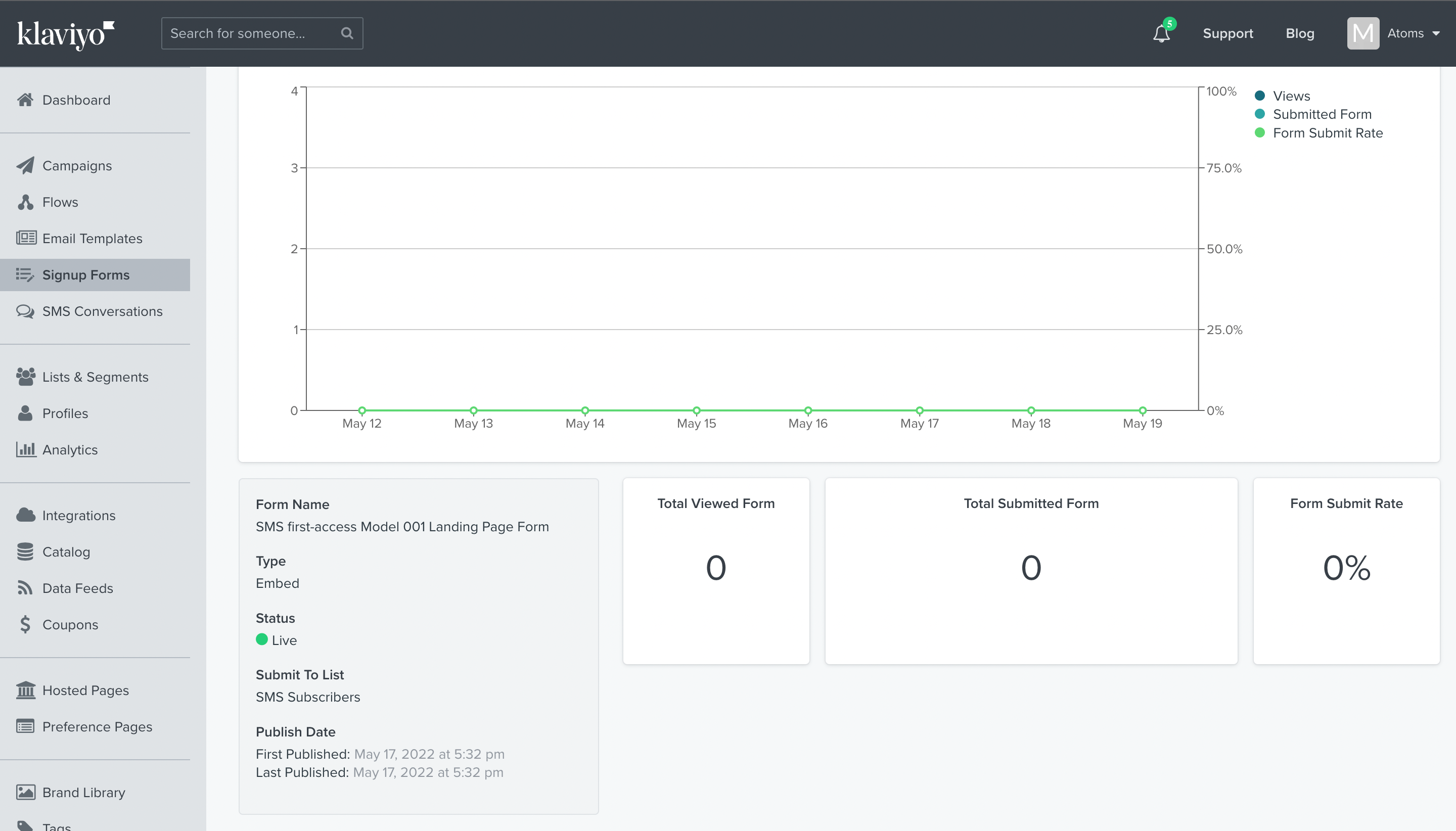
My form is live on Klaviyo as well


Can you please help me to resolve that issue.
It’s urgent
Thanks

This topic has been closed for replies.
Best answer by retention

@fahad873 - It seems like you’re doing every right, but not I’m not super familiar with the Gatsby framework to know specifically what might be wrong.

Also, you shouldn’t include the klaviyo.js function more than once as it might create some race conditions, so maybe try remove one or the other.  Also, Klaviyo has a installation verification tool that you may want to try to see if your klaviyo.js is properly detected.  

Also, this troubleshooting guide might have other tips for you to try:

4 replies

Problem Solver I
May 19, 2022

I’m not familiar with Gatsby but is the required Kalviyo JS loading on the page where your form is embedded?

fahad873Author
Contributor I
May 19, 2022

@Martin Stevens , I added Kalviyo JS script tag on head tag of html and I added the script tag on specific page as well.

As you can see 


fahad873Author
Contributor I
May 19, 2022

Is anyone there?
Please let me know it’s possible or not. So, I will try to find another solution.
It’s urgent.
I hope you will understand my point

retention
Partner - Platinum
retentionAnswer
2025 Champion
May 20, 2022

@fahad873 - It seems like you’re doing every right, but not I’m not super familiar with the Gatsby framework to know specifically what might be wrong.

Also, you shouldn’t include the klaviyo.js function more than once as it might create some race conditions, so maybe try remove one or the other.  Also, Klaviyo has a installation verification tool that you may want to try to see if your klaviyo.js is properly detected.  

Also, this troubleshooting guide might have other tips for you to try:

Joseph Hsieh // retentioncommerce.com // X: @retention