Contributor I
December 24, 2024
Solved

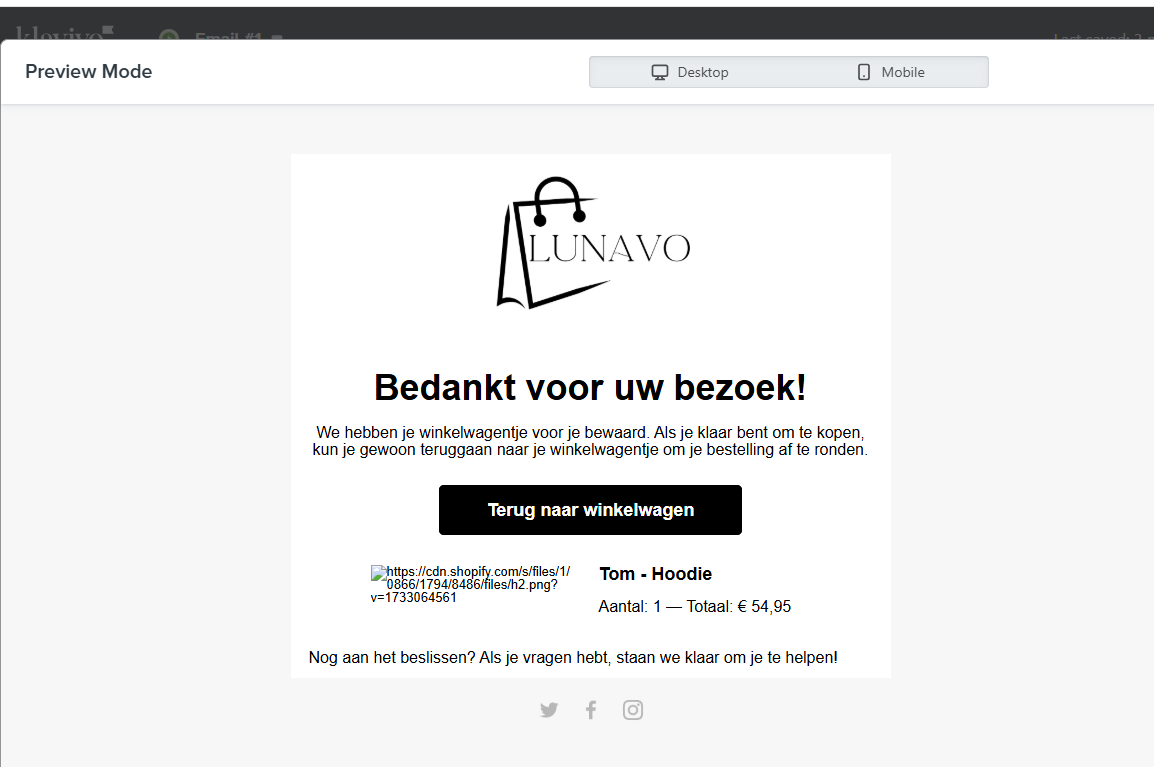
Abandoned cart email photo does not show

  • December 24, 2024
  • 2 replies
  • 96 views
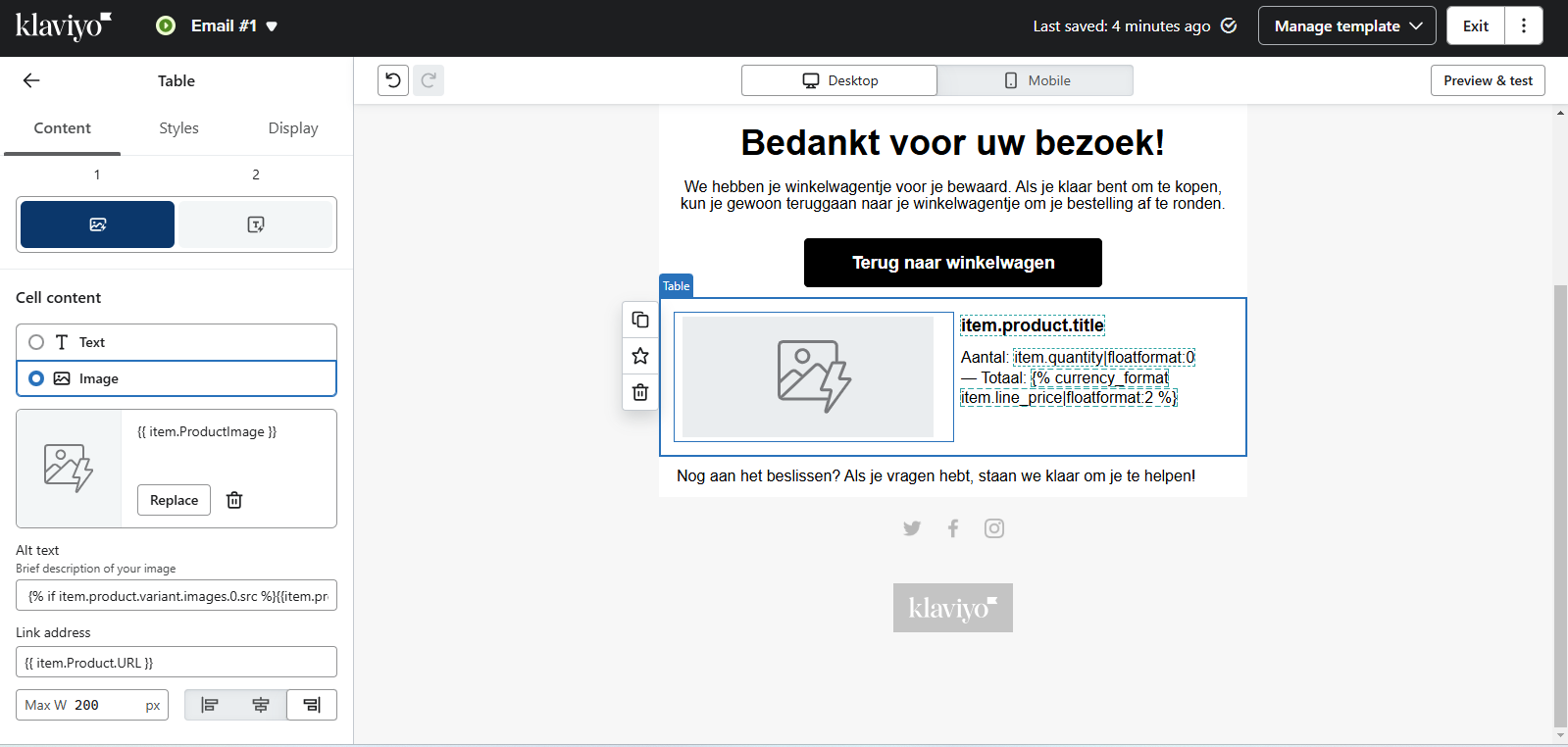
I have looked thru this community with this code but it does not work for me. Please has anyone a code where my product picture shows and not only a link where you can click or copy to see the photo.


    This topic has been closed for replies.
    Best answer by MANSIR2094

    Hello Kaimznl,

    If your product images aren’t showing in your abandoned cart emails, here’s a simple fix tailored to your platform:


    Use this code in your email template:

    Copy code

    {% for item in event.extra.line_items %} <img src="{{ item.product.images.0.src }}" alt="{{ item.product.name }}" style="width:150px; height:auto;"> <p>{{ item.product.name }} - {{ item.quantity }} x {{ item.product.price }}</p> {% endfor %}

    2 replies

    MANSIR2094
    Expert Problem Solver IV
    Expert Problem Solver IV
    December 25, 2024

    Hello Kaimznl,

    If your product images aren’t showing in your abandoned cart emails, here’s a simple fix tailored to your platform:


    Use this code in your email template:

    Copy code

    {% for item in event.extra.line_items %} <img src="{{ item.product.images.0.src }}" alt="{{ item.product.name }}" style="width:150px; height:auto;"> <p>{{ item.product.name }} - {{ item.quantity }} x {{ item.product.price }}</p> {% endfor %}

    Mansir Digital Portfolio
    ali786
    Expert Problem Solver I
    Expert Problem Solver I
    December 25, 2024

    @karimznl Are you using by default dynamic bloc provided by klaviyo?

    Make sure you have at least 1 abandoned cart activity in klaviyo.

    Lemme know if you have any question


    ali raza -🔎www.aliXemail.com