I’ve got a few users who changed their emails. All I want to do is periodically add 1 email to an existing list (that flows to particular place). How do I do this?
I’ve tried going into the segments and adding, but I can’t for the life of me get the import right.
Thanks for sharing your question with the Klaviyo Community!
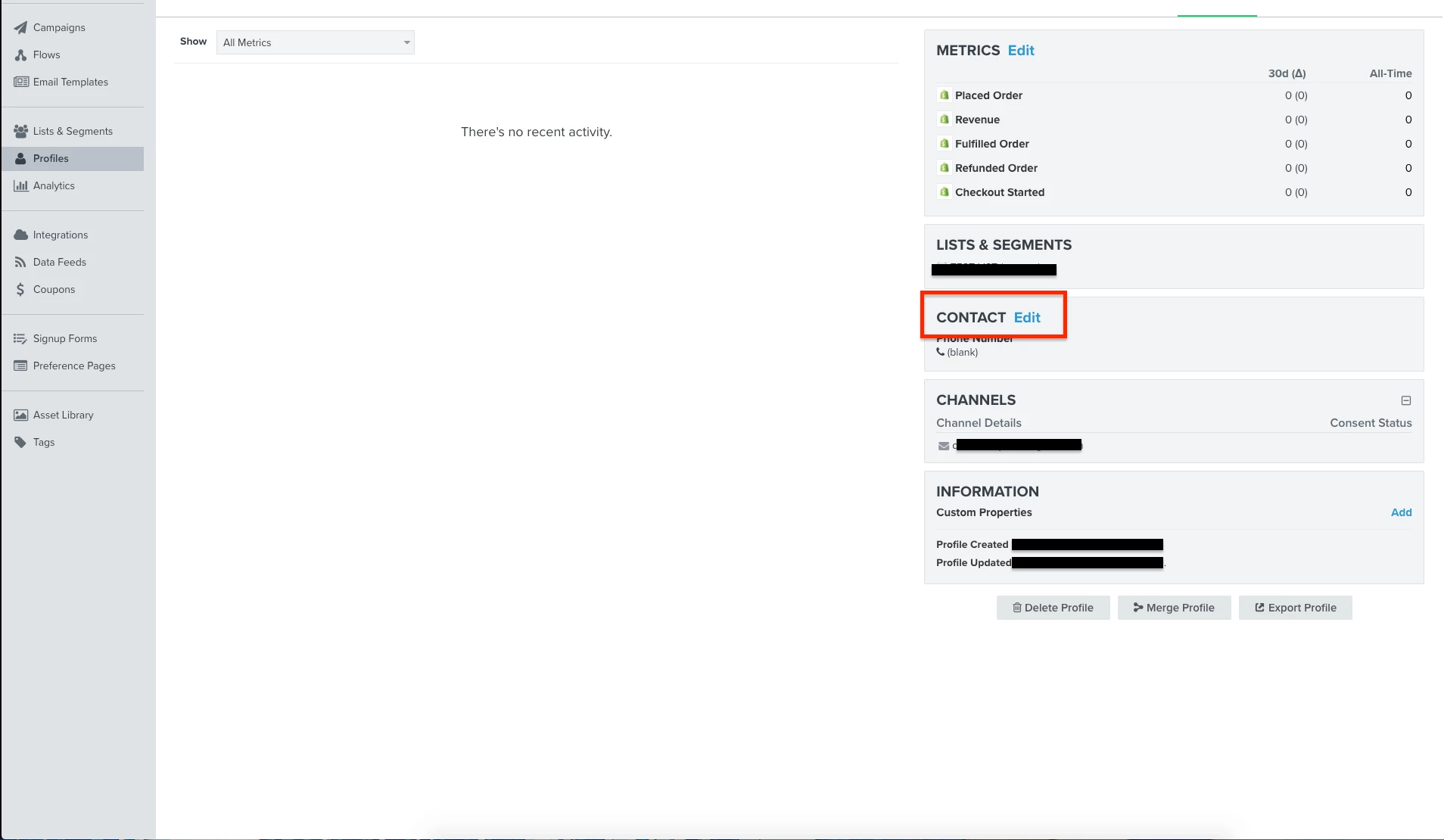
You can change an existing profile/contact’s email address within Klaviyo by navigating to the profile and clicking “Edit” under the profile’s Contact section of the profile.
@k.mcevoy also elaborates further on this in the following Community Post:
Furthermore, you can quickly add one email/contact to an existing list by using Klaviyo’s Quick Add feature. This option can be found at the top of the list in between Subscribe & Preference Pages and Reports.
Thanks for sharing your question with the Klaviyo Community!
You can change an existing profile/contact’s email address within Klaviyo by navigating to the profile and clicking “Edit” under the profile’s Contact section of the profile.
@k.mcevoy also elaborates further on this in the following Community Post:
Furthermore, you can quickly add one email/contact to an existing list by using Klaviyo’s Quick Add feature. This option can be found at the top of the list in between Subscribe & Preference Pages and Reports.