Contributor I
August 31, 2023
Solved

Back in Stock Emails not Sending!

  • August 31, 2023
  • 3 replies
  • 285 views

Hi there, 

I’ve read all the threads on this topic and i still haven’t found the solution to my problem. 

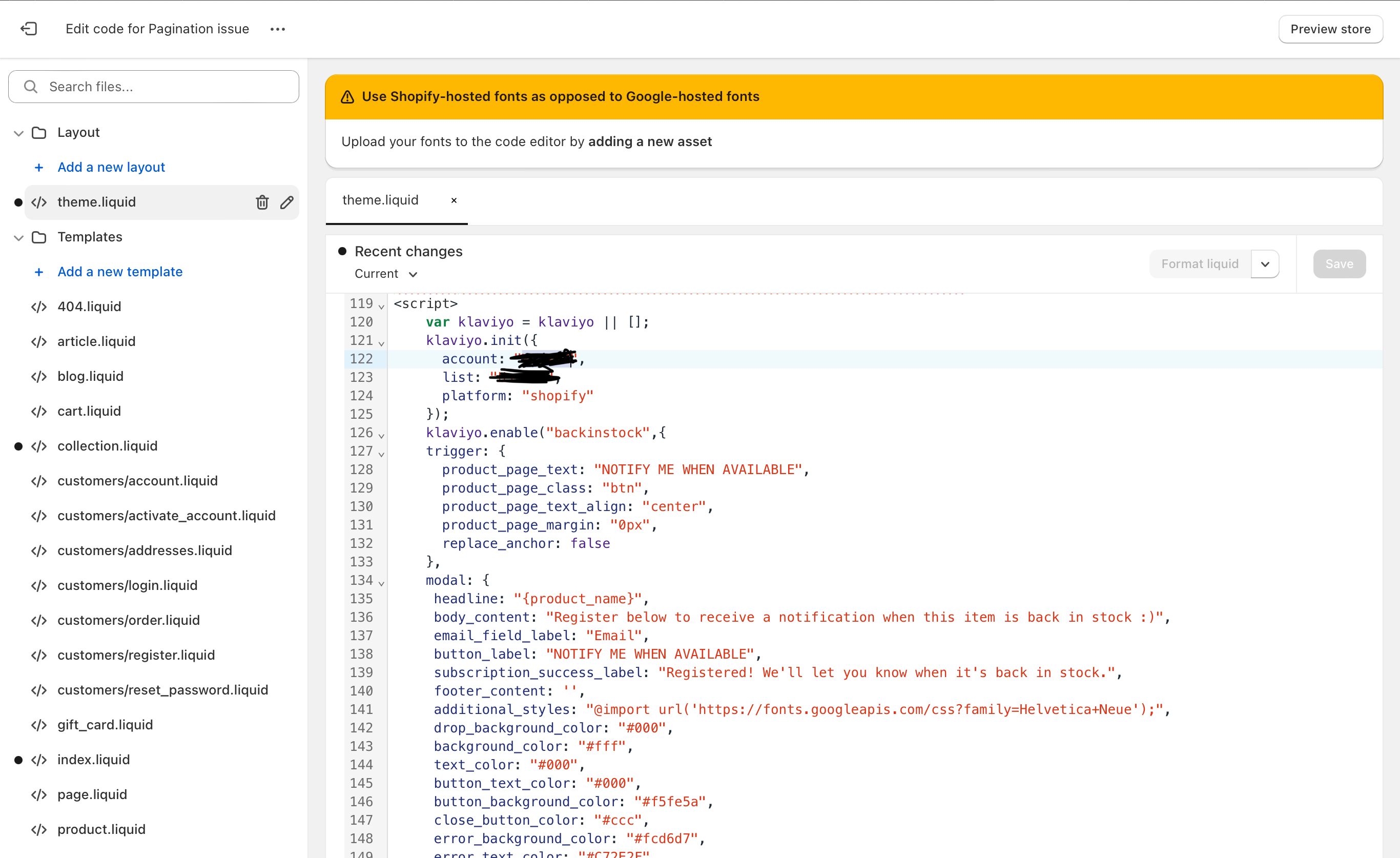
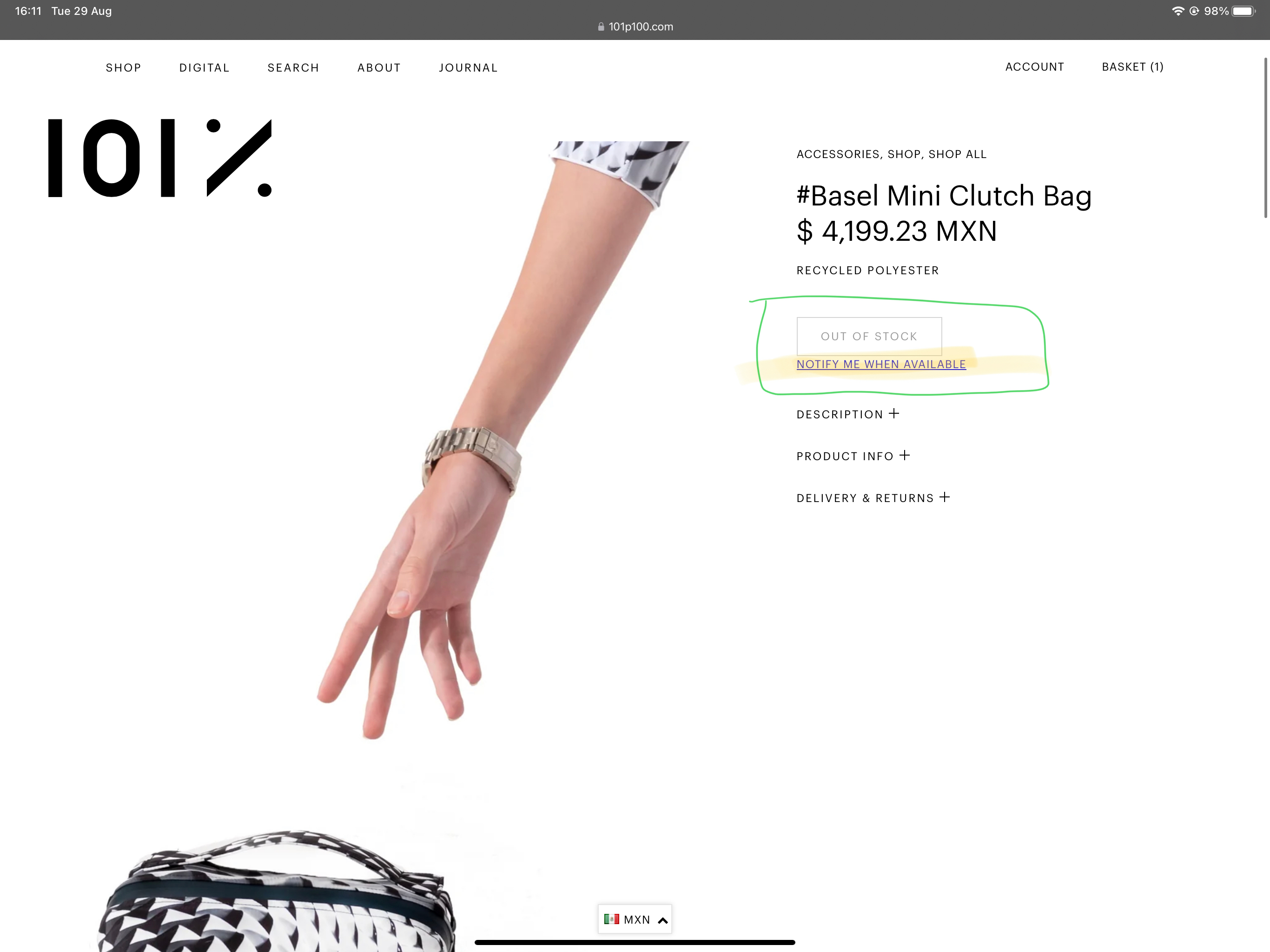
The code is showing correctly and the button is showing perfectly on our site. 

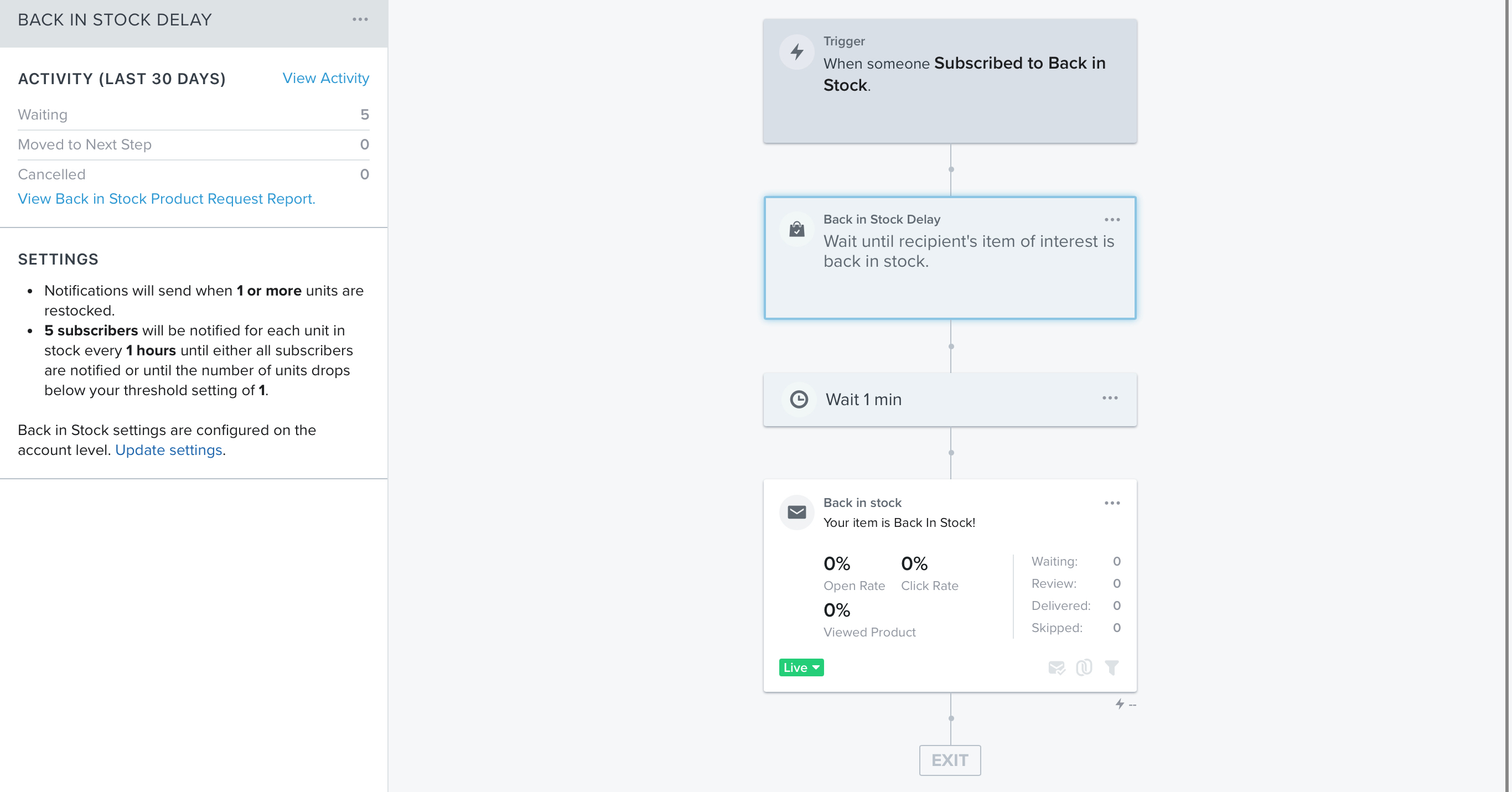
When stock is added to a product, the notification emails aren’t sending to the subscribers. 

Can anyone advise on how i can resolve this? 

Below some screenshots for your reference. Our site is www.101p100.com 

Thank you! 
 

This topic has been closed for replies.
Best answer by chelsgrove

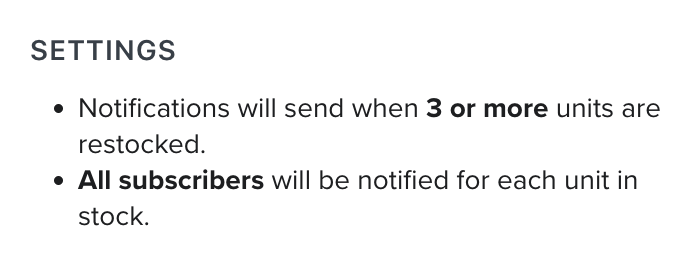
@JMAX101 so I do see the 5 people are waiting based on the flow activity (not the email) I would check your settings/logic again, maybe test 1 subscriber will be notified when the item threshold is over 1. An example of what we use for one of our clients is below. I guess just make sure your settings aren’t too complicated but still achieve what you want (since it looks like maybe you don’t want to open it up to everyone waiting for that item right away)


3 replies

stephen.trumble
Klaviyo Alum
September 1, 2023

Hey @JMAX101 

Thanks for reaching out for help with this back in stock flow!

Quick question for you, is the subscribe to back in stock metric being recorded at all on your test profile? Or is nothing being recorded on profiles at all?

-Stephen
JMAX101Author
Contributor I
September 1, 2023

Hi Stephen, 

Thank you so much for helping me to try to find the solution! 

Yes, the names are being recorded in the ‘subscribes to back in stock’ metric. Please see attached photo. 


chelsgrove
Partner - Gold
Partner - Gold
September 15, 2023

@JMAX101 so I do see the 5 people are waiting based on the flow activity (not the email) I would check your settings/logic again, maybe test 1 subscriber will be notified when the item threshold is over 1. An example of what we use for one of our clients is below. I guess just make sure your settings aren’t too complicated but still achieve what you want (since it looks like maybe you don’t want to open it up to everyone waiting for that item right away)