


Contributor II
September 29, 2021
Solved

Border Styling Issue - Please Help

  • September 29, 2021
  • 4 replies
  • 2019 views

Hi Guys,


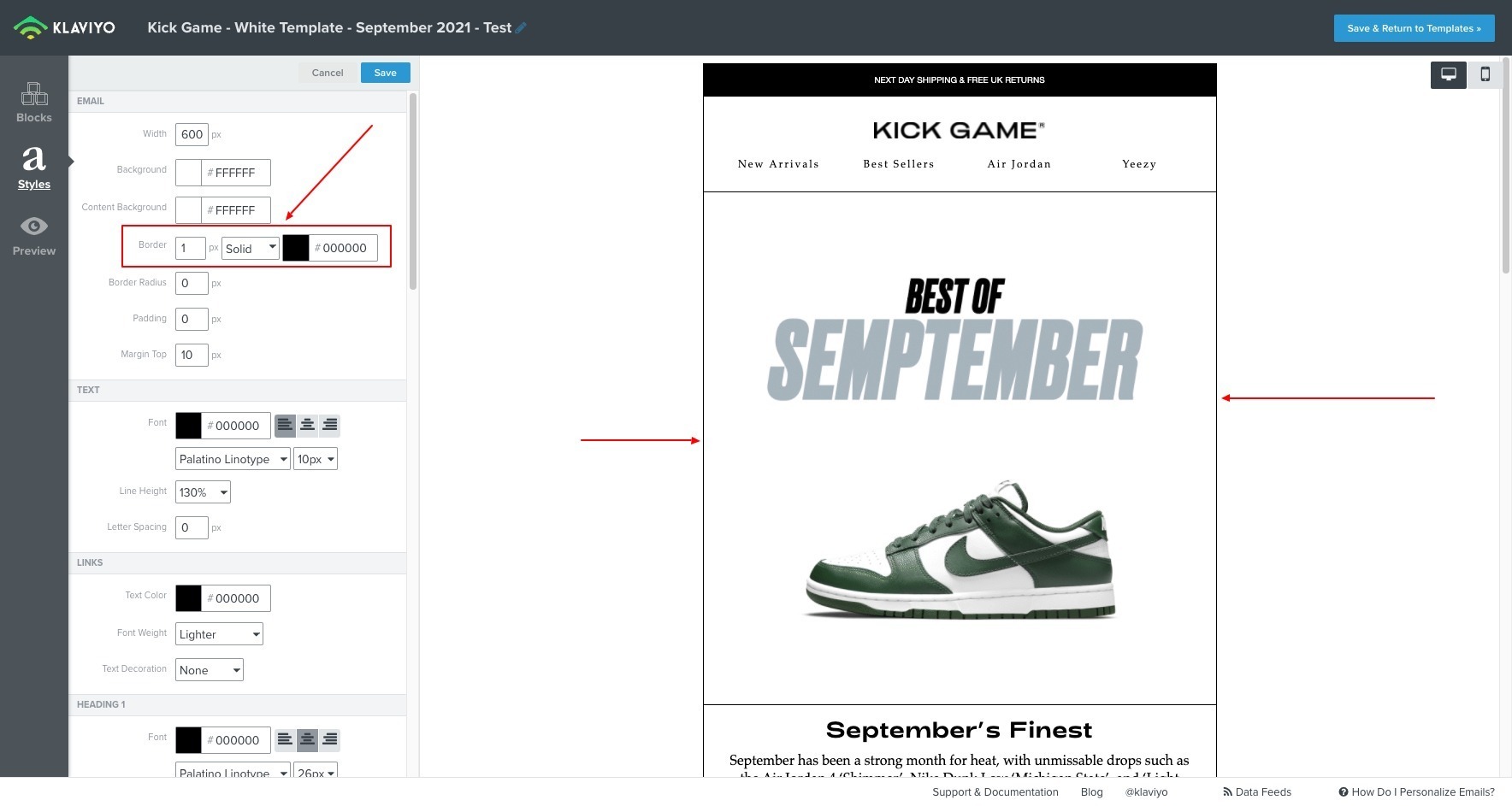
I have a border around my whole email -
But I also have a Table Block with borders to create a nice looking product grid -
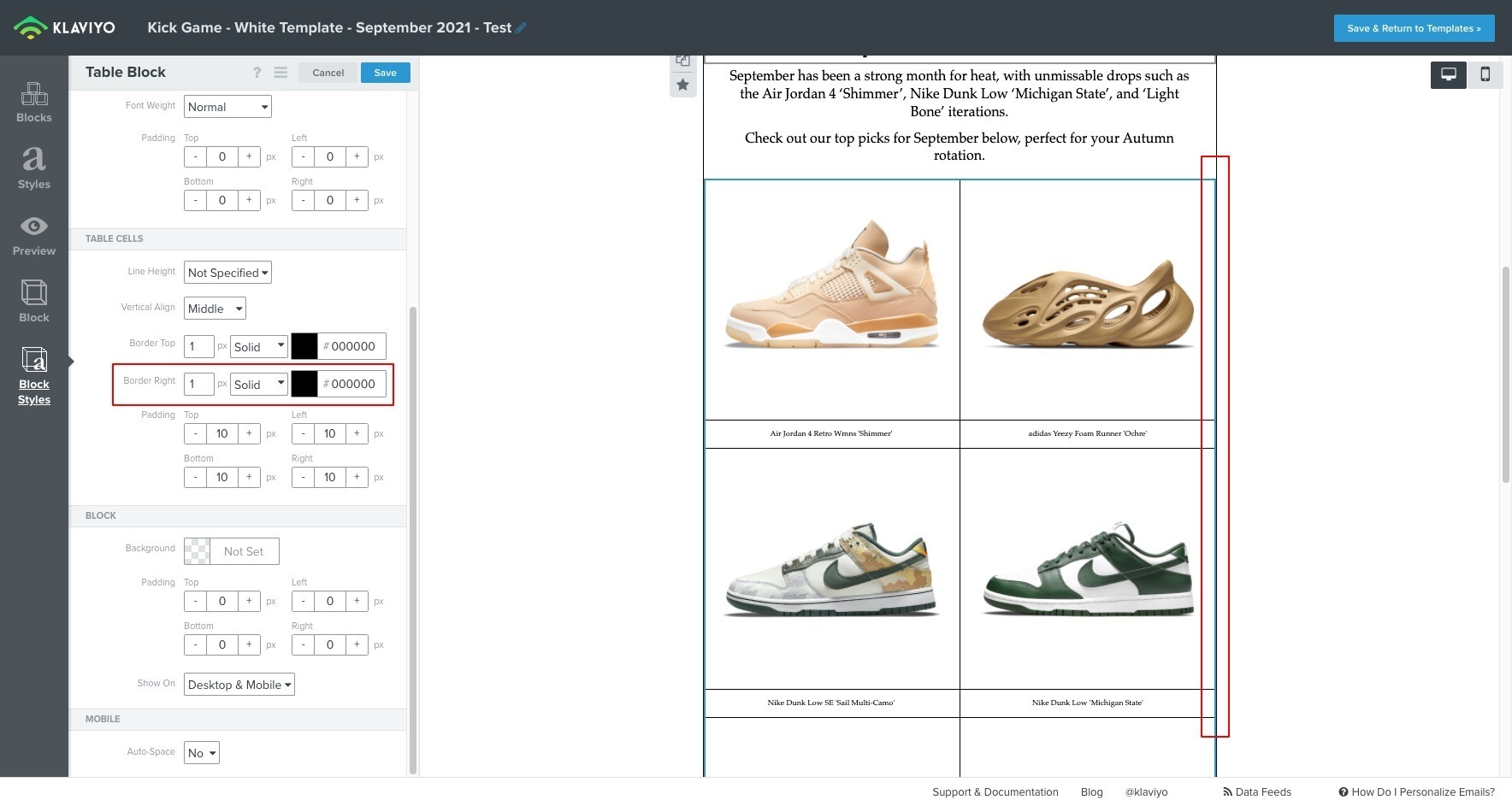
Because “Border Right” is enabled, this is creating a duplicate border on the right side of the email -
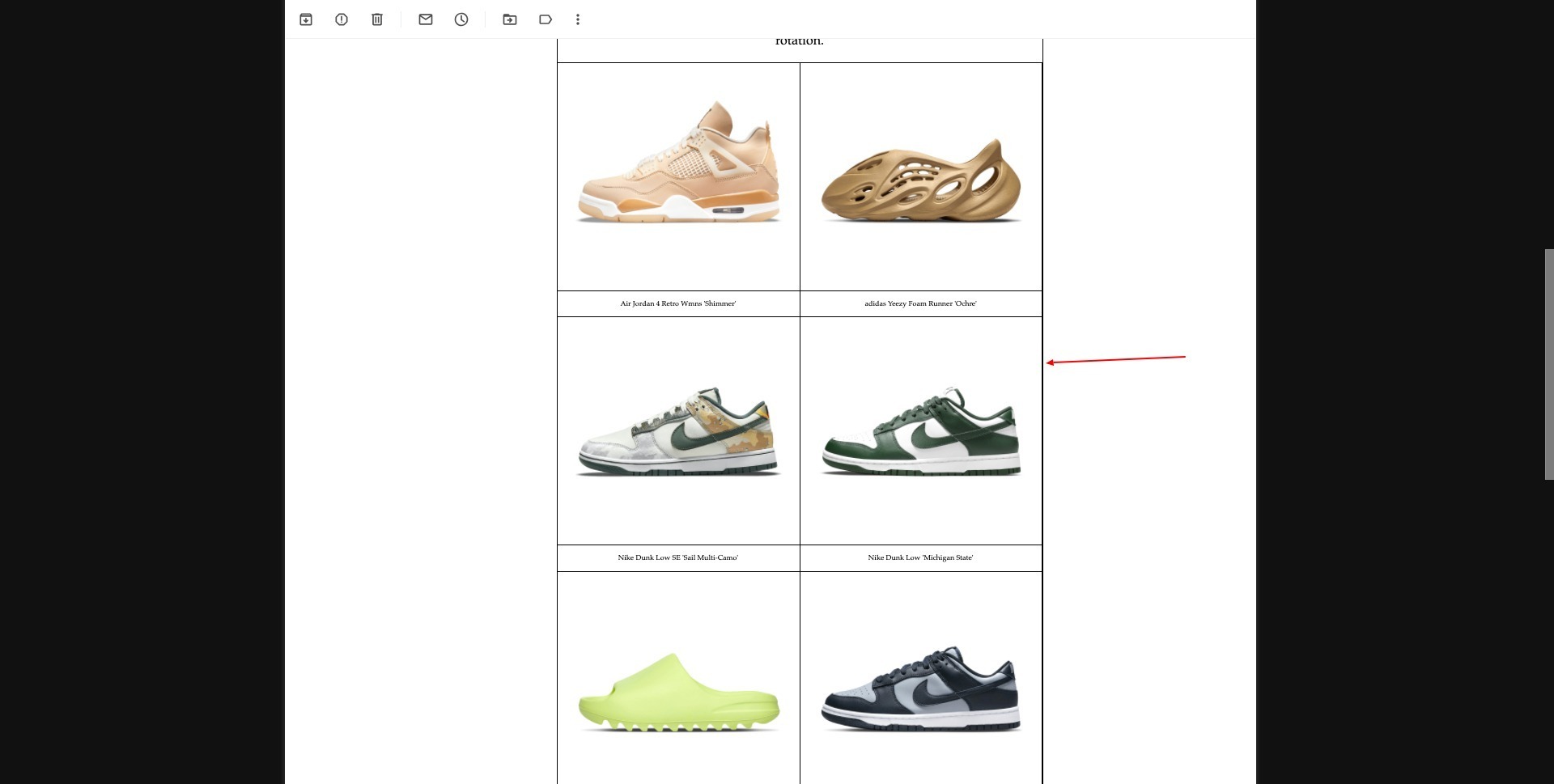
As you can see there is a duplicate border.

Is there anyway around this without using a Custom HTML template?

Thanks

David

    This topic has been closed for replies.
    Best answer by Dov

    Hi @DavidF,

    Thank you for sharing this question with the Klaviyo community.

    I recommend trying to use the Add Columns To Email block into your template to replicate the table functionality. From there, you can drop in 1-column tables to each of the column blocks, or add text and image blocks to the columns directly without using a table block.

    The only issue with this is that the columns will stack on mobile but it will resolve the core problem. 

    I hope that is helpful.

    4 replies

    Dov
    DovAnswer
    Klaviyo Alum
    September 30, 2021

    Hi @DavidF,

    Thank you for sharing this question with the Klaviyo community.

    I recommend trying to use the Add Columns To Email block into your template to replicate the table functionality. From there, you can drop in 1-column tables to each of the column blocks, or add text and image blocks to the columns directly without using a table block.

    The only issue with this is that the columns will stack on mobile but it will resolve the core problem. 

    I hope that is helpful.

    DD
    DavidFAuthor
    Contributor II
    September 30, 2021

    Hi @Dov ,

    Thanks for the suggestion, but when you use Add Columns To Email block in the template the right border no longer works -

    No border appears for some reason -


    I also don’t want columns to stack on mobile either, so this is an issue for me….

    Surely this is a Klaviyo bug?

    Dov
    Klaviyo Alum
    October 5, 2021

    Hi @DavidF,

    Thank you for your follow-up reply.

    Understood, yes this is a bug with the old editor and unfortunately there isn’t another way to work around it. With that said, we are getting quite close to the release of a brand new template editor (set for release in Q4) which will remedy this issue entirely.

    DD
    Contributor I
    July 28, 2023

    @Dov Has there been an updated way to restrict border contents to a particular side/sides? Also is there a way to create borders around products in email?
