Active Contributor I
December 31, 2023
Solved

Cropping feature doesn't work on templates

  • December 31, 2023
  • 3 replies
  • 352 views

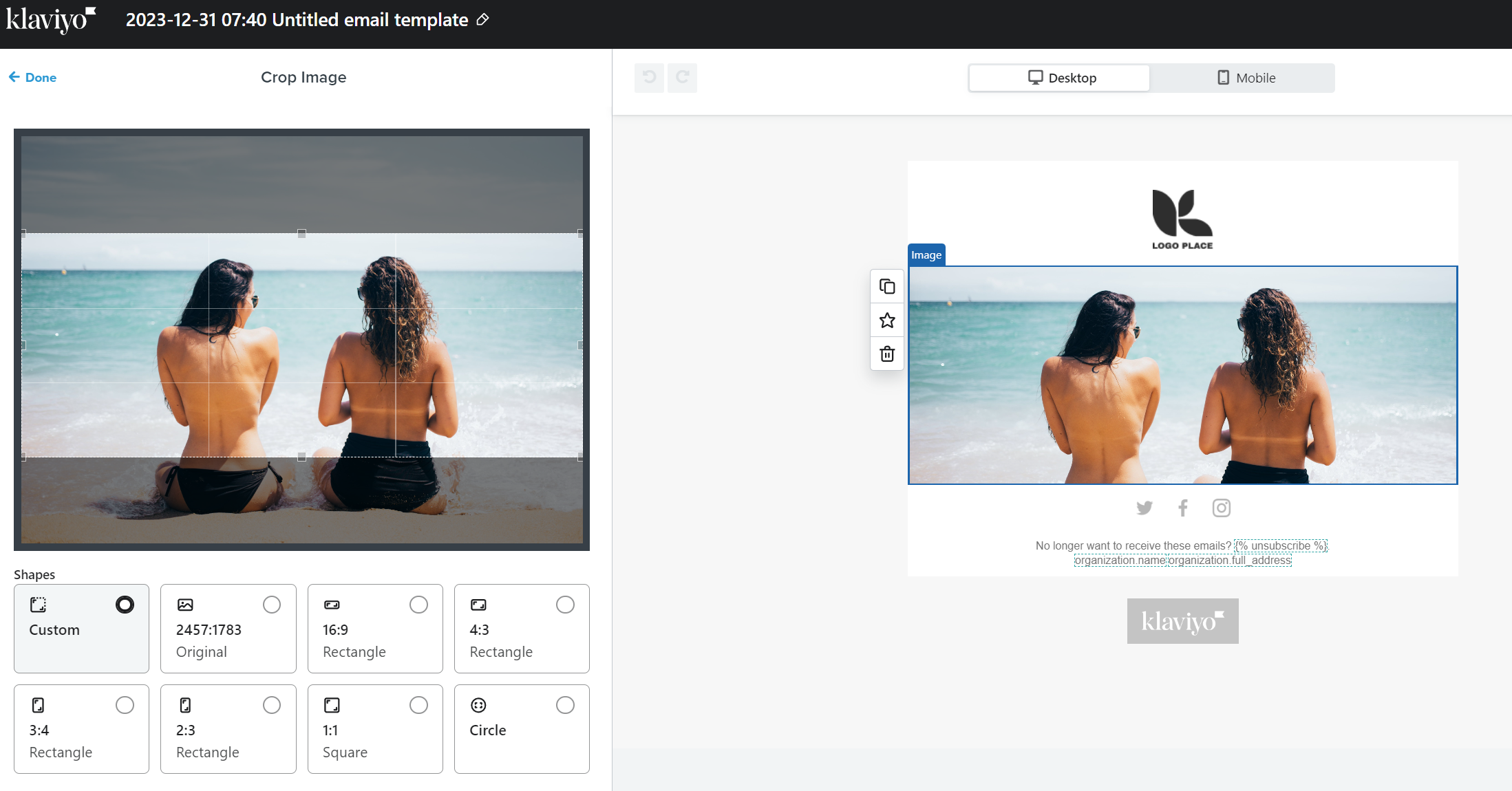
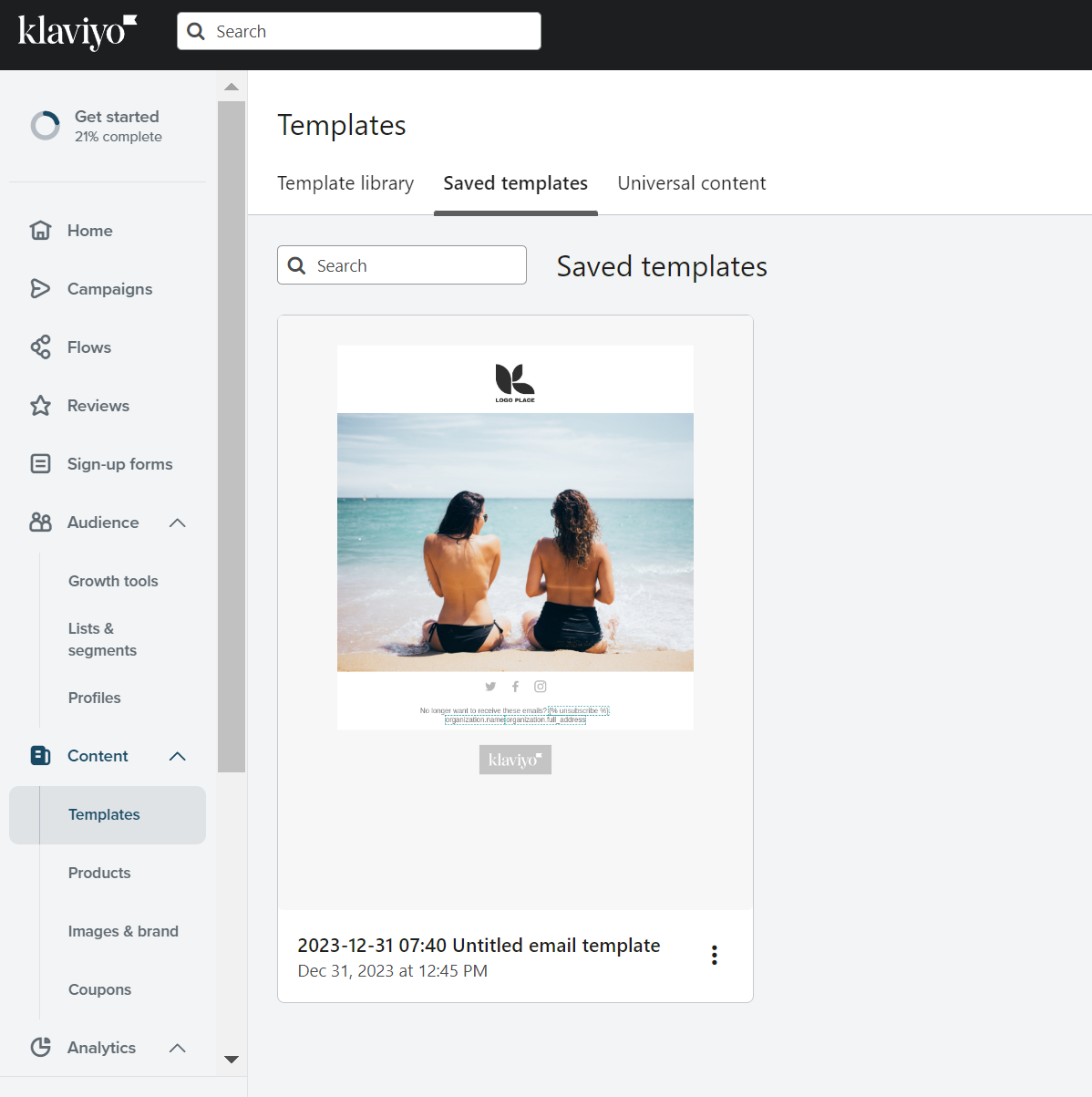
When i attempt to crop an image and click SAVE the cropped version doesn’t save.

Any ideas why this would be as it makes adding images redundant unless you crop them outside of Klaviyo which defeats the purpose of the feature?

Attached is a screenshot of before and after saving...


    This topic has been closed for replies.
    Best answer by ebusiness pros

    Hi @lucinilondon


    Welcome to the community, and I’m sorry you’re having trouble with the image editor. I’ve had that happen before, and it’s so frustrating!


    First question - are you using Chrome? Sometimes when I run into bugs with the email editor like that, it’s solved by switching to Chrome. That’s the browser where Klaviyo works the best. 


    Otherwise, I wonder if there’s an unreported bug? https://status.klaviyo.com/ shows Klaviyo as fully functional, but maybe @stephen.trumble could help us look into that…


    Last thing that comes up as a possible solution - are you pressing “done” after editing your image? Sometimes that helps complete the photo edit, even though Klaviyo is automatically saving everything by default. 


    I hope this helps!


    Warmly,

    Gabrielle


    Klaviyo Champion & Marketing Lead at ebusiness pros 

    3 replies

    ebusiness pros
    Partner - Platinum
    2025 Champion
    January 1, 2024

    Hi @lucinilondon


    Welcome to the community, and I’m sorry you’re having trouble with the image editor. I’ve had that happen before, and it’s so frustrating!


    First question - are you using Chrome? Sometimes when I run into bugs with the email editor like that, it’s solved by switching to Chrome. That’s the browser where Klaviyo works the best. 


    Otherwise, I wonder if there’s an unreported bug? https://status.klaviyo.com/ shows Klaviyo as fully functional, but maybe @stephen.trumble could help us look into that…


    Last thing that comes up as a possible solution - are you pressing “done” after editing your image? Sometimes that helps complete the photo edit, even though Klaviyo is automatically saving everything by default. 


    I hope this helps!


    Warmly,

    Gabrielle


    Klaviyo Champion & Marketing Lead at ebusiness pros 

    Klaviyo Champion + ATX Klaviyo Meetup host | Client Strategy Director at ebusiness pros - a lifecycle marketing agency based in Austin

    Active Contributor I
    January 1, 2024

    Hi Gabrielle, thanks for your response.

    It was absolutely due to not clicking ‘done’ which has a back arrow so I assumed that this would take me back a step but now I see that this conforms the change. I was under the impression that clicking the SAVE button in the top right of the page was what should be saving it.


    Thanks for your help I can confirm this not a bug.

    ebusiness pros
    Partner - Platinum
    2025 Champion
    January 4, 2024

    You’re welcome @lucinilondon! Glad that did the trick.  

    Klaviyo Champion + ATX Klaviyo Meetup host | Client Strategy Director at ebusiness pros - a lifecycle marketing agency based in Austin