

Contributor I
August 9, 2023
Solved

Currency in abandoned cart is wrong

  • August 9, 2023
  • 2 replies
  • 325 views

Hi, 

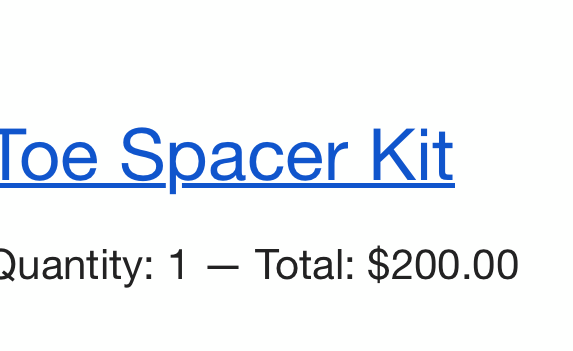
the currency in my abandoned cart keeps showing the wrong price. 
It’s supposed to be in “SEK” but keeps showing in “$”.
Can anyone guide me how to fix it?

thanks in advance
 

    This topic has been closed for replies.
    Best answer by Taylor Tarpley

    Hi there @noley23


    Great insight @chelsgrove!


    Also, @noley23 have you already  changed the currency in your account to SEK instead of the default $? However, if you want to change the currency for an email that's different then your account's currency , ie for different countries, you’ll need to change this at a specific template level.


    Thanks for participating in the Community!

    -Taylor 

    2 replies

    chelsgrove
    Partner - Gold
    Partner - Gold
    August 9, 2023

    @noley23 I just ran into something like this last night. Double check currency formatting in your Shopify settings, and you can preview and test and see what the event property looks like. Mine had some inline CSS that kept getting pulled in, I went to Shopify currency settings and was able to remove that (As it wasn’t doing anything for our site). 

    Taylor Tarpley
    Community Manager
    Community Manager
    August 11, 2023

    Hi there @noley23


    Great insight @chelsgrove!


    Also, @noley23 have you already  changed the currency in your account to SEK instead of the default $? However, if you want to change the currency for an email that's different then your account's currency , ie for different countries, you’ll need to change this at a specific template level.


    Thanks for participating in the Community!

    -Taylor


