We’re glad to have you here in the community! This is something I’ve also wanted for quite some time! Unfortunately, it’s not an existing feature in Klaviyo, at least yet.
@David To could you help us pass this feedback to the product team please? 🤞🏼
For now, you can use a web preview link to show test emails, but anyone given that link has to log into Klaviyo in order to view the email preview. Litmus is a useful tool, but it might not be the best option for a smaller business - if that’s applicable to you.
My SMB clients make a “preview list” of the 2-5 people who need to review test emails and approve them. So you’d build the campaign email, then send it to the preview list for review. Then for sending a campaign to your true list, I’d recommend you clone the test email that’s already built, make any revisions needed there, and then send that off.
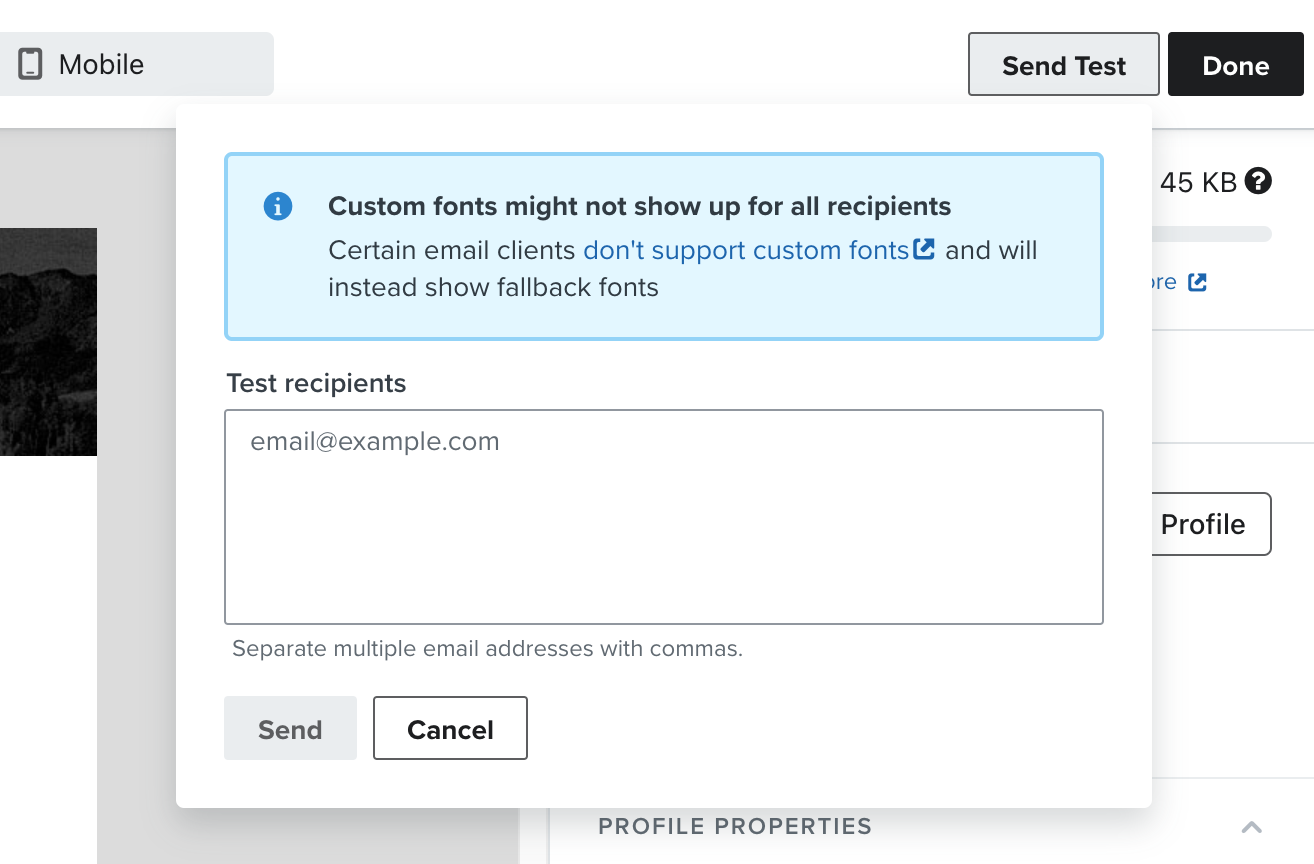
For flow emails, you can send a preview to manually specified email addresses if you click the “preview and test” button in the top right corner of the email editor. This feature also applies to campaigns, but it’s easier to do a test campaign sent to a preview list so you don’t have to manually add email addresses for each preview.
Typically, we’ll either have a quick meeting with clients to show them the flow emails in order of the flow sequence, or we’ll take screenshots of those emails and title them in order so the client can review them on their own. But I do sometimes use the “send test” feature if the client I’m working with prefers to receive the email previews that way.
I hope this helps you!
~ Gabrielle
Klaviyo Champion + ATX Klaviyo Meetup host | Client Strategy Director at ebusiness pros - a lifecycle marketing agency based in Austin
@carmenxcvii do you mean you want to have a webpreview shareable link? If so, that's not possible AFAIK. Or you have to copy the link to the page where you're editing the email and have someone else also login to Klaviyo. If you do be careful that you don't work in the same email at the same time.
As for approval and sharing screenshots you can always try litmus (which also renders emails in multiple clients)
We’re glad to have you here in the community! This is something I’ve also wanted for quite some time! Unfortunately, it’s not an existing feature in Klaviyo, at least yet.
@David To could you help us pass this feedback to the product team please? 🤞🏼
For now, you can use a web preview link to show test emails, but anyone given that link has to log into Klaviyo in order to view the email preview. Litmus is a useful tool, but it might not be the best option for a smaller business - if that’s applicable to you.
My SMB clients make a “preview list” of the 2-5 people who need to review test emails and approve them. So you’d build the campaign email, then send it to the preview list for review. Then for sending a campaign to your true list, I’d recommend you clone the test email that’s already built, make any revisions needed there, and then send that off.
For flow emails, you can send a preview to manually specified email addresses if you click the “preview and test” button in the top right corner of the email editor. This feature also applies to campaigns, but it’s easier to do a test campaign sent to a preview list so you don’t have to manually add email addresses for each preview.
Typically, we’ll either have a quick meeting with clients to show them the flow emails in order of the flow sequence, or we’ll take screenshots of those emails and title them in order so the client can review them on their own. But I do sometimes use the “send test” feature if the client I’m working with prefers to receive the email previews that way.
I hope this helps you!
~ Gabrielle
Klaviyo Champion + ATX Klaviyo Meetup host | Client Strategy Director at ebusiness pros - a lifecycle marketing agency based in Austin
I will roll this feedback up to our product team! Thank you so much @Omar and @ebusiness pros for helping out. Your expertise is invaluable to the community!