Contributor I
April 22, 2023
Solved

Fallback fonts not changing

  • April 22, 2023
  • 5 replies
  • 1130 views

Hi There! 

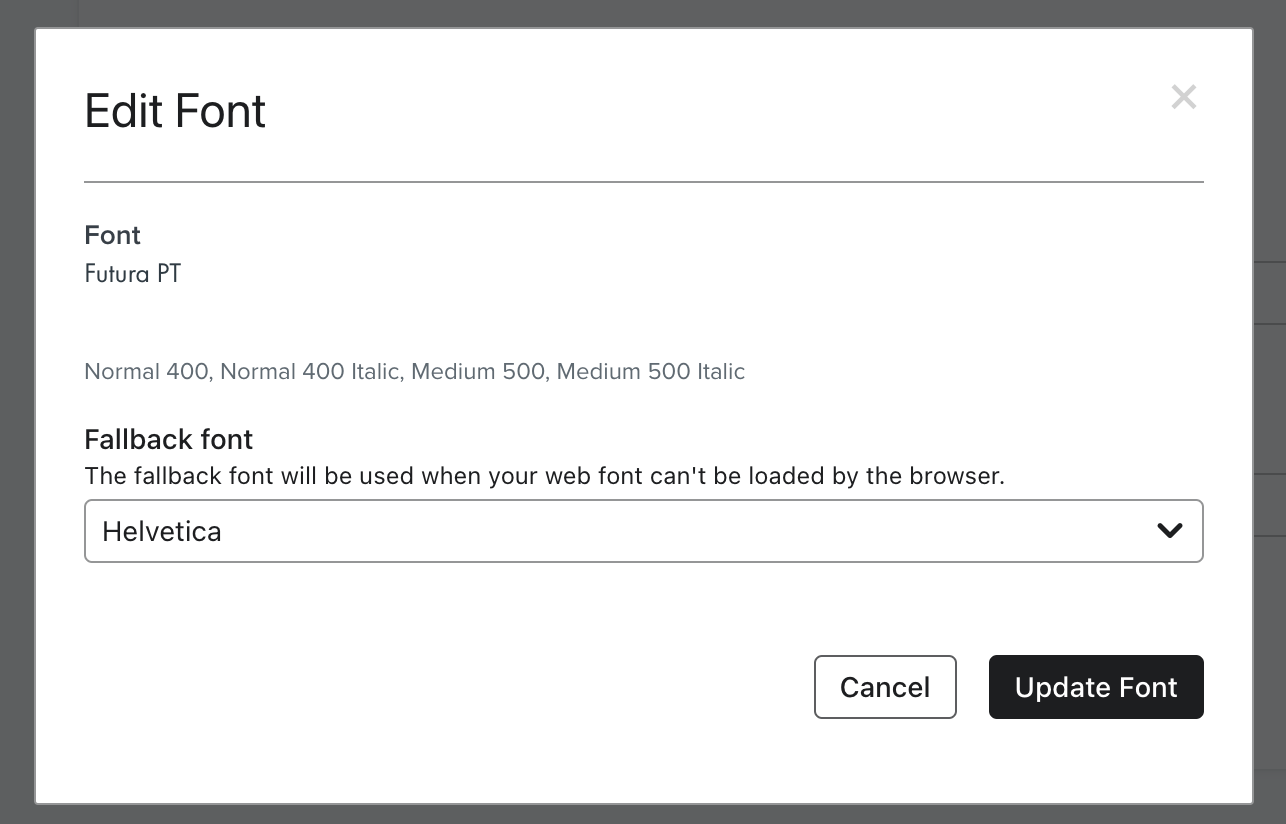
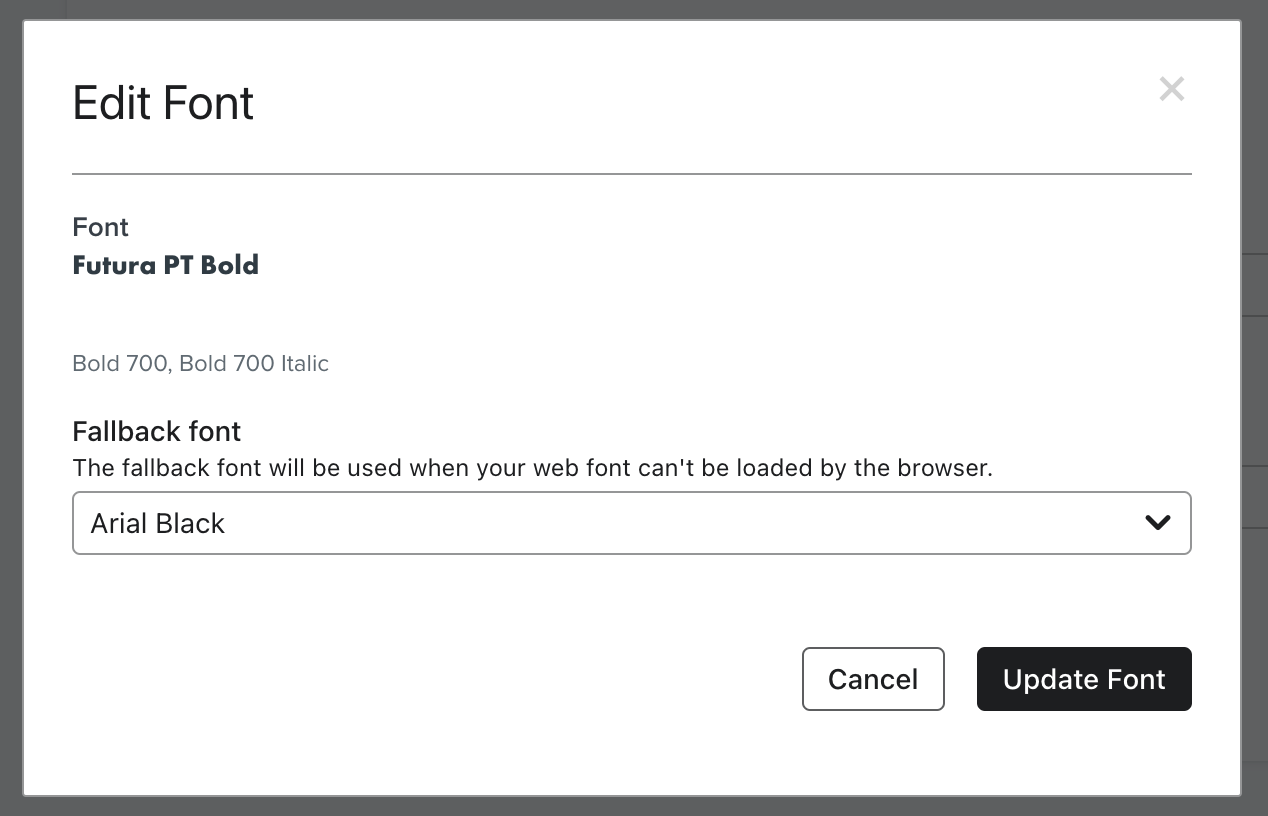
Im having trouble setting up my fallback fonts, originally I set them to be Century Gothic, but after seeing this font doesn’t render in Gmail Mobile, I changed them to Helvetica and Arial Black as you can see in the images below.

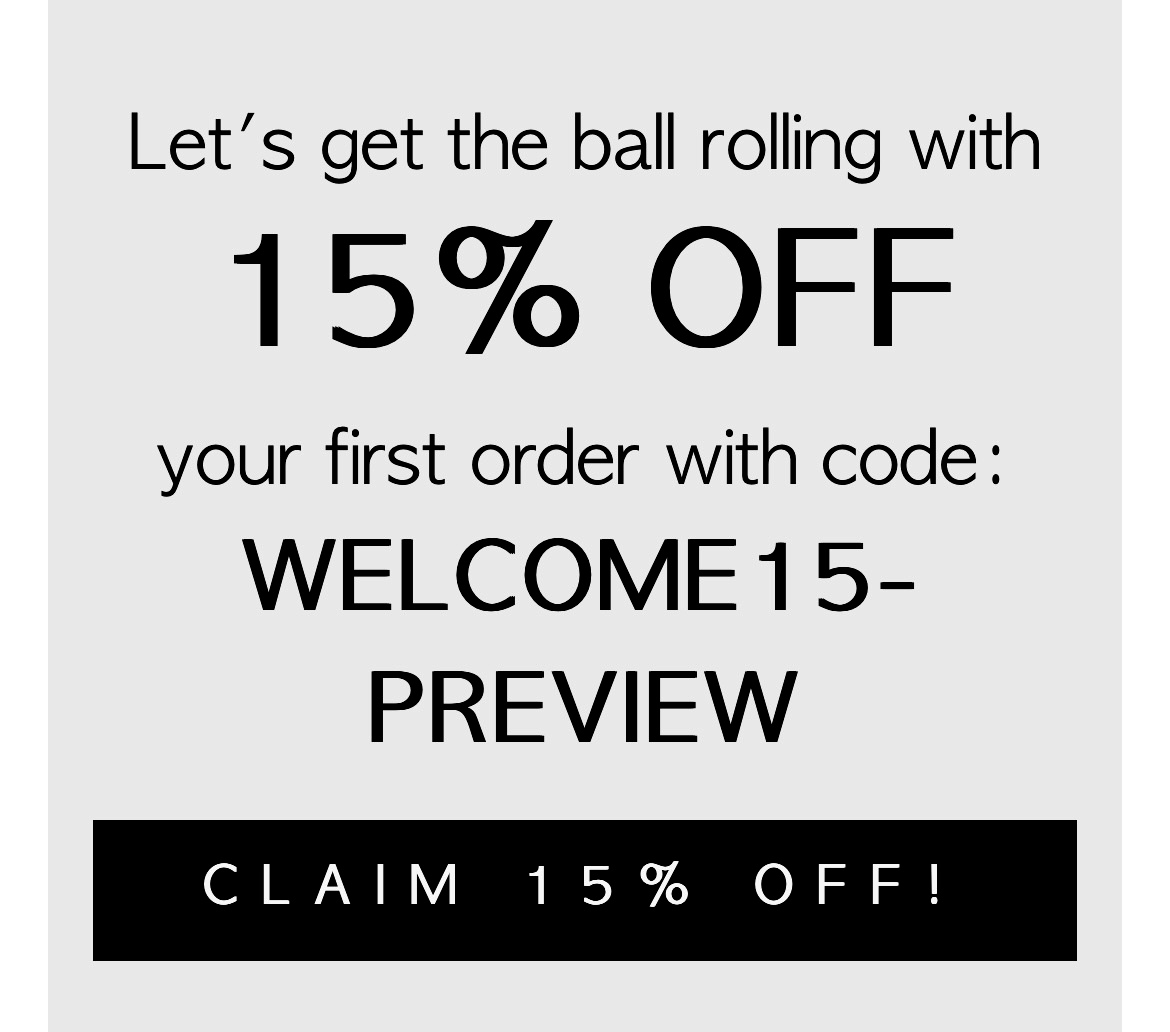
However, the first fallback font I set up (Century Gothic) is the one I keep getting in Gmail desktop, and in Gmail mobile I’m getting a completely random one (see images below). The new ones I set up won’t render.

Anyone knows how to fix this?
Gmail desktop (I’m getting Century gothic)
Gmail mobile (Im getting what I believe is Lucida)


    This topic has been closed for replies.
    Best answer by juanitagomez1797

    Hi everyone! thanks for your help! I’ve solved the issue with help from Klaviyo support, it was an easy fix, I’ll share what Judy from Klaviyo advised here:

    “I know that if you create a template, and use a custom font, and then you make changes to the font under your "Images & Brand" tab, it may not update in your template because it's cached with the old fallback font. 

    What I would recommend trying
    1. Making sure that the fallback font was actually updated to Arial. When you press "update font" I would recommend clicking on "edit" again to see if Arial saved.
    2. Clone template and re-select the custom font with the new fallback
    3. Send a preview to see if Arial is showing in gmail”

    In conclusion, I just needed to re-select the fonts again in my templates and emails for them to “refresh”.


    Thanks again everyone!!

    5 replies

    Taylor Tarpley
    Community Manager
    Community Manager
    April 24, 2023

    Hi there @juanitagomez1797


    Welcome to the Community! Thanks for sharing your question with us, happy to help! 


    Do you mind sharing a couple of things so we can investigate this together? For instance, can you confirm that you are in the new editor and whether or not this was a cloned template? Additionally, is this happening to any other member of your team or just your experience with this fallback font in Gmail? 


    Looking forward to solving this together! 


    Thanks for participating in the Community! 

    -Taylor 

    Contributor I
    April 24, 2023

    Hi Taylor! thanks for replying!

    Im using the new editor, and I’m using a template I created from scratch, and I’ve been cloning my email campaigns from that template. Im the only one experiencing this problem with Gmail in my team.

    Omar
    Partner - Platinum
    2025 Champion
    April 26, 2023

    Hi @juanitagomez1797,

    Are you using any plugin or have you configured any specific settings in Gmail that might overrule this?

    Regards,

    Omar Lovert // Polaris Growth // Klaviyo Master Platinum Partner

    We help with e-commerce growth through CRO, Klaviyo and CVO

    Helping E-commerce brands maximize Lifetime Value & Profits with Klaviyo, CRO & CVO - Get your free Audit - https://link.polarisgrowth.com/free-audit
    Taylor Tarpley
    Community Manager
    Community Manager
    April 28, 2023

    Hi @juanitagomez1797


    @Omar brings up a great point! 


    This is odd behavior. If everyone receiving this experienced odd rendering issues, a possible reason could’ve been that the template was corrupted due to the cloning, however since you are the lone person experiencing it. I will open up a support ticket on your behalf so a member of our amazing support team will further aid the investigation! 


    Thanks for participating in the Community!

    -Taylor 

    juanitagomez1797AuthorAnswer
    Contributor I
    May 3, 2023

    Hi everyone! thanks for your help! I’ve solved the issue with help from Klaviyo support, it was an easy fix, I’ll share what Judy from Klaviyo advised here:

    “I know that if you create a template, and use a custom font, and then you make changes to the font under your "Images & Brand" tab, it may not update in your template because it's cached with the old fallback font. 

    What I would recommend trying
    1. Making sure that the fallback font was actually updated to Arial. When you press "update font" I would recommend clicking on "edit" again to see if Arial saved.
    2. Clone template and re-select the custom font with the new fallback
    3. Send a preview to see if Arial is showing in gmail”

    In conclusion, I just needed to re-select the fonts again in my templates and emails for them to “refresh”.


    Thanks again everyone!!