Thanks for sharing your question with the Klaviyo Community.
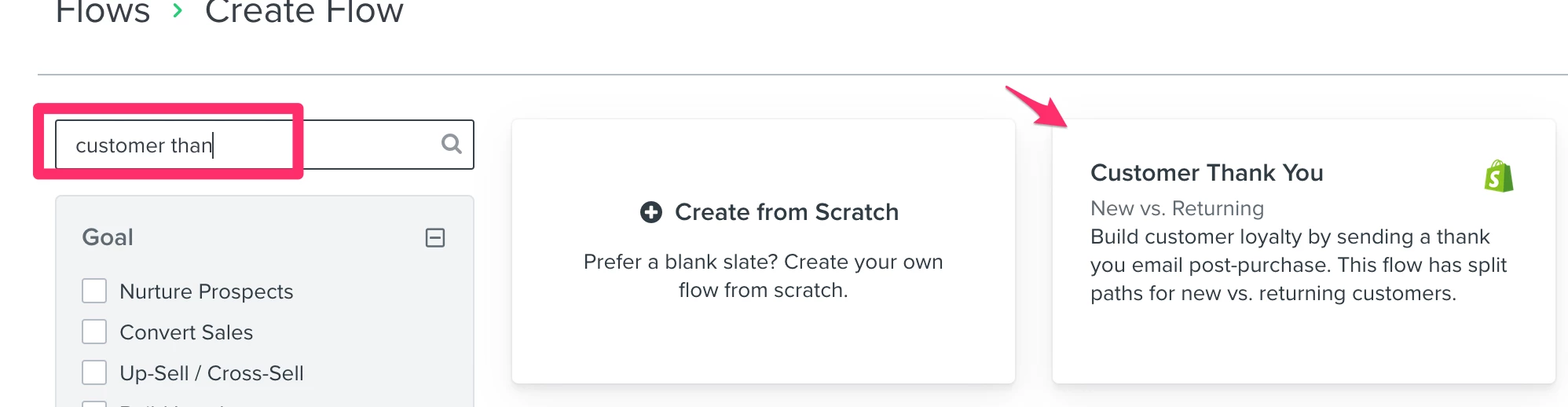
You can start by using the default Custom Thank You flow from the flows library. You can access the flows library by navigating to the Flows tab > Create Flow (top-right) > search for the name “Customer Thank You”.
This will automatically create a flow with 2 emails, one catered for new buyers thanking them for their purchase and a second email catered to repeat buyers, thanking them for their repeat purchase.
This is a great starting flow template to achieve the goal of your first email. From here, you have the freedom to add additional emails to your flow.
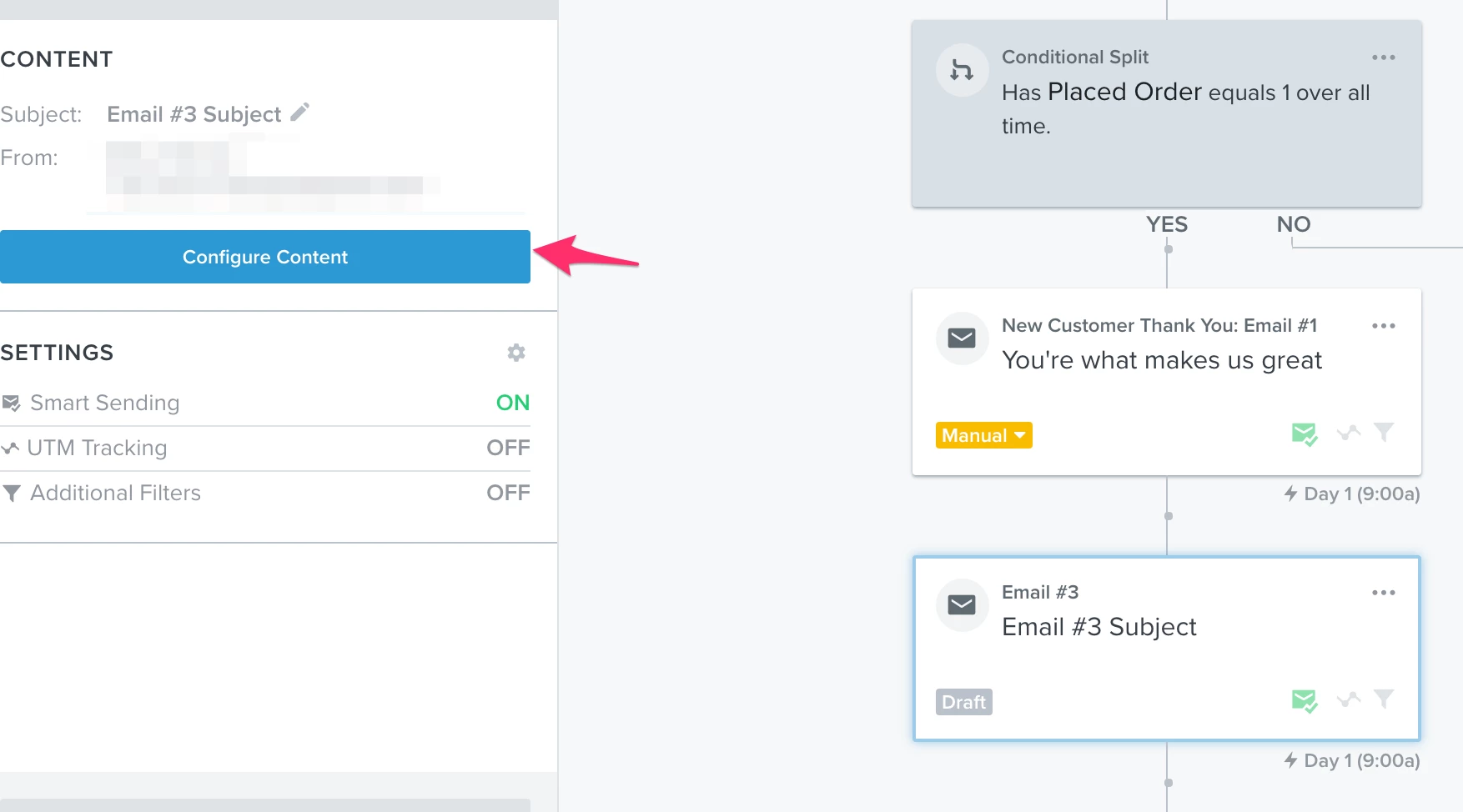
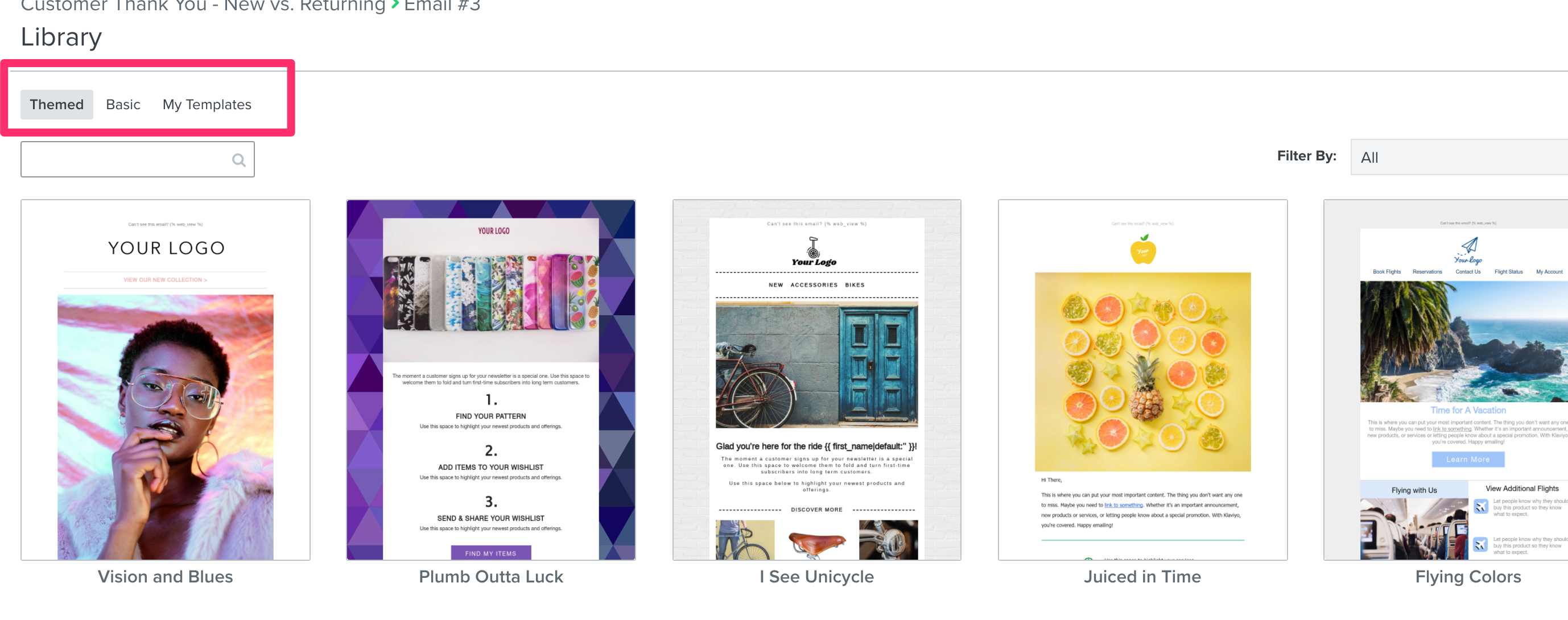
For the second email, you should look into using dynamic coupon codes for Shopify. When you add a net-new email and click “Configure Content”, you’ll have the option to use Klaviyo’s default themed or basic templates, you can also use previously saved templates in your new email in this flow. You should add a unique coupon code into this email using the above guide.
For the third email, you can simply clone the 2nd email and change the wording around slightly. Or, you can use an existing template, or create a new one from scratch. If you reference the same coupon code in the email (as long as it’s not expired) it will display the same unique coupon code again in both emails. For example, say you have a coupon code that is valid for 10 days and it is contained in email number 2. You send email number 2 and then 8 days later, email number 3 sends, the same unique coupon code will be displayed in email number 2 & email number 3.
I hope that helps! Thanks for being a valued member of our Community.
@Mailbox Manny My setup is based on the “Welcome Flow”. For every customer whoPlaced an Order for the 1st time, it will send them a THANK YOU email and then in the next emails notify them of the temporary discount. This is what I would call “First Time Buyers”.
For customers who Placed an Order for the 7th time, it will send them a THANK YOU email, welcoming them into the VIP Group. Then offer a temporary discount in the next emails.
This is what I would call “Repeated Buyers”.
To differentiate the two, I’ve used the conditional split as you suggested. But I only need to know if I’ve setup the conditional split correctly and if I’m missing anything.
You will KEEP the condition of “Placed Order = 1 over all time”
You will REMOVE the condition of “Placed Order = 7 over all time”
You will ADD a conditional split under the “Wait 1 minute” time delay in the Repeat Buyers path and add the condition of “Placed Order = 7 over all time.” You will then add the emails with the discount to the “Yes” path.
Also, if you are ever unsure, feel free to set this flow to manual status so that you can test the logic of the flow without the risk of having the email send live.
By doing what you said it helped me understand why it wasn’t making sense before.
I think I got it now
A
Anonymous
September 8, 2021
@julie.accardo
By doing what you said it helped me understand why it wasn’t making sense before.
I think I got it now
Hi,
To understand this flow and for the community to learn from this. What happens if the customer purchases on the Repeat Buyer Sequence flow within 6 hours?
Would the Email #2 sequence email still be sent to the customer, or is it recommended that another conditional split email flow should be created to avoid an unnecessary email follow up?
My best guess is that @Niles is looking to just target 1st time customers as well as maybe the 7th+ purchase is what they deem as a requirement to receive their flows. For 2+ placed orders perhaps this doesn’t meet their marketing strategy criteria. But just a thought would love to hear from Niles as well.
My best guess is that @Niles is looking to just target 1st time customers as well as maybe the 7th+ purchase is what they deem as a requirement to receive their flows. For 2+ placed orders perhaps this doesn’t meet their marketing strategy criteria. But just a thought would love to hear from Niles as well.