@Tonyy,
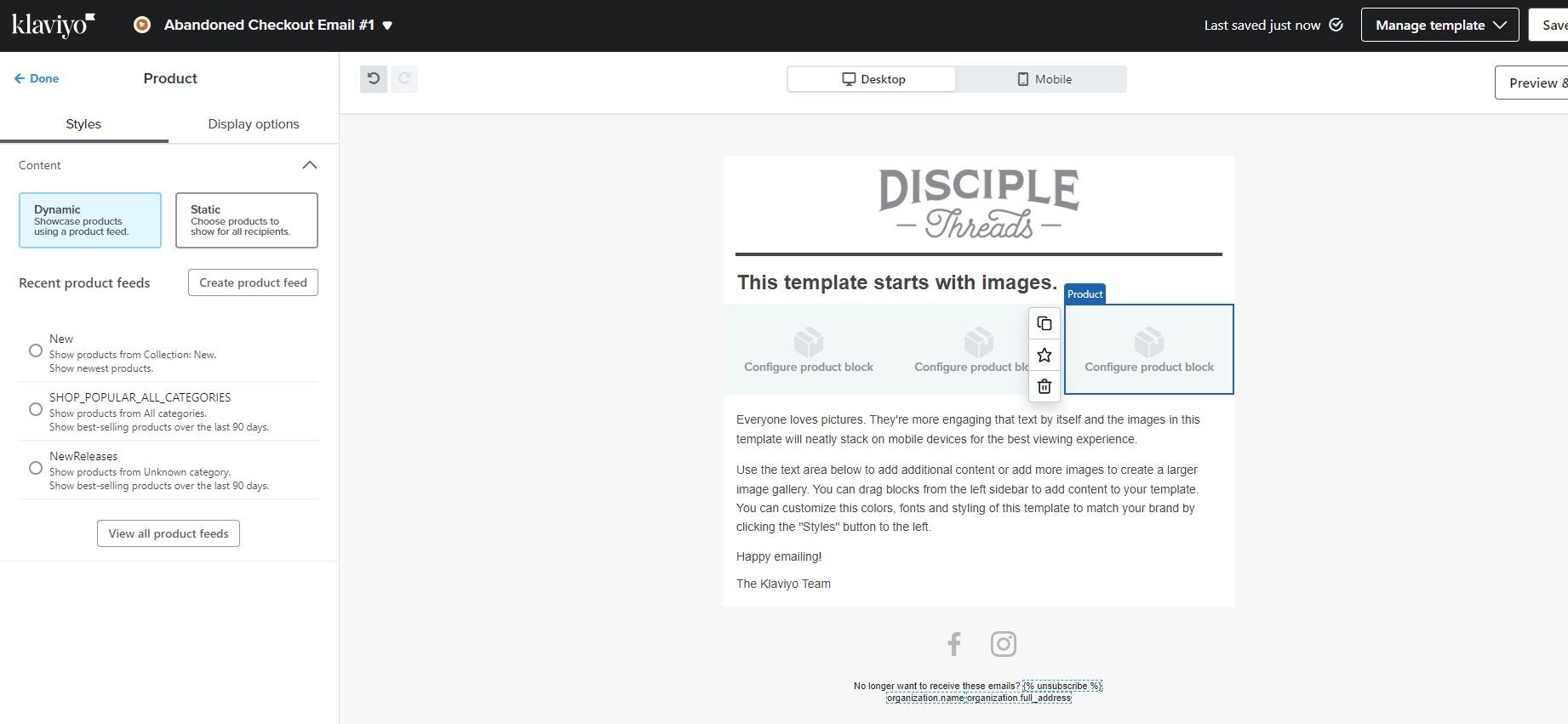
The product block options (New, Best Sellers, New Releases) are catalog-based recommendations. They don't show what a specific person left in their cart. To display the actual abandoned items, you need a Dynamic Table block bound to the checkout event data, or use Klaviyo's pre-built Abandoned Cart flow which includes this block automatically.
Why the product block doesn't have an "abandoned cart" option
The product block pulls from your catalog feed. It has no connection to what a specific person left in their cart. Abandoned cart items come from event data, specifically the Started Checkout (Checkout Started) event, which requires a different block type entirely.
Option 1: Use the pre-built Abandoned Cart flow (recommended)
Go to Flows → Browse Ideas → add the Abandoned Cart flow template. This flow includes a pre-built dynamic cart block that automatically displays each person's abandoned items and a return-to-cart link. If you're starting fresh, this is the fastest path. Important: save this block before editing the email so you don't accidentally lose its dynamic functionality.
Option 2: Build it manually with a Dynamic Table block
If you're building from scratch or the pre-built block is missing:
- Add a Dynamic Table block to your email
- Set Table → Styles → Dynamic
- Set Row Collection to the array of items from the event — commonly
event.extra.line_items - Set Row Alias to
item - Use variables like
{{ item.title }}, {{ item.price }}, {{ item.image_url }}, and {{ item.product_url }} to render each line item
Important distinction:
- Started Checkout supports multiple items → use a Dynamic Table block (repeats rows per item)
- Added to Cart and Viewed Product are single-item events → use a Static table block instead
Helpful docs:
Helping E-commerce brands maximize Lifetime Value & Profits with Klaviyo, CRO & CVO - Get your free Audit - https://link.polarisgrowth.com/free-audit