Active Contributor IV
May 8, 2023
Solved

How do I set the background color per column in a "Split Block"

  • May 8, 2023
  • 1 reply
  • 587 views

This is what I am trying to create:
 

and stacking on mobile like this:

In Klaviyo a table doesn’t stack on mobile, I would usually use the “Split” content block, but it only has one toggle for the background color that stretches across both sides:
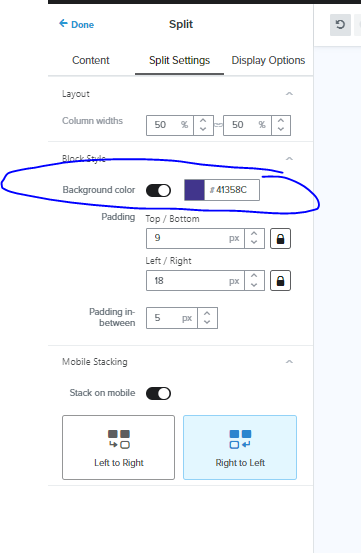
Is there a way to set the color per column? even in the HTML if possible?


Thank you

This topic has been closed for replies.
Best answer by stephen.trumble

Hey @dgibbs 

Great question!

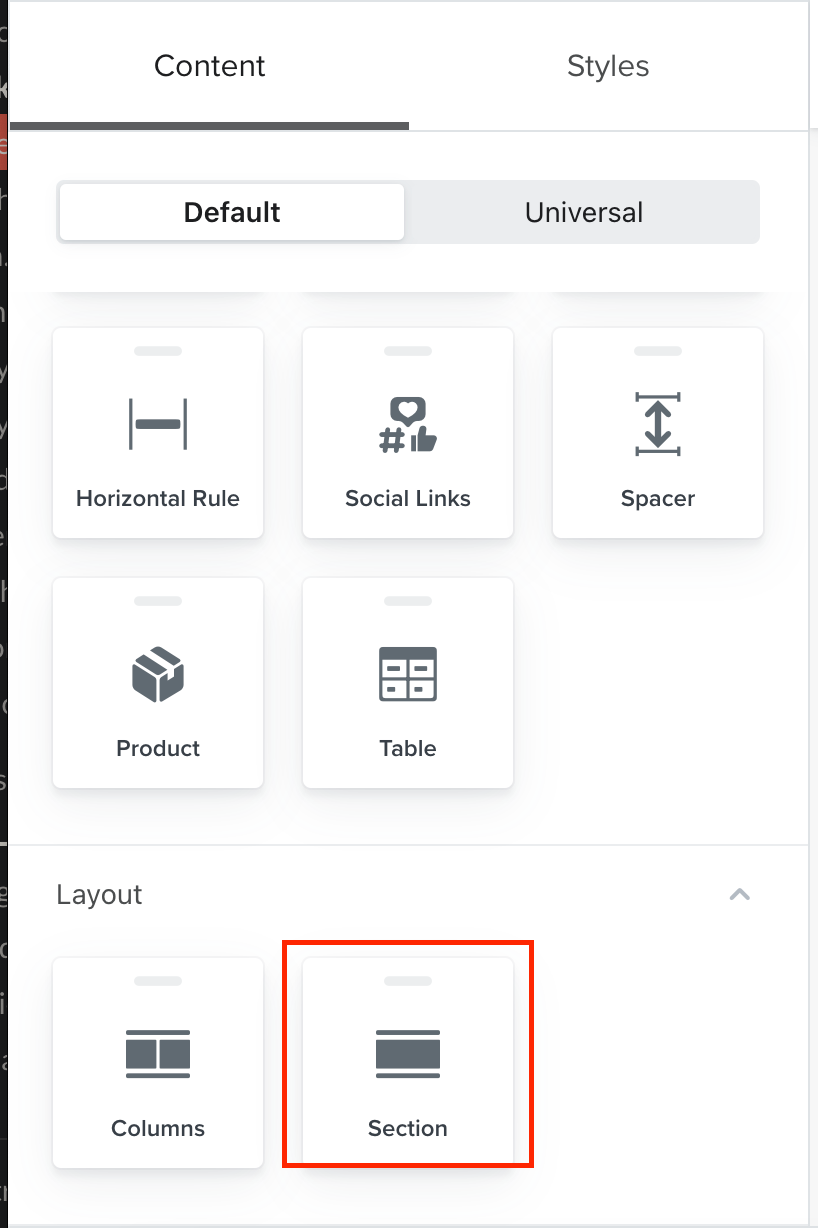
You should be able to achieve that using a new section,

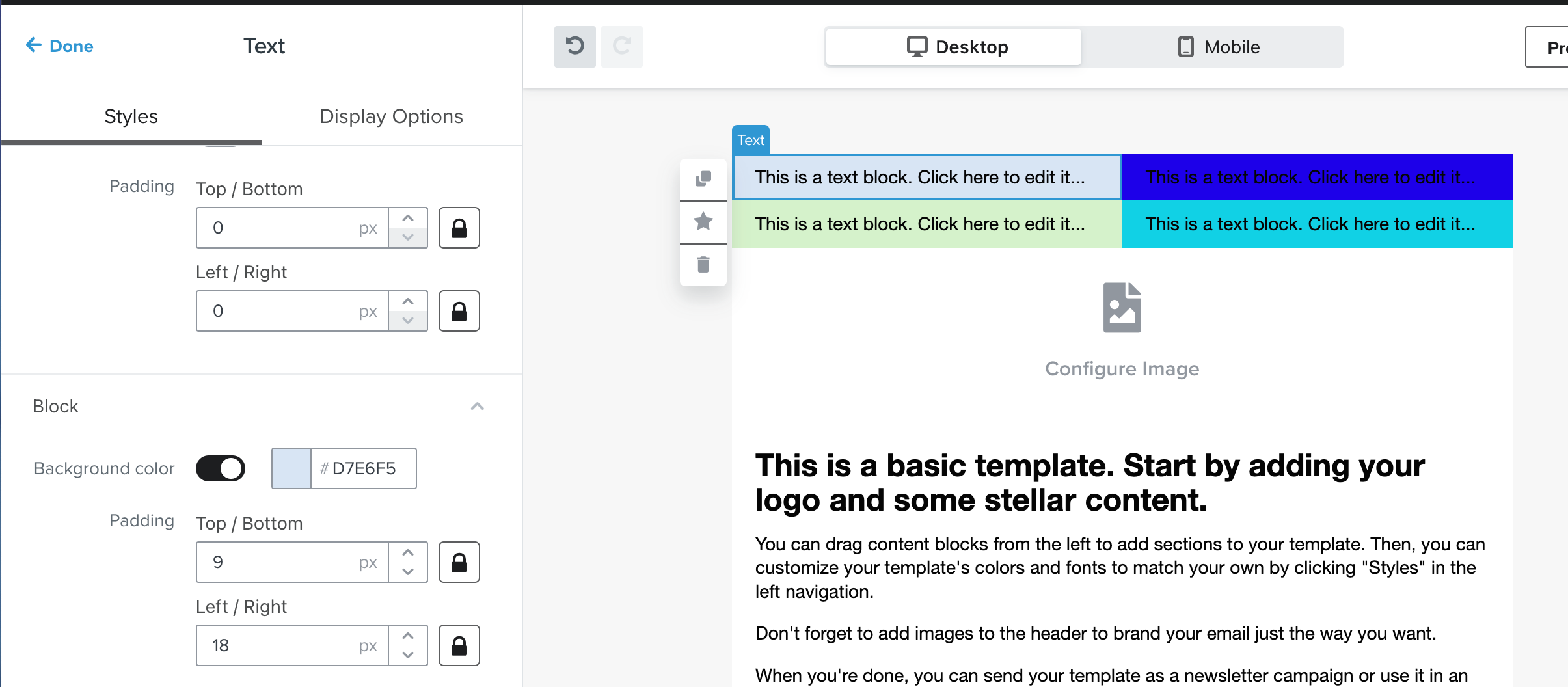
Then add 2 columns, and within the columns add 4 text blocks with background colors toggled on - instead of a split block, because split block columns cannot have individual colors but text blocks can. 

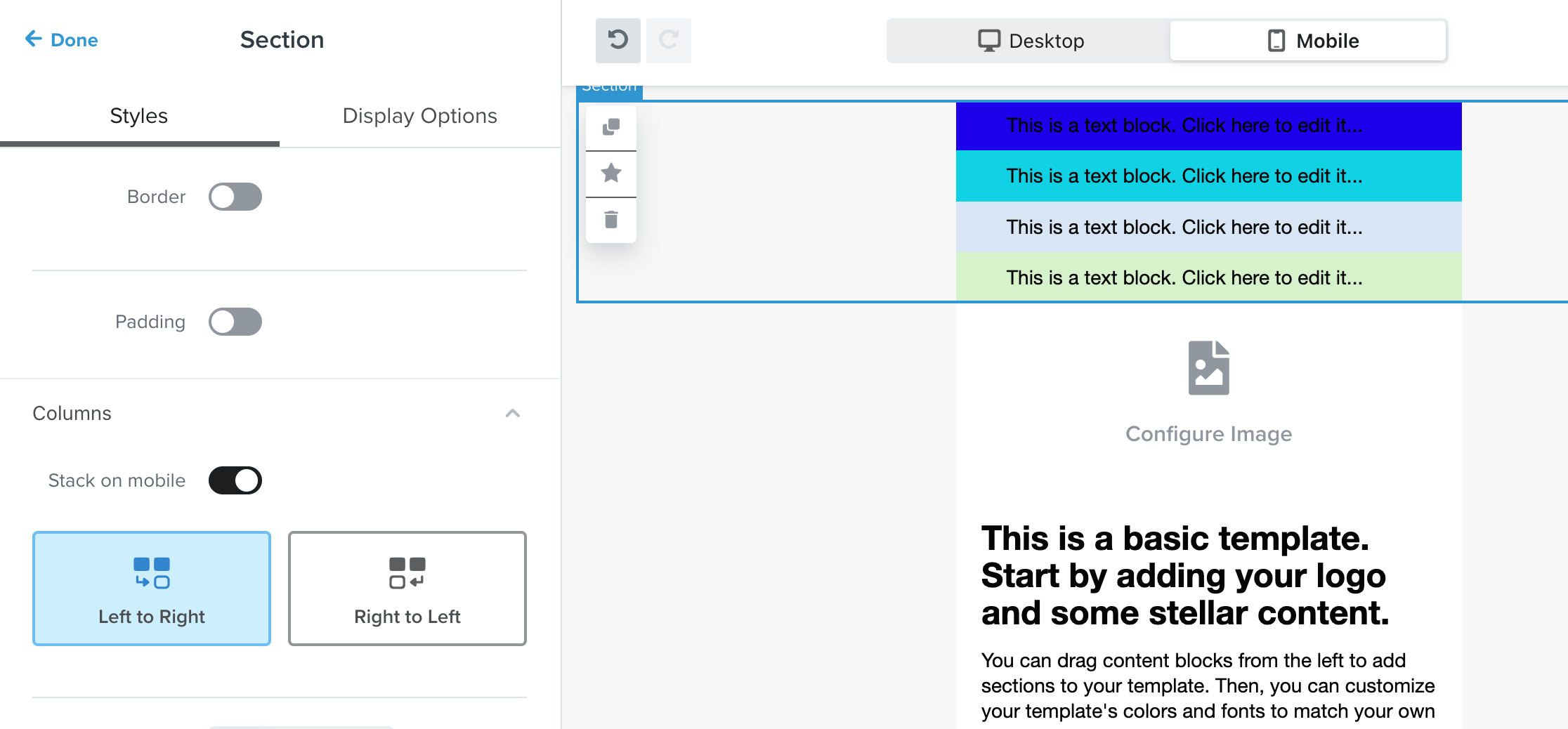
Then you can also control the mobile stacking order for that entire new section. 

Hope this helps!

1 reply

stephen.trumble
Klaviyo Alum
May 9, 2023

Hey @dgibbs 

Great question!

You should be able to achieve that using a new section,

Then add 2 columns, and within the columns add 4 text blocks with background colors toggled on - instead of a split block, because split block columns cannot have individual colors but text blocks can. 

Then you can also control the mobile stacking order for that entire new section. 

Hope this helps!

-Stephen