




How to add a clickable phone number to an email
There are many reasons you might want to provide a phone number for customers to reach you at, and it’s a great way to keep an open line of communication with your customers if you offer phone support. So how do you easily share that with a customer in an email?
There are two ways you can add a click-to-call link to your emails:
- Add it as linked text. If you mention your phone number within a text block, you can hyperlink it to your phone number by adding the following HTML to your text block’s source code:
<a href="tel:+18881235467">1-888-123-5467</a>. -
Add it as a button. Drag and drop a button into your message. Add an appropriate call to action in the Button Text field, and instead of a Link URL, add “tel:+18881235467”
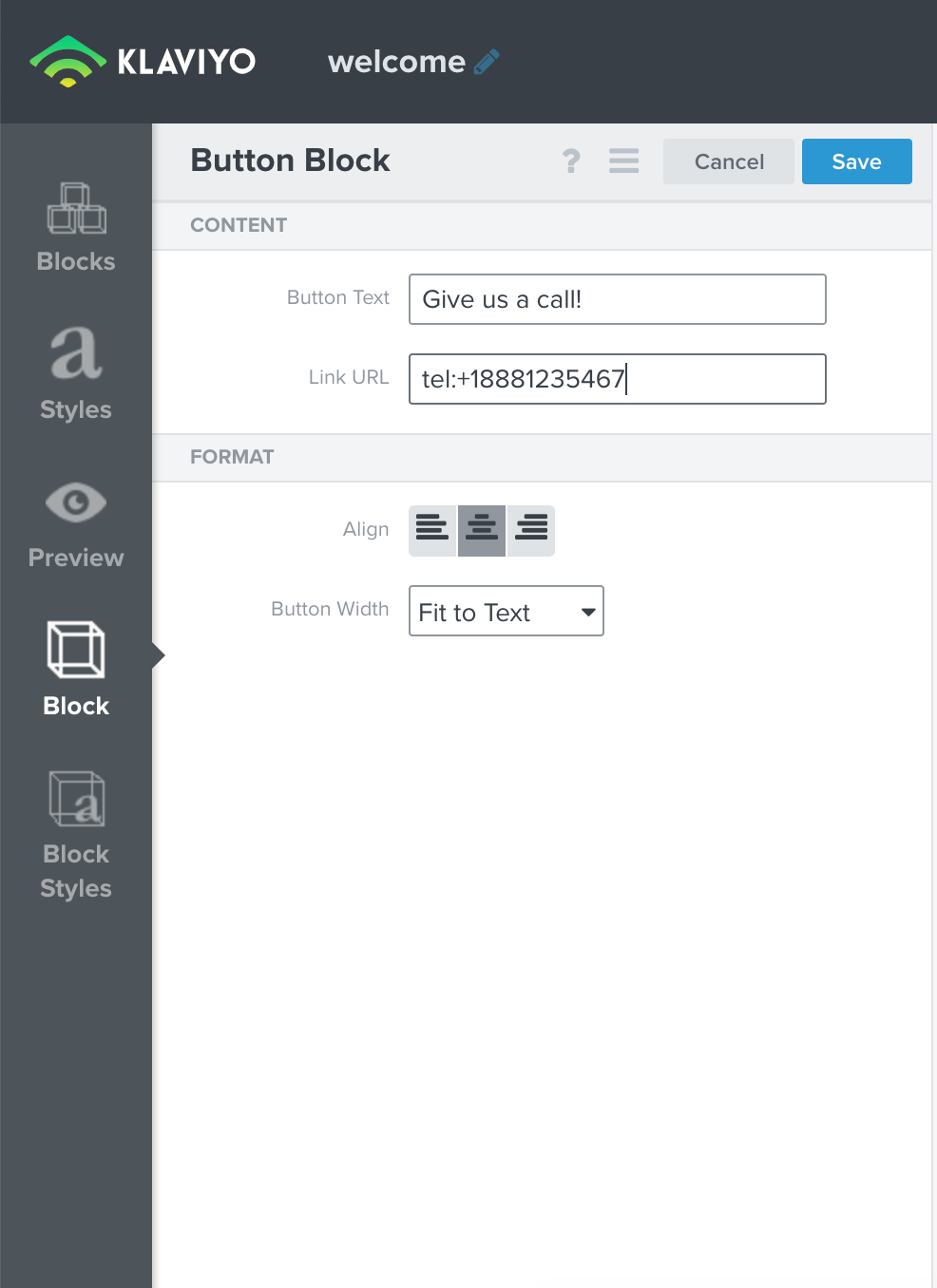
Be sure to replace the example number with your own number, and keep the same formatting as in the example.