Contributor I
January 3, 2024
Solved

How to add event property attributes in email template?

  • January 3, 2024
  • 1 reply
  • 642 views

Hello,

I created a custom event from the API using a payload similar to this:
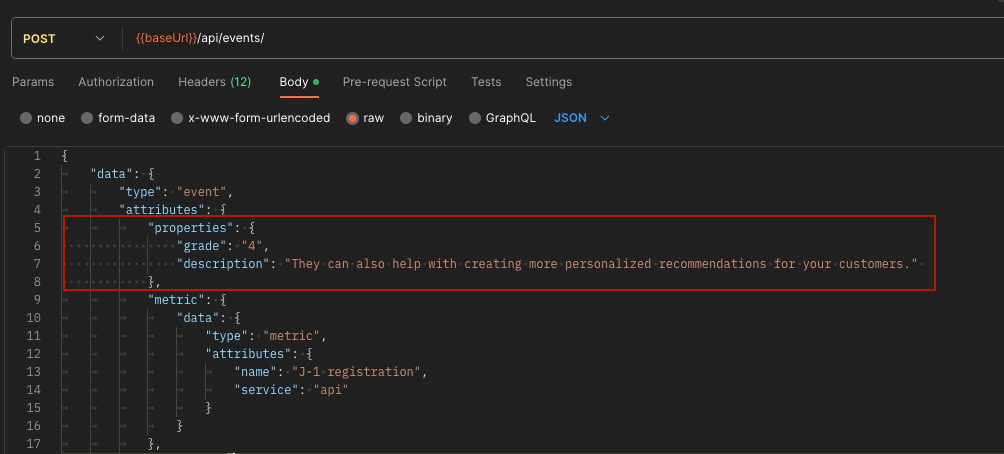


How do I use ‘grade’ and ‘description’ in an email template?

{{ grade }} or {{ event.grade }} or what should it be ?

Thank you

    This topic has been closed for replies.
    Best answer by Brian Turcotte

    Hi @Fernando!

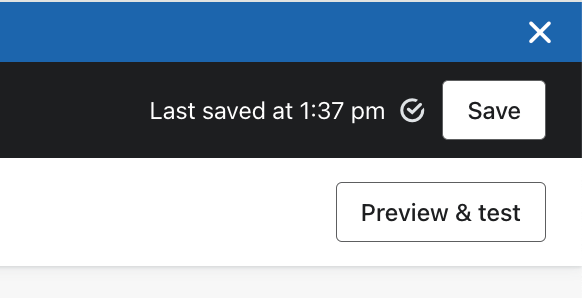
    If you’re triggering the email with the custom event, the syntax would be {{ event.grade }}. If you want to check that you’re using the correct syntax, you can click on the “Preview & test” button in the template editor:

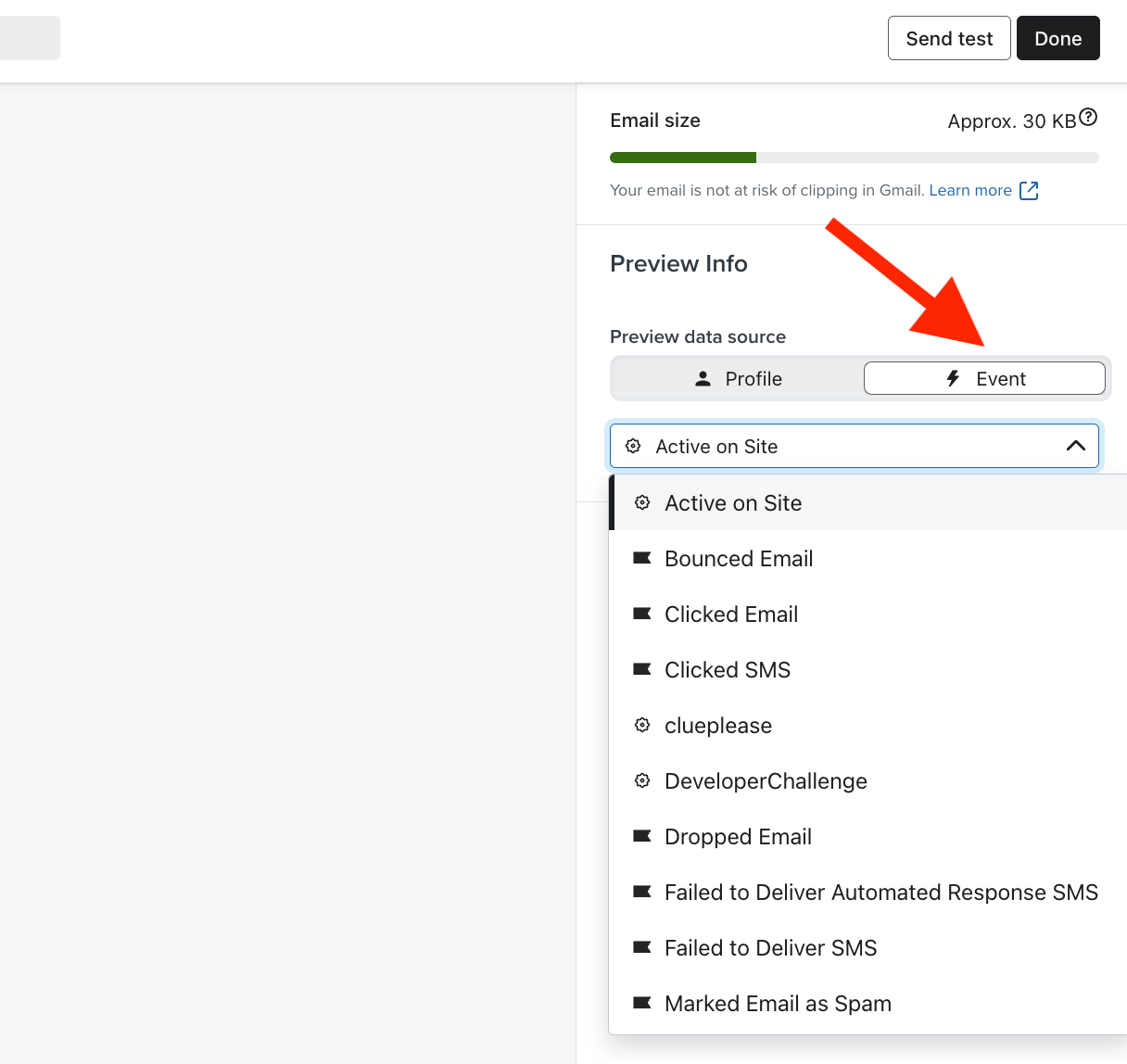
    Then, click on “Event”, find the event in the dropdown menu, and check the template to see if a preview value is displayed:


    Hope that helps!

    Best,

    Brian

    1 reply

    Brian Turcotte
    Klaviyo Alum
    January 3, 2024

    Hi @Fernando!

    If you’re triggering the email with the custom event, the syntax would be {{ event.grade }}. If you want to check that you’re using the correct syntax, you can click on the “Preview & test” button in the template editor:

    Then, click on “Event”, find the event in the dropdown menu, and check the template to see if a preview value is displayed:


    Hope that helps!

    Best,

    Brian