Problem Solver III
April 24, 2024
Solved

How to change Logo for OAuth 2.0 ?

  • April 24, 2024
  • 5 replies
  • 212 views

Hey Klaviyo Community and Team,

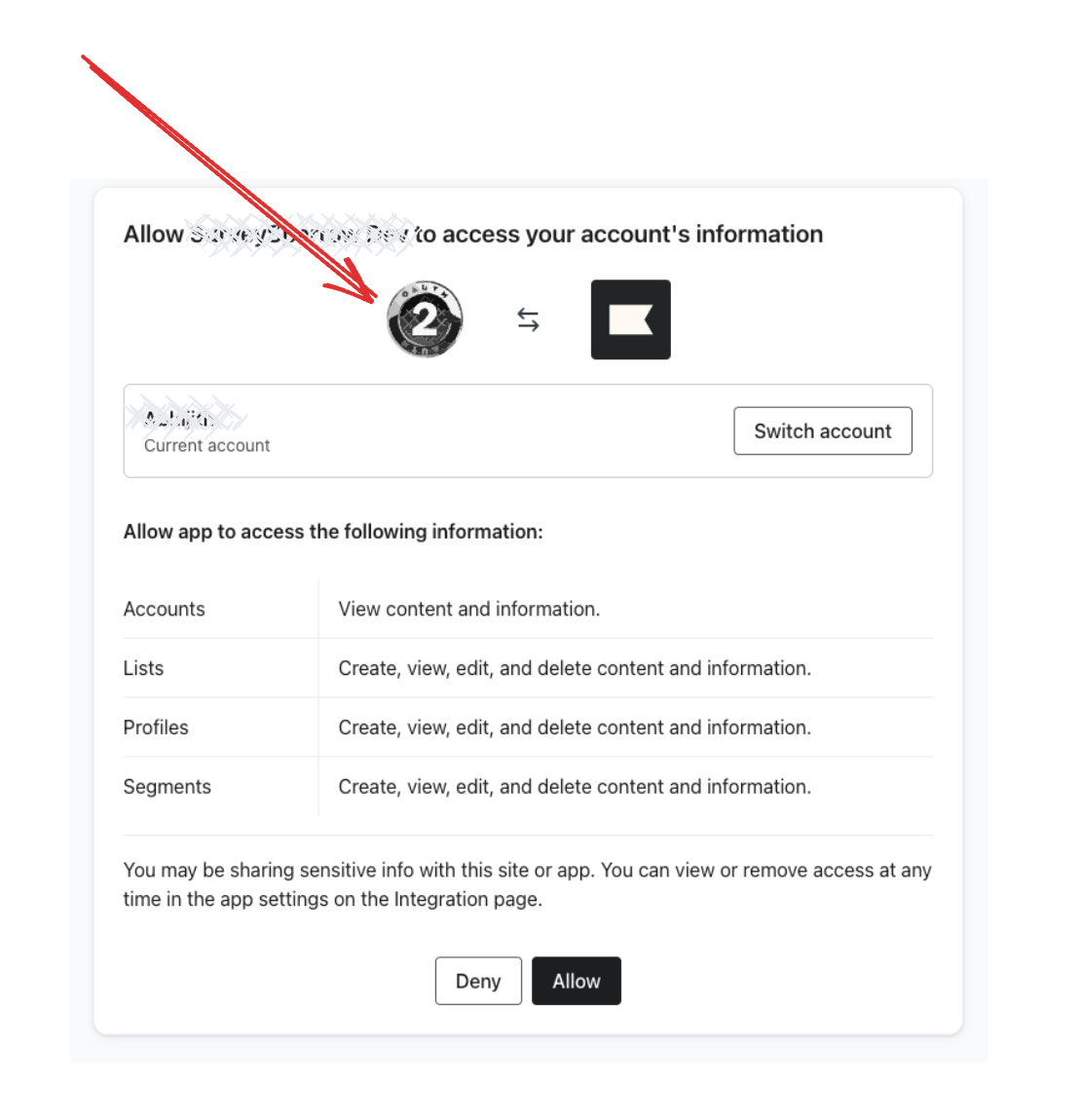
I have created an OAuth client in www.klaviyo/com/oauth/client and generated a Client ID and Client Secret and used the same to connect to Klaviyo from my app. But whenever I do so, I am getting the default OAuth 2 logo in the Authorization page and I couldn’t find where I can change this logo to my customized logo.


Can anyone help ?
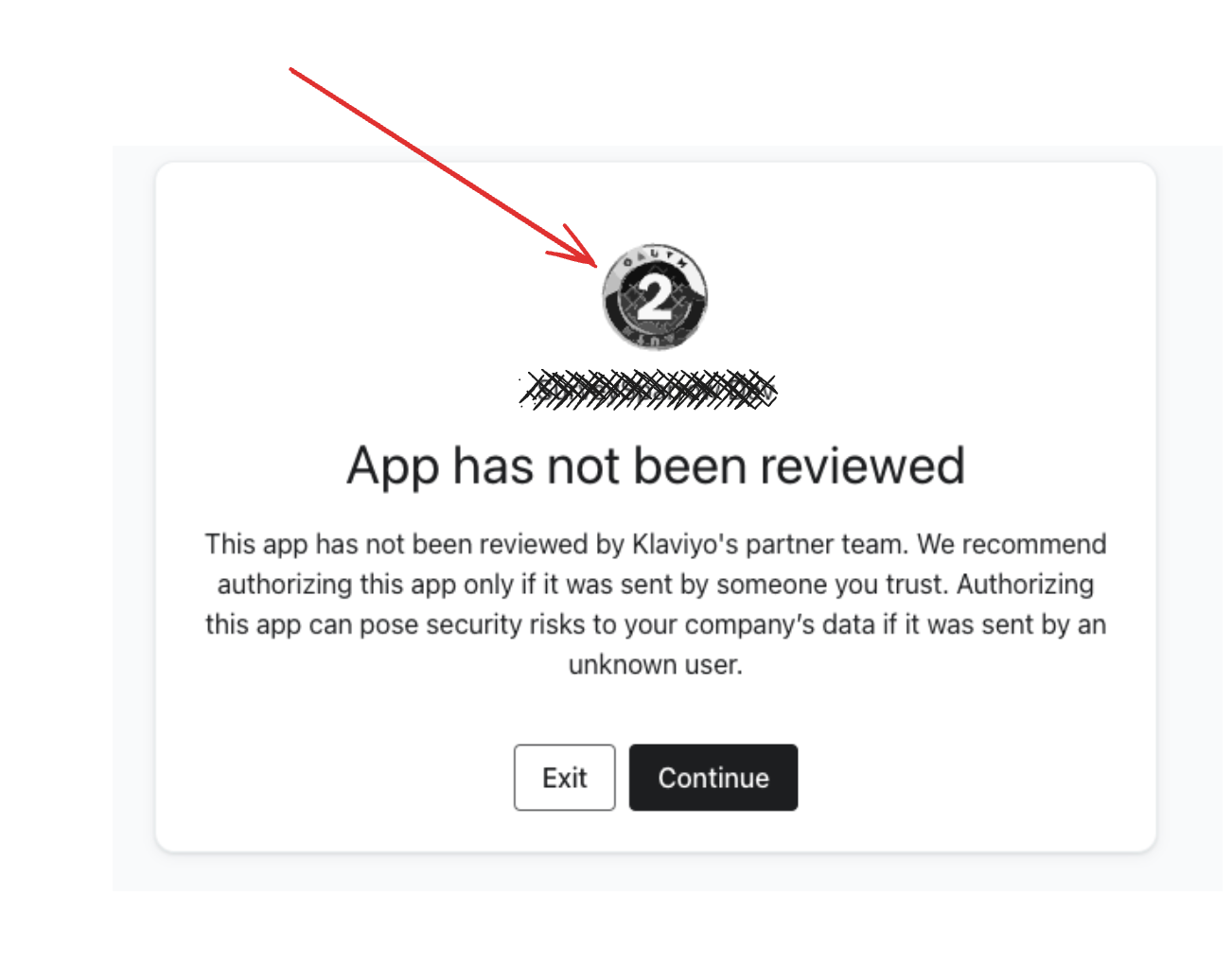
The Image Logo here

​​


    This topic has been closed for replies.
    Best answer by abhijithvs

    I have found an answer to this today @Brian Turcotte . 

    So for updating the logo in oauth you can go to https://klaviyo.com/manage-apps
    And in the listing details tab go to Media

    Upload the logo and cover image and save…


    And that’s it Your logo would be there in the OAuth pages.

    5 replies

    Brian Turcotte
    Klaviyo Alum
    April 30, 2024

    Hi @abhijithvs!

    I will check on this internally and update the thread ASAP!

    - Brian

    Problem Solver III
    April 30, 2024

    Thanks a lot @Brian Turcotte 

    Problem Solver III
    May 1, 2024

    Please let me know once there is any update on this @Brian Turcotte. As we need to proceed with the app submission and other procedures for listing.


    Thanks

    abhijithvsAuthorAnswer
    Problem Solver III
    May 30, 2024

    I have found an answer to this today @Brian Turcotte . 

    So for updating the logo in oauth you can go to https://klaviyo.com/manage-apps
    And in the listing details tab go to Media

    Upload the logo and cover image and save…


    And that’s it Your logo would be there in the OAuth pages.

    Problem Solver III
    May 30, 2024

    I have marked this as the right answer since we have found the solution to this.


    Thanks team.