Solved
How to remove Grey Bar
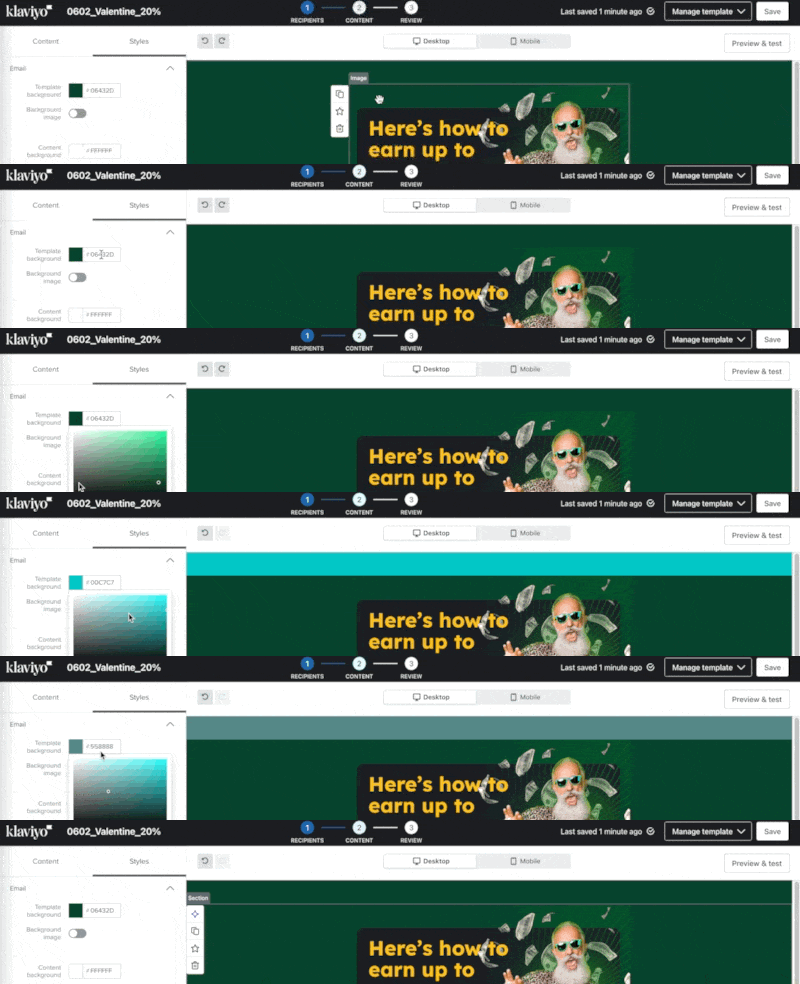
How do I remove the grey bar at the top of templates? As the screenshot below showing the top of the email. This shows up in the delivered email too.


How do I remove the grey bar at the top of templates? As the screenshot below showing the top of the email. This shows up in the delivered email too.
Enter your E-mail address. We'll send you an e-mail with instructions to reset your password.