



I can't open multiple templates at once in the new template library?
So…. there seems to have been an update in the last week or so to the template page that now when you click on a template to edit it poppsup with this preview window:
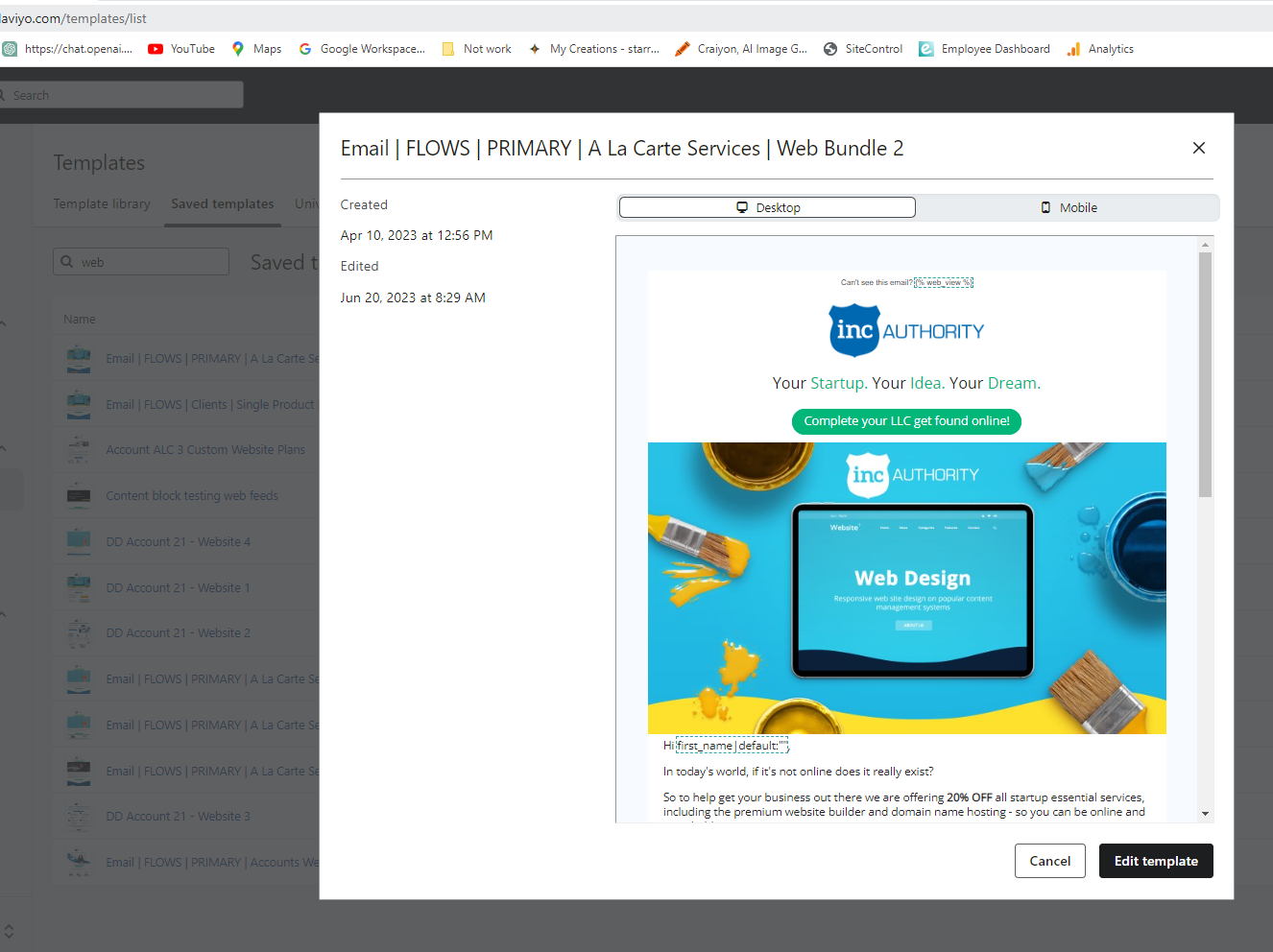
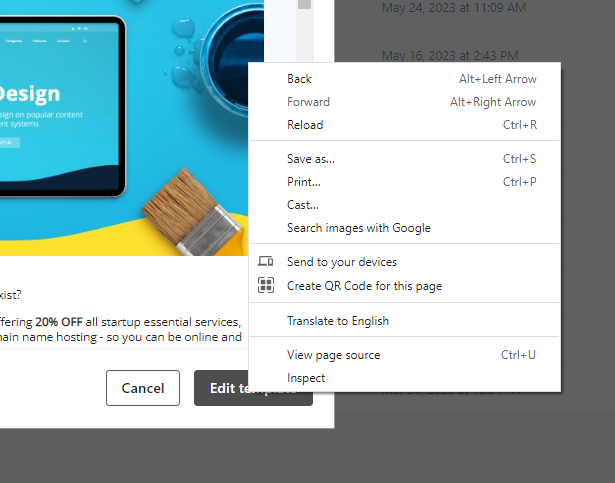
The issue with this is I can no longer open multiple templates across multiple tabs to work on a full campaign at once.
As there are no tagging of folder structures in the Templates section I need to search by keyword then click a template then click the edit button and then do it all over again.
A week ago I could type in my keyword and open 5 templates across multiple tabs easily and unlike many other changes, there is no “use previous version” button.
I personally really don’t like this change and feel like it adds a bunch of unnecessary clicks to find/do what I’m trying to do - but I’d like to hear what the community thinks.
Thanks