Contributor I
February 15, 2022
Solved

Klaviyo will not save the link text and URL on my text block.

  • February 15, 2022
  • 15 replies
  • 1098 views

Hi,


I am trying to add a link text and URL to a text block inthe email builder. However it will not save the information. I have already emptied the cache and restarted the browser. Also I pressed
the "Save and Return to Templates" button afterwards but it will just not keep the information.

I am trying to link this URL: https://www.it-fits.com.au/pages/8-reasons-to-buy-it-fits

Is there a problem with the format perhaps?

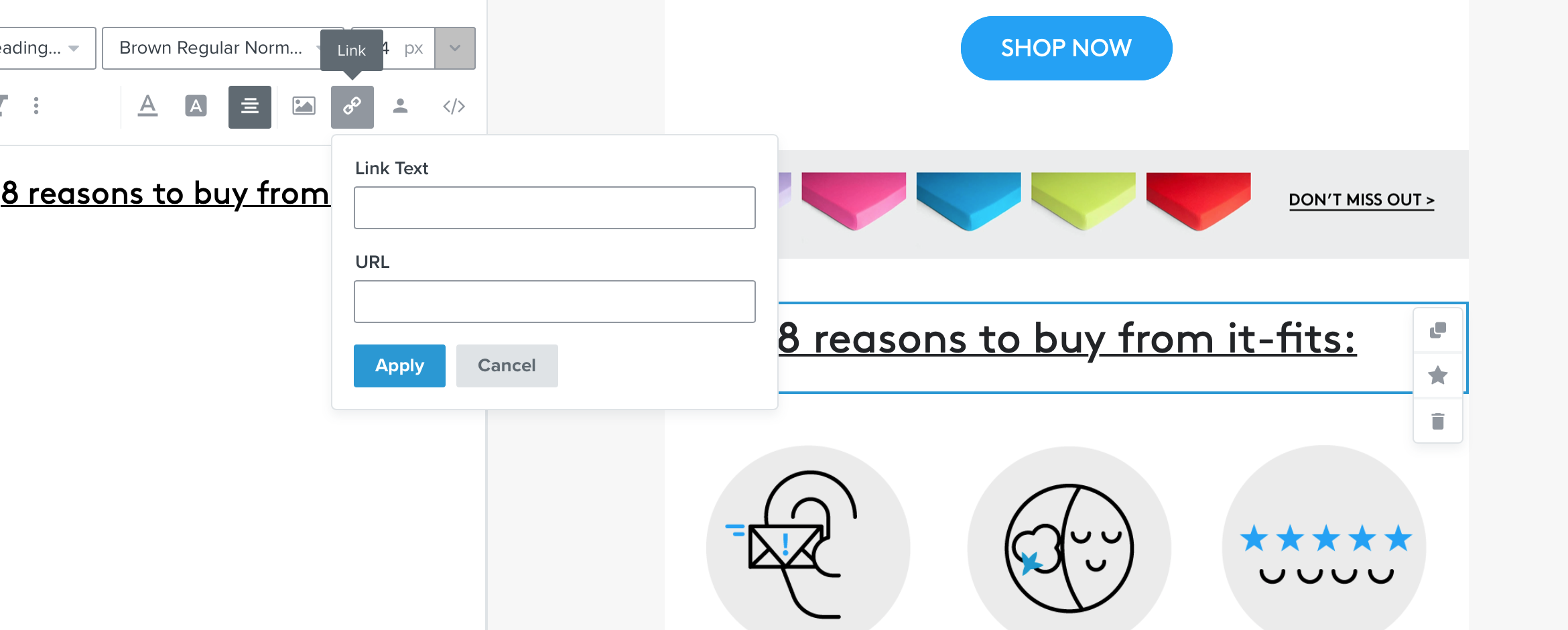
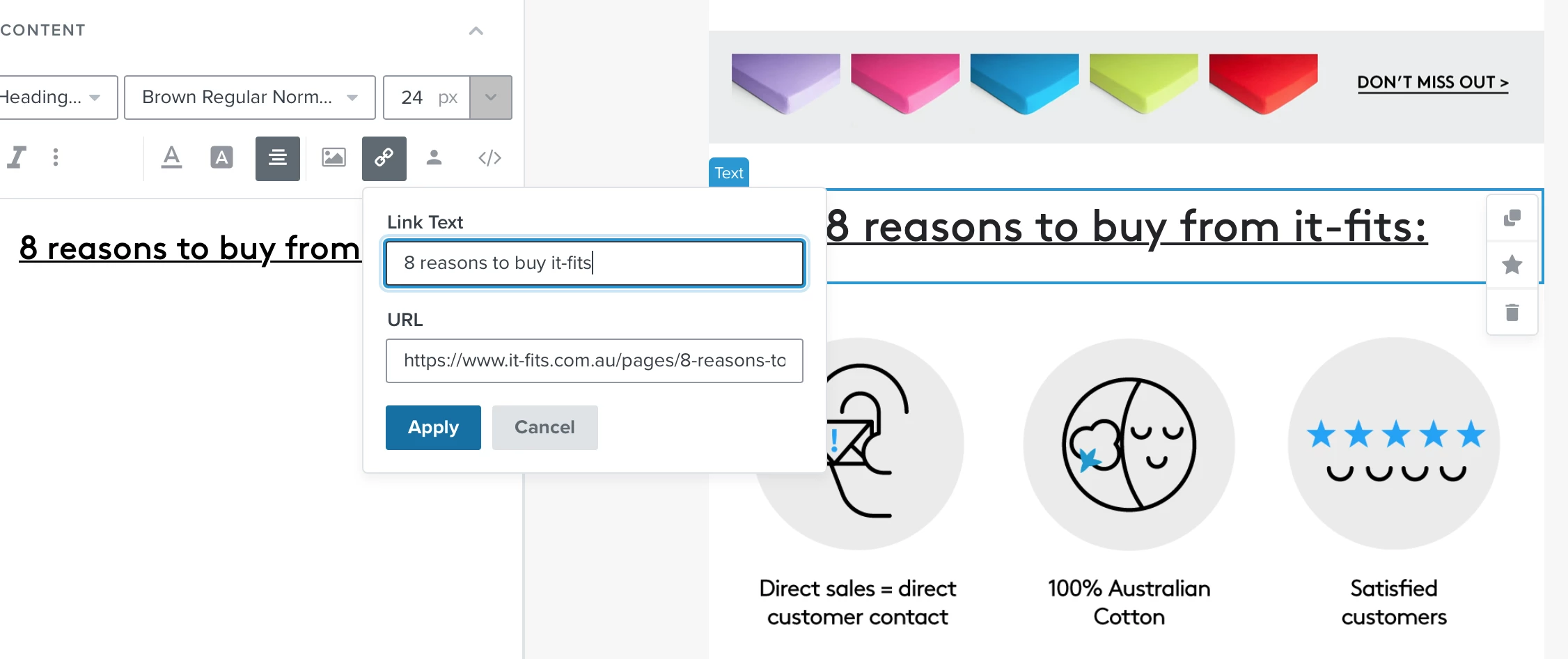
Attached 2 screenshoots, first one where I have input the the infos and second one when I go there again to check.

It seems also other designs elements or text we used did not always save. We kept doing things again and again but now for this issue we just never get to the end.


Thanks for your help?
 

    This topic has been closed for replies.
    Best answer by David To

    Hello @Kathrin Bickel,

    Great looking email!

    That does seem like an odd behavior! Have you tried highlighting the text you were looking to hyperlink prior to using the “hyperlink” functionality as opposed to just selecting the text box and using the hyperlink tool? You can also use CTRL+K (Command+K for Mac) shortcut after highlighting your text yo launch the hyperlink/link tool. 

    I’m also curious to know if you happened to had a chance to preview the email and see if the link actually did save but may not be appearing within the UI.

    Did you happen to also have multiples of the same template opened in different tabs or browsers? Since Klaviyo templates autosave all changes, having multiple tabs or browser open with the same template may cause this saving issue. For instance, after making these changes, if you navigated to a different tab that had the same template but without the changes applied, it may automatically save the template again, overriding the changes you’ve recently made. This would also extend to if multiple users are trying to edit the same template.

    David

    15 replies

    Contributor I
    May 2, 2022

    Working now! 

    Contributor I
    September 27, 2023

    It looks like this issue was solved 1 year ago, but I am having the exact same issue now. Does anyone know if it is a system issue, or if I’m doing something wrong? Thank you!
     

    Taylor Tarpley
    Community Manager
    Community Manager
    September 29, 2023

    Hi there @noraaz


    Welcome to the Community! 


    Yes, this issue was resolved. You can always check our Klaviyo status page to see real time incidents or updates!


    To clarify, do you mind explaining what you’re experiencing? Additionally, you have tried our original poster’s workflow and my colleague David’s steps as well to rectify the issue, but with no success?


    Thank you! 

    -Taylor 

    Contributor I
    January 19, 2024

    I am having this issue right now. Trying to add a hyperlink and it will not save I have notified klaviyo of this but so far no reply at all. We can’t send our email out as planned.

    Taylor Tarpley
    Community Manager
    Community Manager
    January 22, 2024

    Hi @Lorna-Zesty-Digital-Marketing


    Thanks for raising this issue in the Community! 


    Yes, this is an current bug and is being investigated by our team! However, I can see that our Support team did respond to you within a few hours and has provided a workaround in the meantime, which would be to directly add the URL though the 'source' of the block with <a href="YOUR URL"> RANDOM TEXT</a> . 


    Hope this helps!

    -Taylor