


Contributor III
March 20, 2023
Solved

Order confirmation email

  • March 20, 2023
  • 6 replies
  • 3217 views

Hi,


I have just done a test purchase on my shopify store and I received a shopify confirmation email and a klayvio confirmation email. How can I just send the klayvio email?


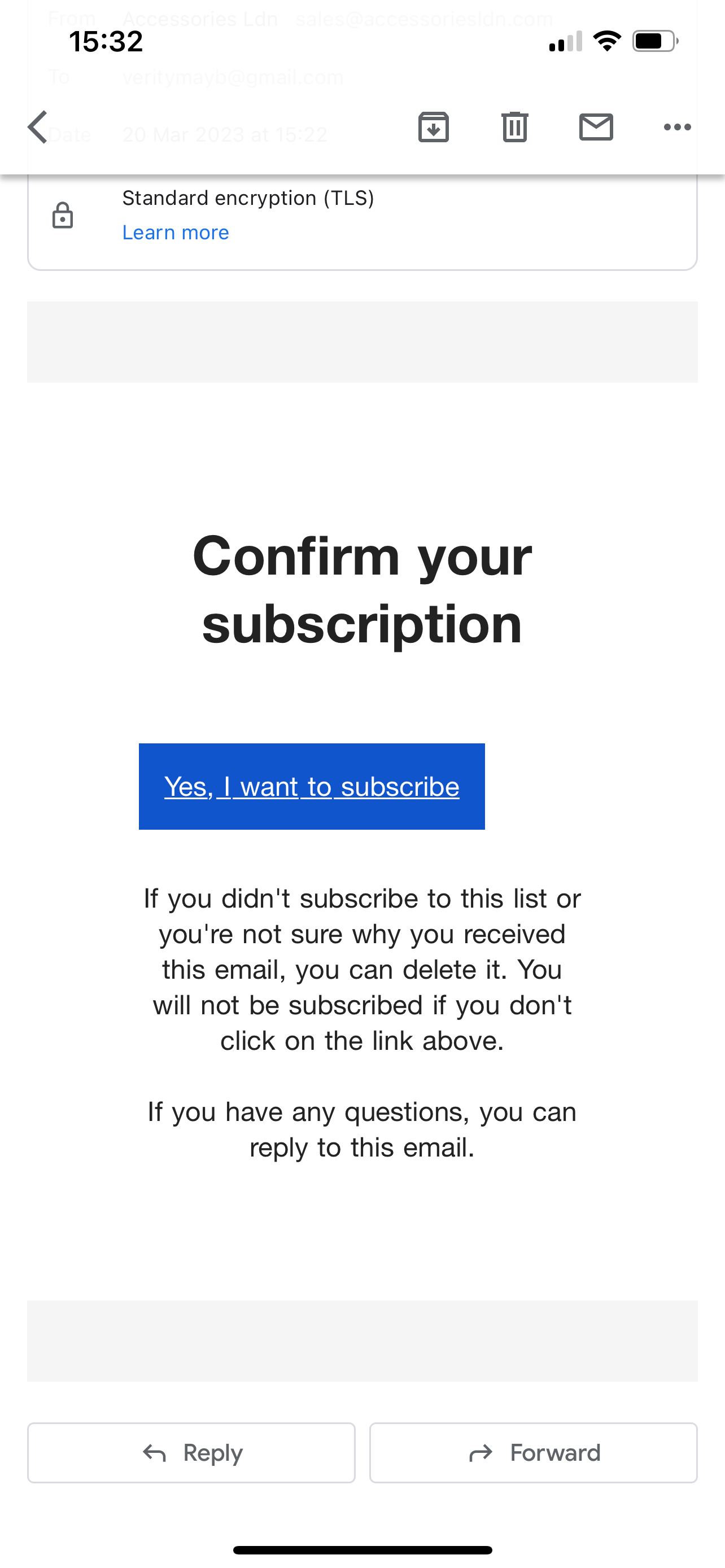
I also received a ‘confirm your subscription’ email, I will add a print screen below. Is this shopify or klayvio sending that email? I want to turn it off.
 

Thanks

    This topic has been closed for replies.
    Best answer by stephen.trumble

    Hey @acldn 

    Jumping in to help here! Do you have Shopify Plus? Only users with Shopify Plus are able to turn off order confirmation emails. If you do not have Shopify Plus, you can still use the klaviyo template you built, but will have to export and upload it into your Shopify account. 

    Hope this helps!

    6 replies

    retention
    Partner - Platinum
    2025 Champion
    March 20, 2023

    Hi @acldn

    When you setup abandoned cart emails in Klaviyo, typically you’ll want to disable that in Shopify.  You can see your Shopify Cart Abandonment email in your Checkout Settings. 

    See here:
     

    If you are seeing the “Confirm Subscription” - that’s because the List you are adding your subscribers are set to “Double Opt In” in Klaviyo.  You can set this to “Single Opt In” to skip this email if you’d like by following this guide:

    Hope this helps!

    Joseph Hsieh // retentioncommerce.com // X: @retention
    acldnAuthor
    Contributor III
    March 20, 2023

    Hi, thank you for your response!


    Its actually the order confirmation email that is being sent twice - is there any way I can stop this being sent on shopify when someone makes an order? As i just want the klayvio one. 


    And I have all of my single opt ins on and it still sent the email. I will re-order and see if it does it again.


    Thanks

    stephen.trumble
    Klaviyo Alum
    March 20, 2023

    Hey @acldn 

    Jumping in to help here! Do you have Shopify Plus? Only users with Shopify Plus are able to turn off order confirmation emails. If you do not have Shopify Plus, you can still use the klaviyo template you built, but will have to export and upload it into your Shopify account. 

    Hope this helps!

    -Stephen
    acldnAuthor
    Contributor III
    March 21, 2023

    Thank you stephen!


    How can I go about doing that?


    Thanks!

    acldnAuthor
    Contributor III
    March 21, 2023

    (I don’t have shopify plus so will have to export it for now)

    stephen.trumble
    Klaviyo Alum
    March 21, 2023

    Hey @acldn 

    The second article I shared in my previous comment has all the steps you need to export from Klaviyo and upload to Shopify. Just incase, here it is again: How to personalize and export Shopify notification emails.

    Hope this helps!

    -Stephen
